TL;DR: We tested whether AI can reliably produce specific camera angles for jewelry. Initial results ranged from 0% to 100% depending on the angle. After 6 rounds of refinement, we achieved 100% accuracy on all 5 angles using two key techniques: synonym stacking (5-7 keywords per concept) and hierarchical prompt ordering (shot_type first).
The Challenge
Jewelry photography needs precise camera angles. A hero shot at 45° is completely different from a bird’s eye at 90°. If AI can’t reliably produce the angle you want, it’s useless for production.
We asked: Can we prompt AI models to consistently hit specific camera angles?
This isn’t about image quality. It’s about control.
What We Tested
Five standard jewelry photography angles on Google’s Nano Banana model:
| Angle | What It Shows |
|---|---|
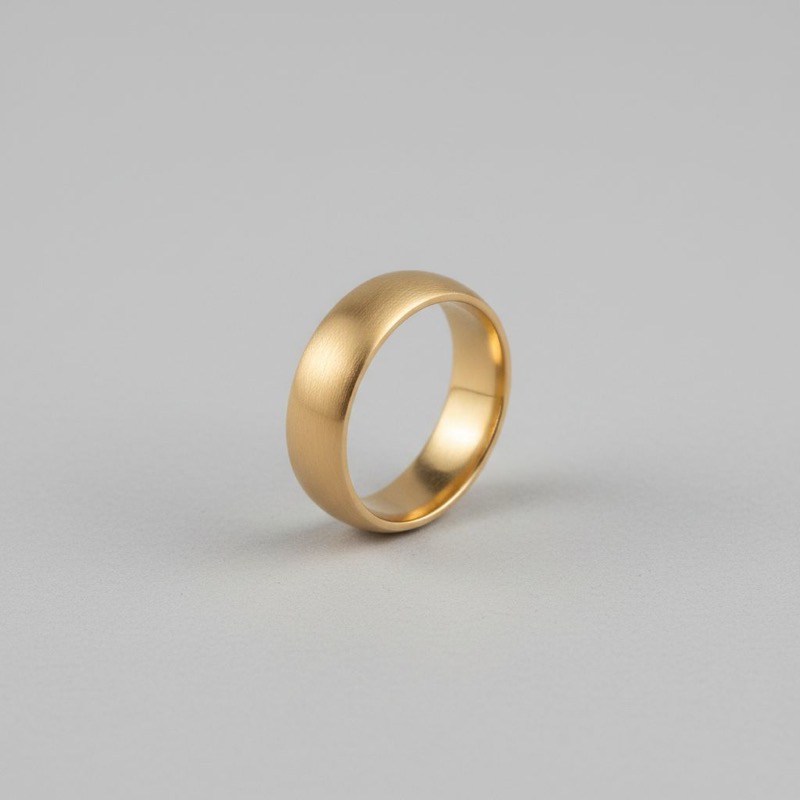
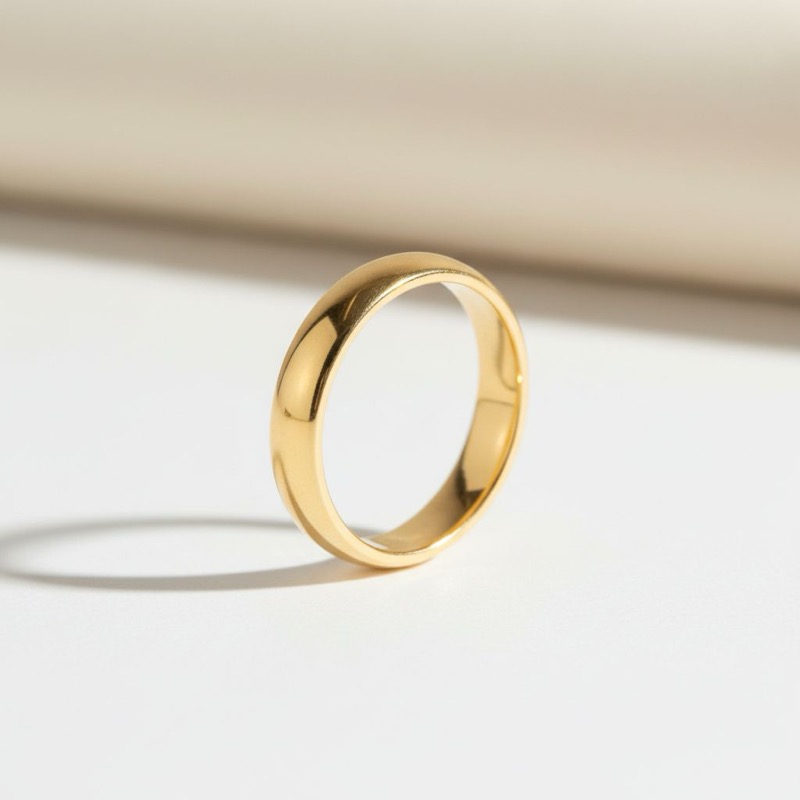
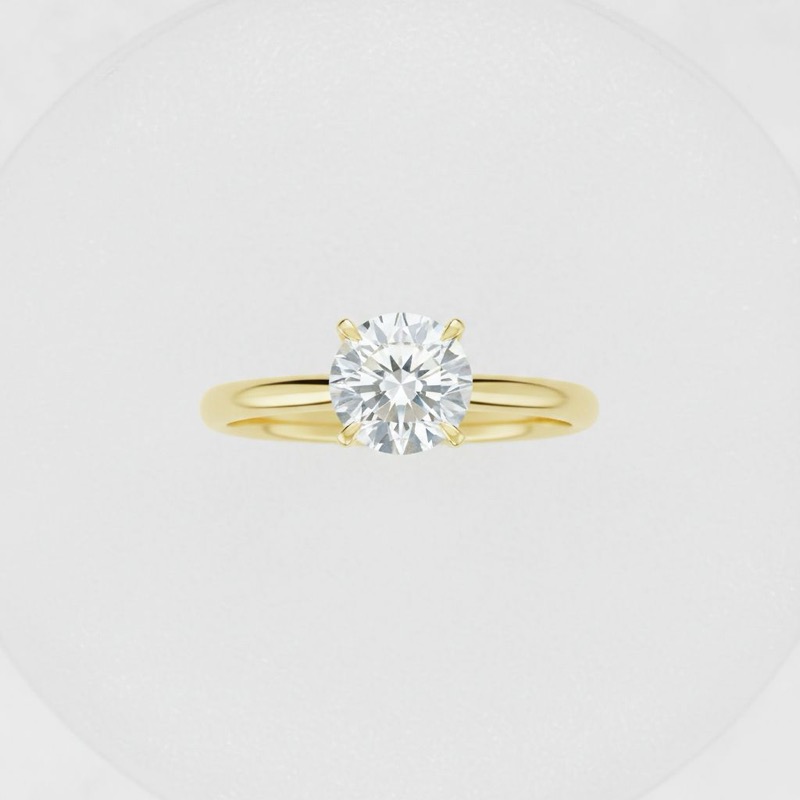
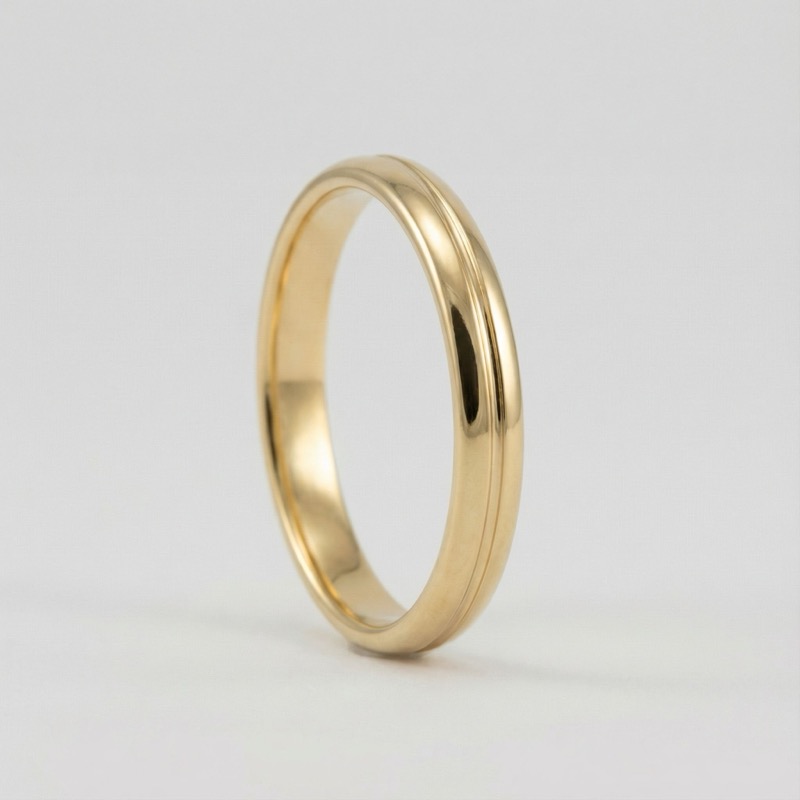
| Hero 3/4 | Standing ring, camera at 45° |
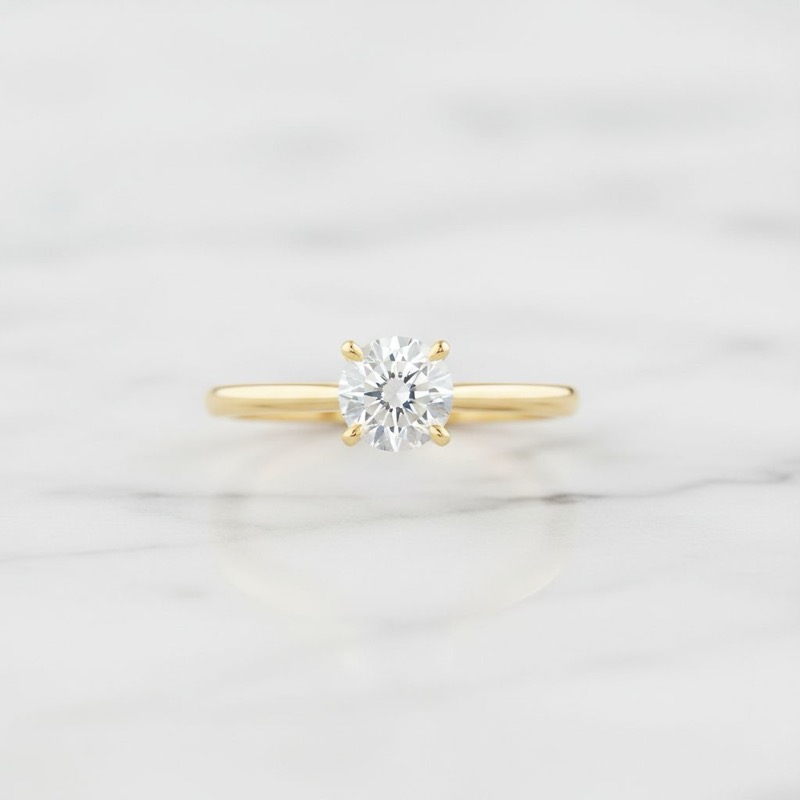
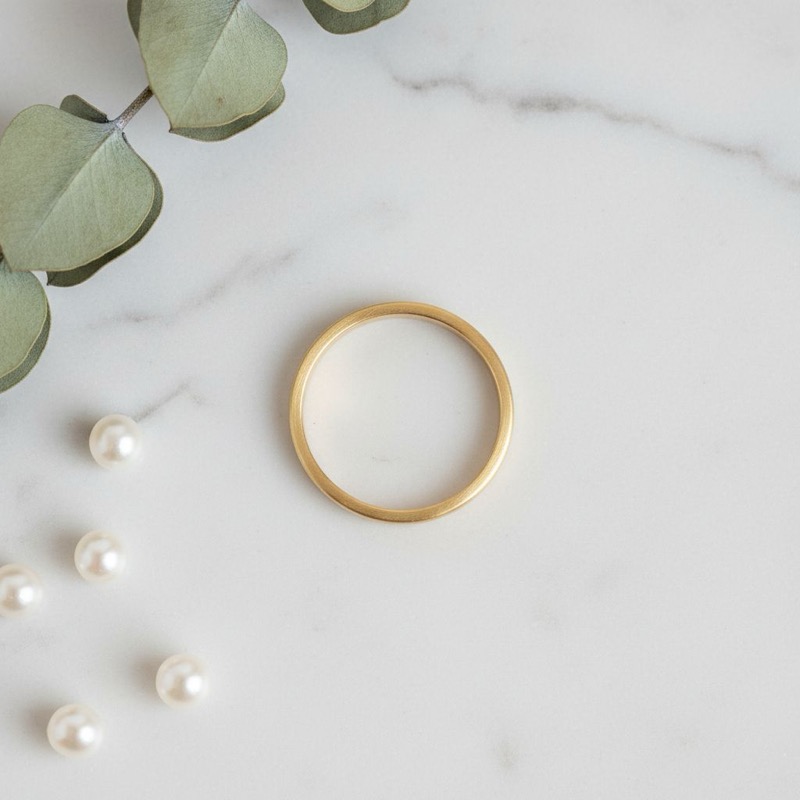
| Bird’s Eye | Ring laying flat, camera at 90° overhead |
| Flat Lay | Ring laying flat, camera at 70° |
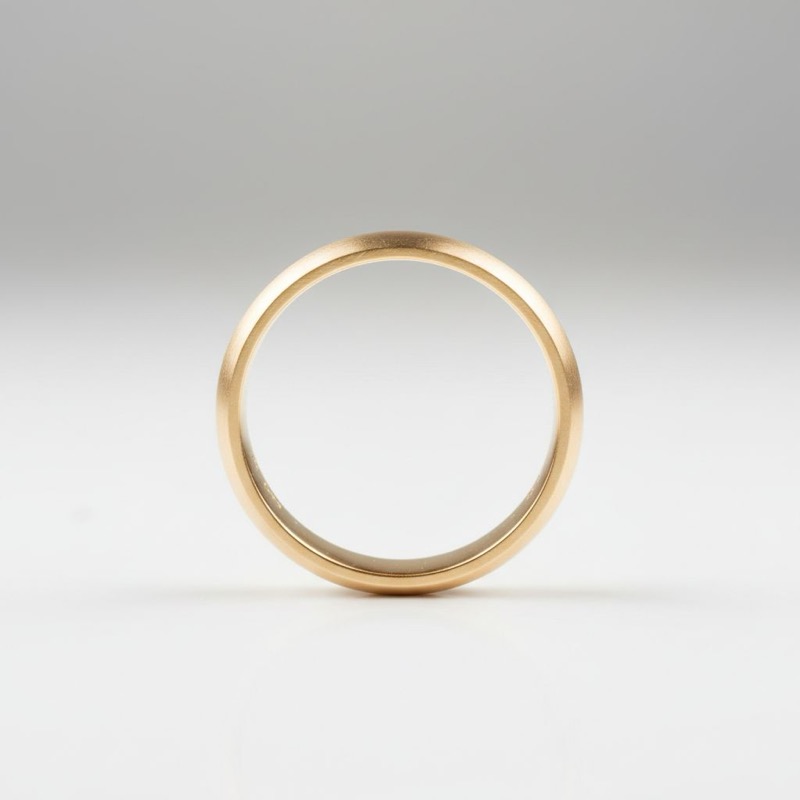
| Circle View | Standing ring at eye level, see into the ring hole |
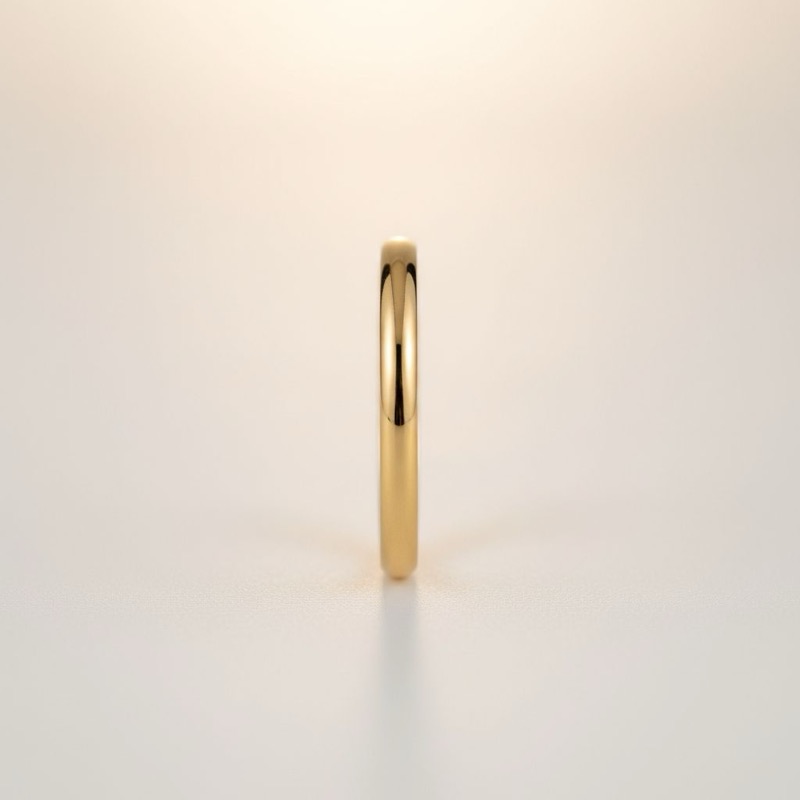
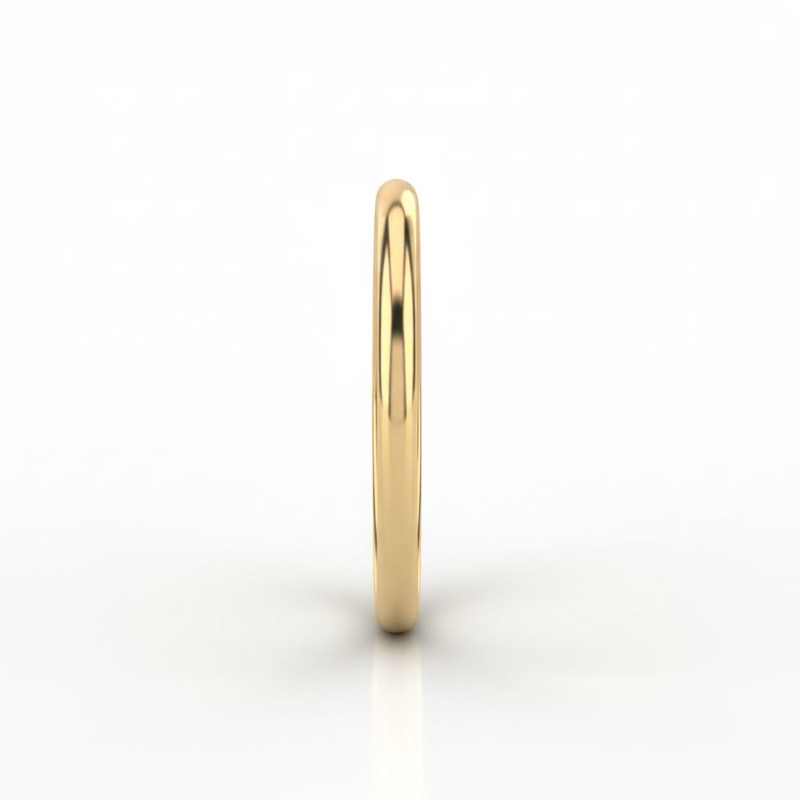
| Line View | Standing ring at eye level, band appears as thin line |
Round 1: The Problem
We started with intuitive prompts. Results were all over the place.
| Angle | Success |
|---|---|
| Hero 3/4 | 100% |
| Flat Lay | 67% |
| Bird’s Eye | 20% |
| Side Profile | 17% |
| Front View | 0% |
What Worked
Hero shots worked immediately. The model understood “three-quarter view” without issues.
What Failed
Front view was a disaster. We asked for the band as a thin line. We got everything else.
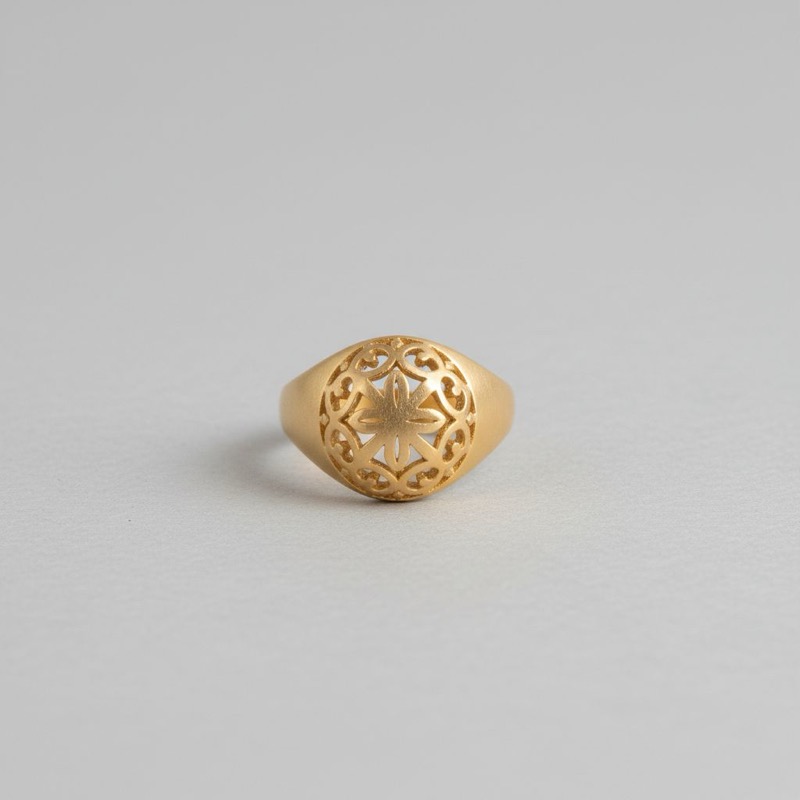
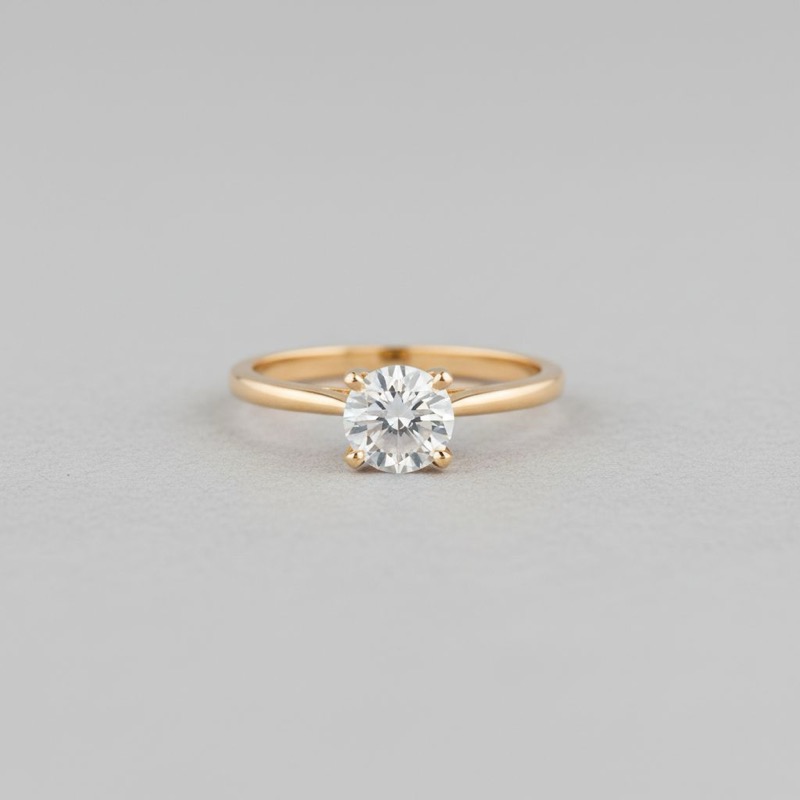
Key insight: The model’s “side view” and “front view” meant the opposite of what we expected. We were speaking different languages.
Rounds 2-3: Learning the Model’s Language
We swapped our terminology to match the model’s interpretation:
- “Side view” keywords → Circle View
- “Front view” keywords → Line View
- Bird’s eye changed from 70° to 90° with stronger keywords
Bird’s Eye Fixed
Adding “zenith”, “directly above”, and “90 degrees” turned bird’s eye from 20% to 100%.
Circle and Line Still Struggling
Even with swapped terms, Circle View hit only 60% and Line View only 40%.
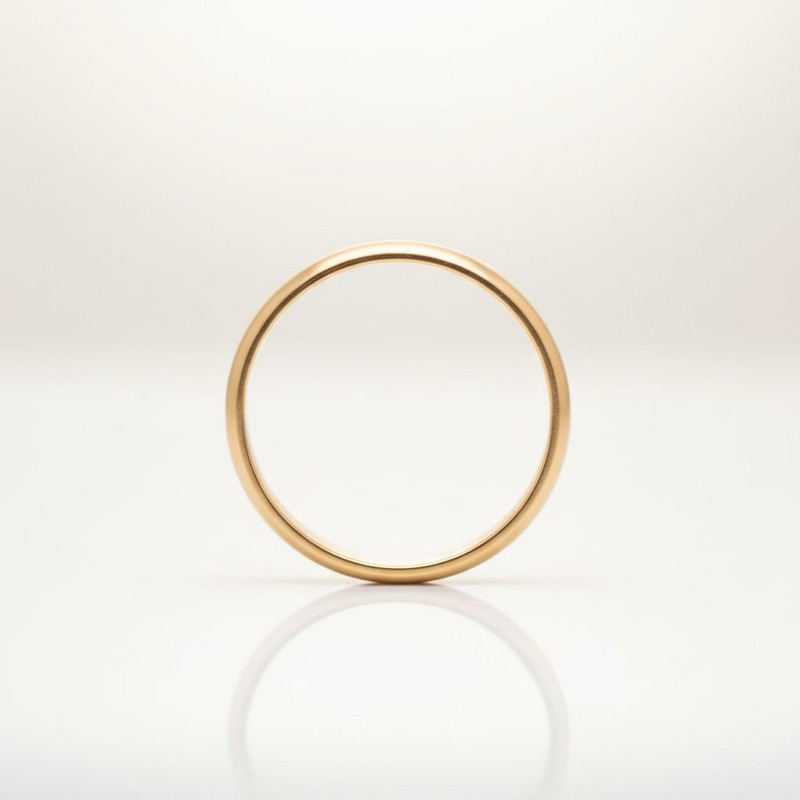
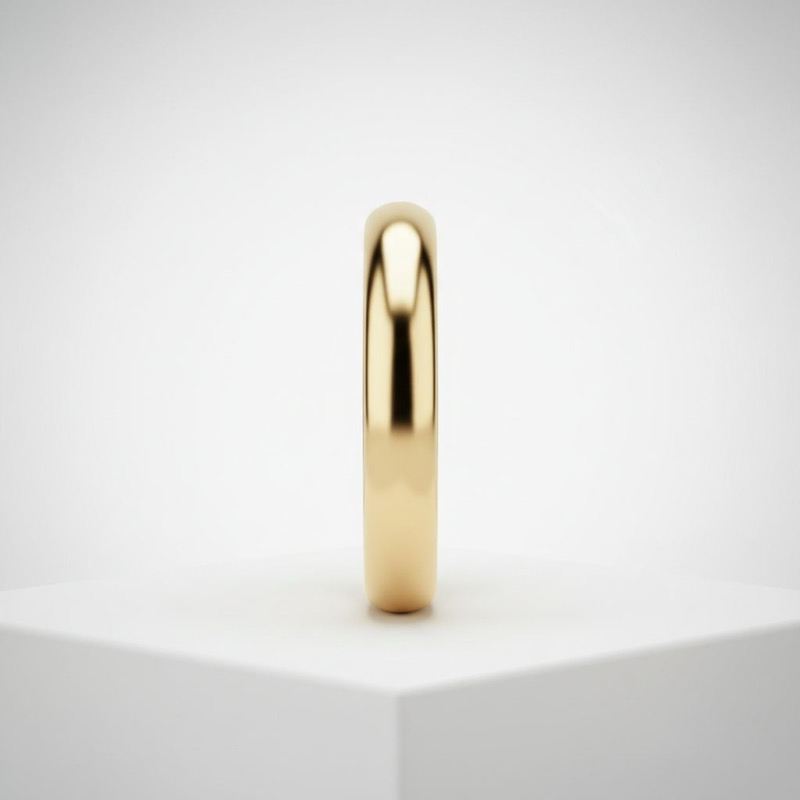
Then we noticed something. Flat lay had worked from the start. Why? Its prompt used multiple similar keywords: ["flat lay", "overhead", "elevated"]. Other prompts used single terms.
Hypothesis: Multiple synonyms reinforce the concept.
Round 4: The Synonym Stacking Breakthrough
We changed from single keywords to stacks of 5-7 synonyms.
Before:
{
  "placement": "standing upright",
  "shot_type": "side view"
}
After:
{
  "placement": ["standing upright", "ring standing", "upright position", "vertical ring", "ring on edge"],
  "shot_type": ["side view", "side profile", "profile view", "profile shot"],
  "visual_result": ["circular opening visible", "looking into ring hole"]
}
Results
| Angle | Before | After |
|---|---|---|
| Circle View | 60% | 80% |
| Line View | 40% | 100% |
Line View jumped 60 points. The model finally got it.
Round 5: An Unexpected Setback
We applied synonym stacking to all prompts. Circle View dropped back to 40%.
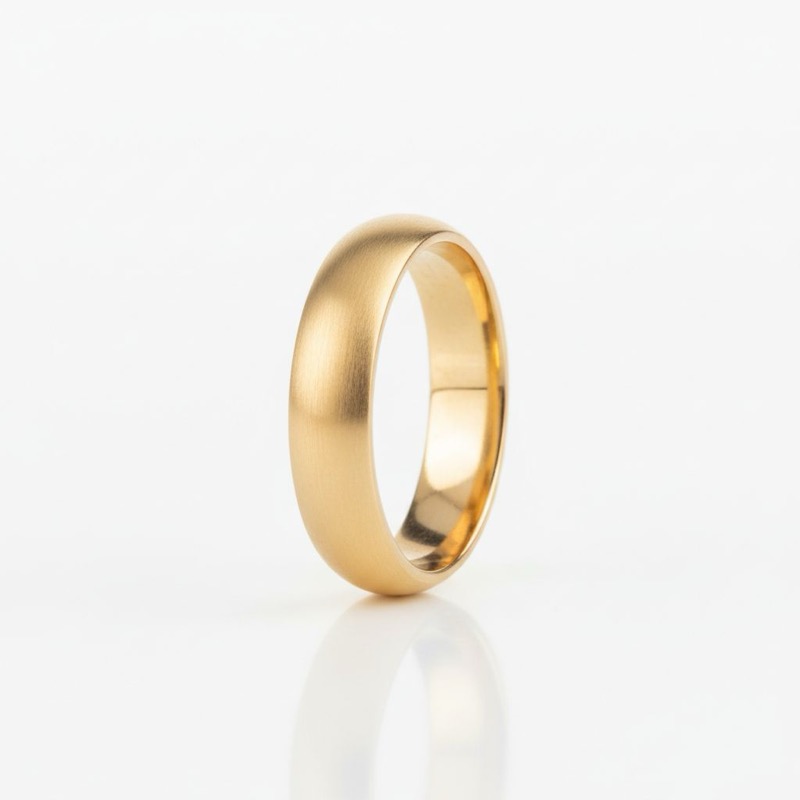
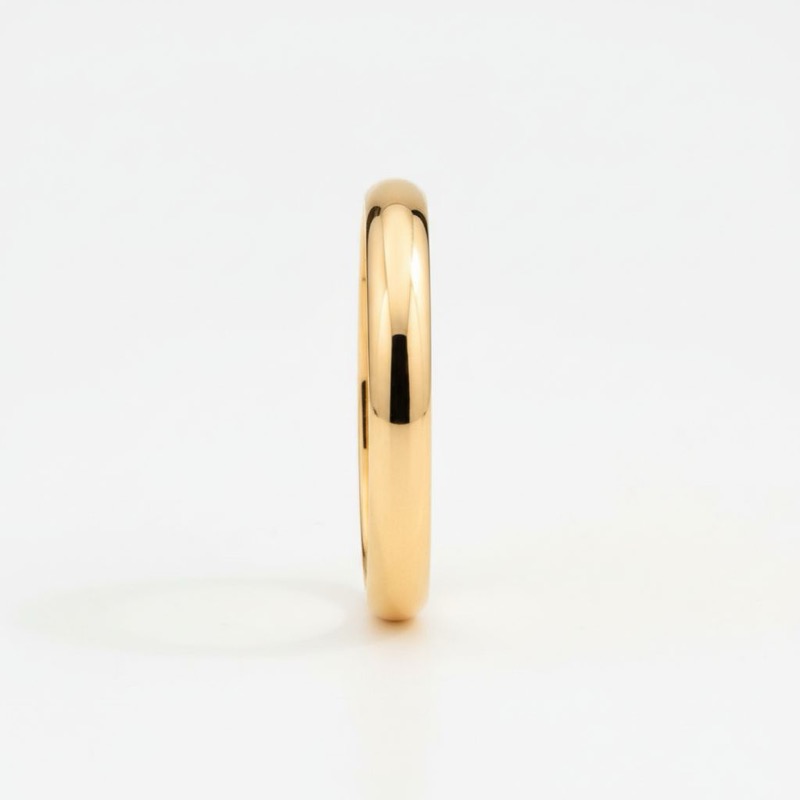
The model still confused similar angles. We needed stronger differentiation.
Round 6: The Final Fix
Two changes:
- Hierarchical ordering — put shot_type first (the goal)
- More synonyms — doubled down on struggling angles
The Winning Prompt (Circle View)
{
  "shot_type": ["side view", "side profile", "profile view", "profile shot", "lateral view", "side angle"],
  "subject": ["plain gold band ring", "simple wedding band", "gold ring"],
  "placement": ["standing upright", "ring standing", "upright position", "vertical ring", "ring on edge"],
  "camera_angle": ["eye level", "0 degrees", "straight on"],
  "visual_result": ["circular opening visible", "looking into ring hole", "see through ring", "O shape visible"],
  "style": ["product photography", "e-commerce", "jewelry photography"]
}
Final Results: 100%
| Angle | Round 5 | Round 6 |
|---|---|---|
| Hero 3/4 | 100% | 100% |
| Bird’s Eye | 100% | 100% |
| Flat Lay | 80% | 100% |
| Circle View | 40% | 100% |
| Line View | 100% | 100% |
All five angles working consistently:
Cross-Model Test
We tested the same prompts on Nano Banana Pro (4x the price). Results dropped to 84%.
| Angle | Nano Banana | NBP |
|---|---|---|
| Hero 3/4 | 100% | 100% |
| Bird’s Eye | 100% | 60% |
| Flat Lay | 100% | 100% |
| Circle View | 100% | 80% |
| Line View | 100% | 80% |
Takeaway: Prompts don’t transfer perfectly between models. You need to tune per model.
The Winning Formula
1. Put Shot Type First
Order your prompt by importance:
{
  "shot_type": [...],      // The goal
  "subject": [...],        // What you're shooting
  "placement": [...],      // Object position
  "camera_angle": [...],   // Camera position
  "visual_result": [...],  // Expected outcome
  "style": [...]           // Aesthetic
}
2. Stack Synonyms
Never use one keyword when you can use five:
| Bad | Good |
|---|---|
"standing upright" | ["standing upright", "ring standing", "upright position", "vertical ring", "ring on edge"] |
"eye level" | ["eye level", "0 degrees", "straight on"] |
3. Separate Concepts
Don’t mix object position with camera position:
- Placement: How the ring sits (standing vs flat)
- Camera angle: Where the camera is (eye level vs overhead)
- Shot type: Industry name for the combination
4. Include Visual Outcomes
Tell the model what you expect to see:
"visual_result": ["circular opening visible", "looking into ring hole", "O shape visible"]The Complete Progression
SUCCESS RATE BY ROUND
━━━━━━━━━━━━━━━━━━━━━━━━━━━━━━━━━━━━━━━━━━━━━━━━
              R1    R3    R4    R5    R6    NBP
Hero 3/4     100%   —     —    100%  100%  100%
Bird's Eye    20%  100%   —    100%  100%   60%
Flat Lay      67%   —     —     80%  100%  100%
Circle View   17%   60%   80%   40%  100%   80%
Line View      0%   40%  100%  100%  100%   80%
━━━━━━━━━━━━━━━━━━━━━━━━━━━━━━━━━━━━━━━━━━━━━━━━
Key Lessons
The model isn’t wrong — you are. When “side view” gives you “front view”, the model is following its training data. Learn its language.
Redundancy works. In writing, redundancy is bad. In prompts, it’s a feature. Synonym stacking reinforces concepts across the model’s training dimensions.
Structure beats prose. Structured keyword lists outperform long descriptions.
Iteration is the method. We didn’t find the formula in Round 1. We found it through 6 rounds of test → observe → refine.
Limitations
- Single evaluator (though binary rating reduces subjectivity)
- Two Google models only (FLUX, Ideogram may differ)
- Rings only (necklaces/earrings may behave differently)
- Text-to-image only (reference images may change dynamics)
Bottom Line
Can AI reliably hit specific camera angles?
Yes — after tuning. We went from 0% on some angles to 100% across all five.
The formula:
- Hierarchical ordering
- Synonym stacking (5-7 per concept)
- Separate placement from angle
- Include visual outcomes
- Tune per model
This isn’t prompt magic. It’s systematic experimentation to learn how the model interprets your words.
Study details: 6 rounds, 150+ images, ~$10 total cost. Models: Nano Banana, Nano Banana Pro via Replicate.
Related Articles
- Head-to-Head Model Comparison — Which models perform best overall
- Baseline Capability Test — Which models can even do jewelry photography
- The Complete Guide to Jewelry Photography — All shot types including angle variations
About studio formel
studio formel is an AI-powered creative platform built specifically for jewelry brands. We combine systematic research on AI generation with a flexible asset management system, helping jewelry sellers create professional images, videos, and ads at scale.