Whether you’re selling on Etsy, Amazon, or your own Shopify store, the images in your listing do the heavy lifting. Customers can’t touch your jewelry, can’t try it on, can’t see how it catches the light. Your photos have to do all of that.
But which photos? A single hero shot isn’t enough anymore. Today’s successful jewelry sellers use a mix of studio shots, lifestyle images, and brand content—each serving a different purpose.
This guide covers every shot type you need, when to use each, and why it matters for sales.
Studio Shots
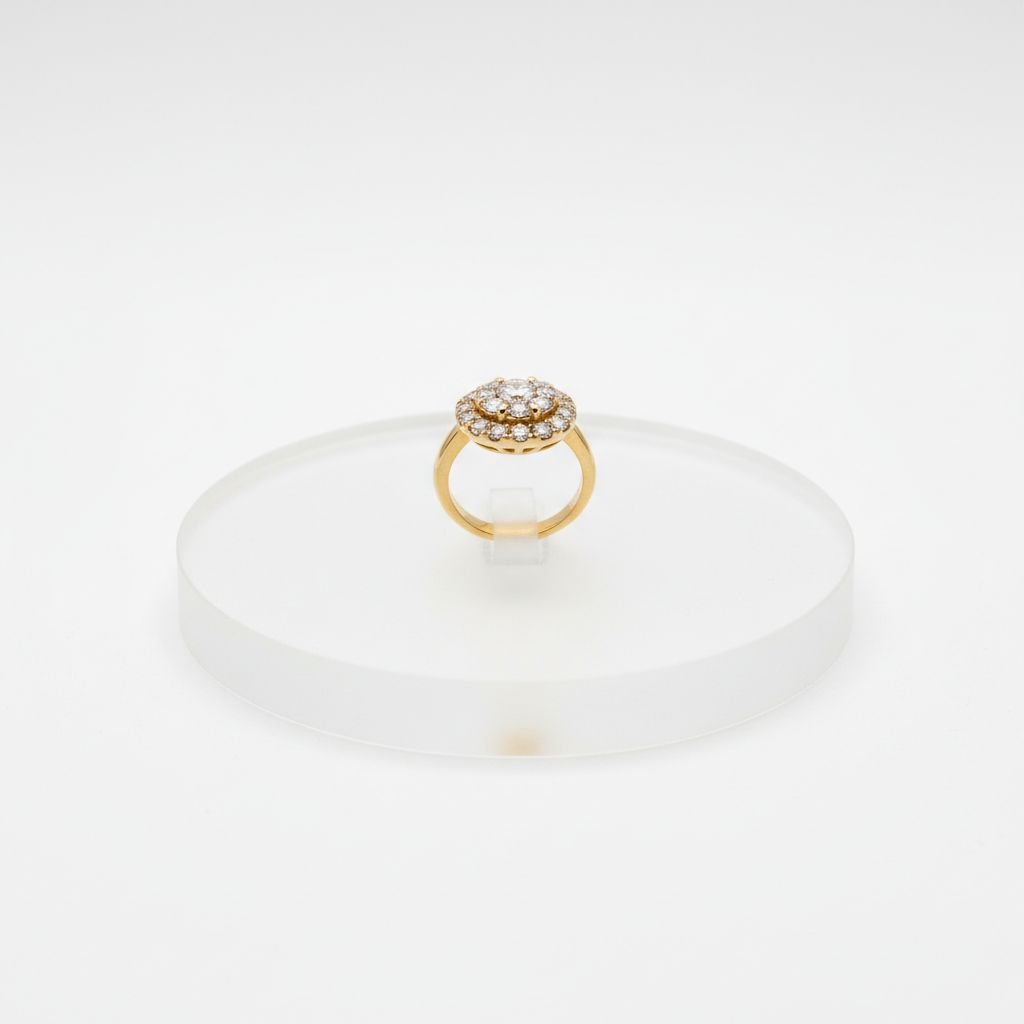
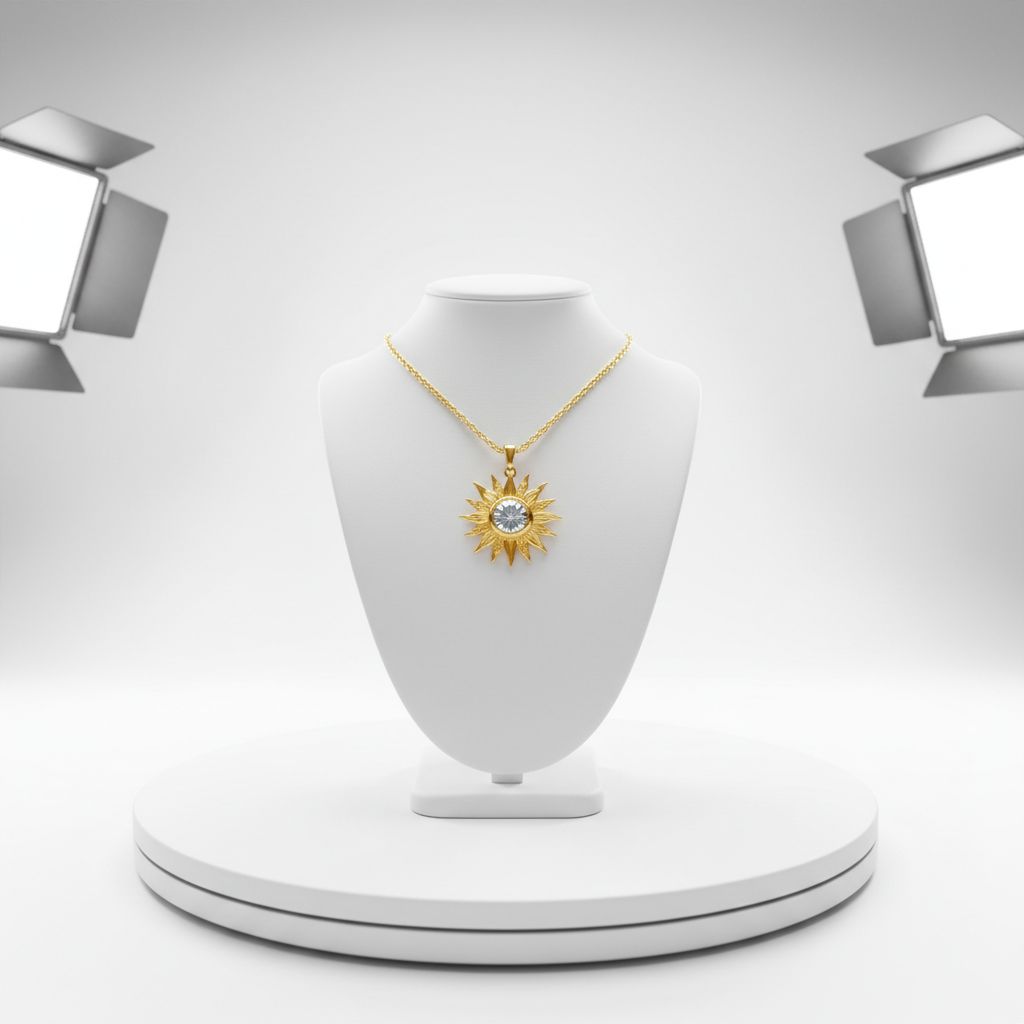
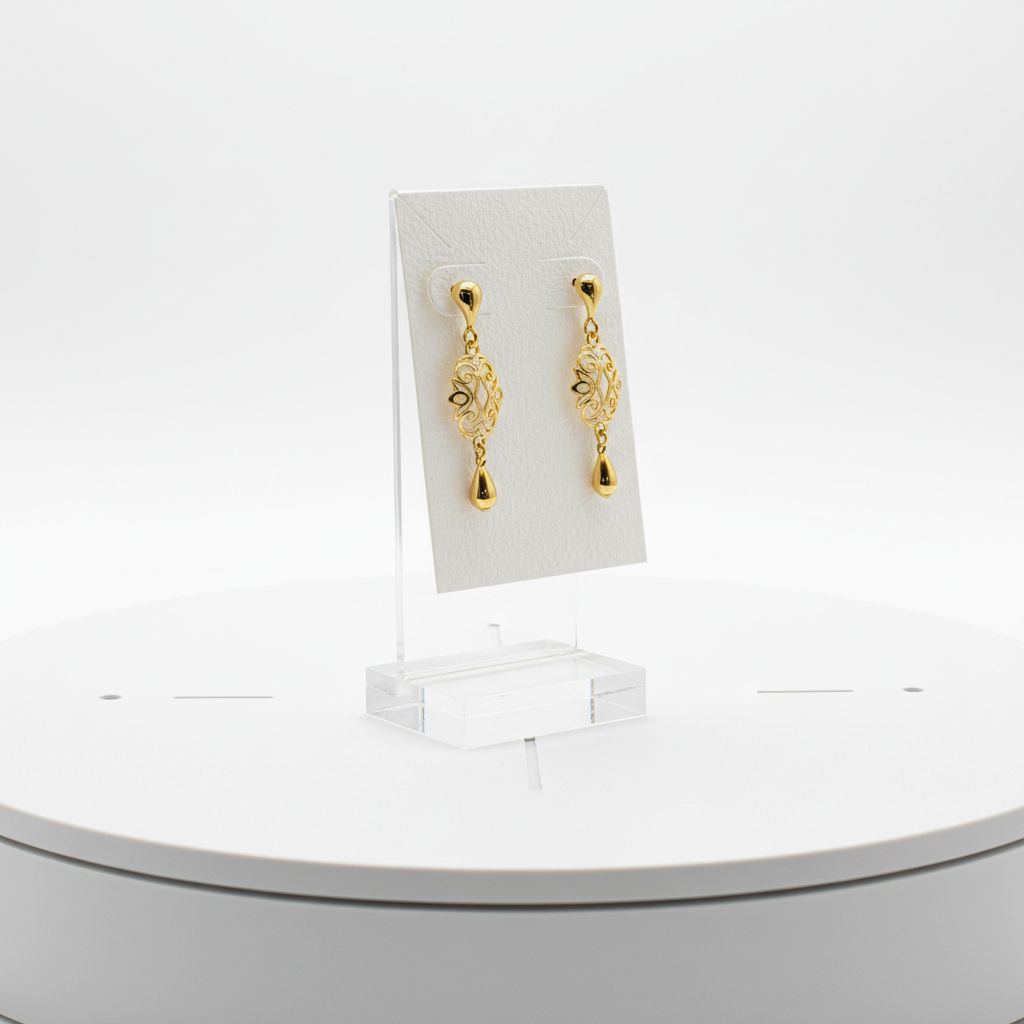
Studio shots are your foundation. Clean, professional, focused entirely on the product. These are the images that show up in search results and make that crucial first impression.
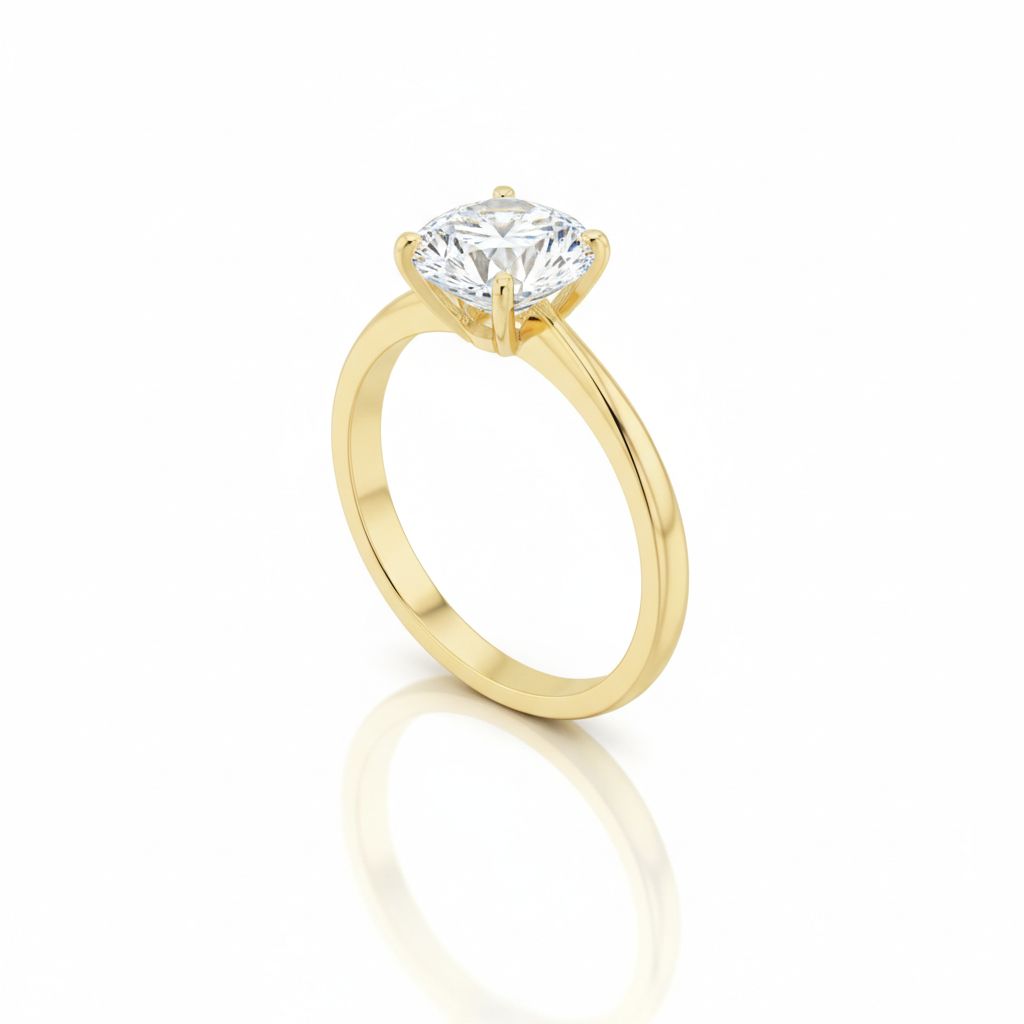
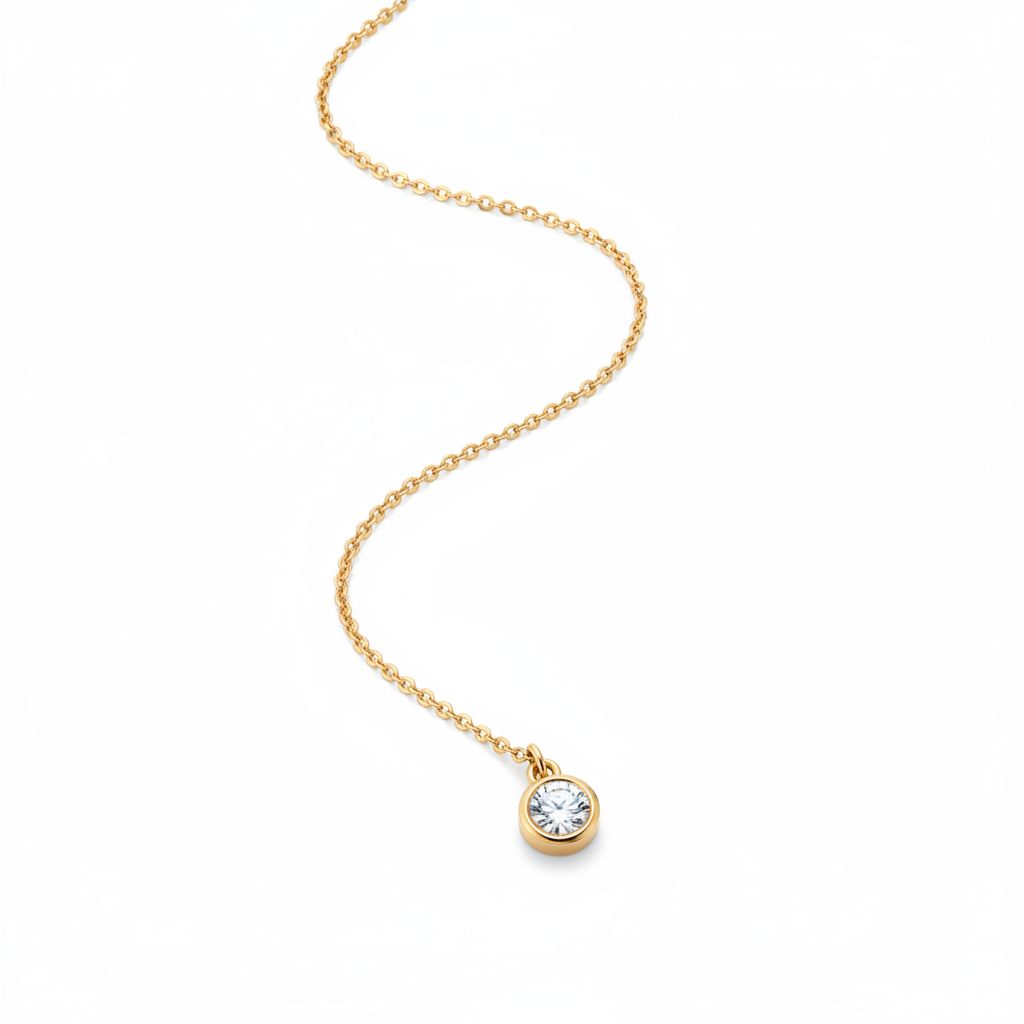
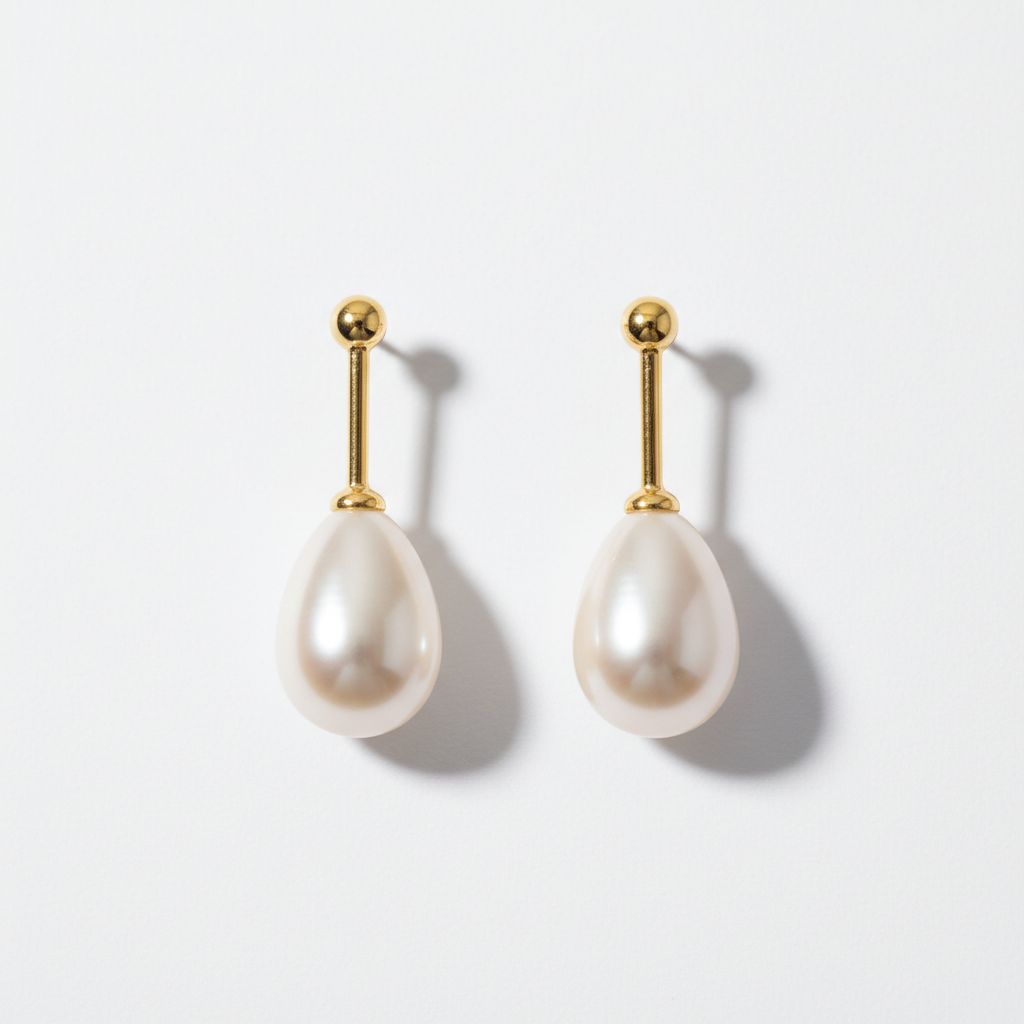
The Hero Shot
The hero shot is your main listing image—the one customers see first in search results and at the top of your product page.
What makes a good hero shot:
- Clean background (white or neutral)
- Product fills most of the frame
- Sharp focus throughout
- Professional, even lighting
- Slight angle (3/4 view) to show dimension
The hero shot answers one question: “What am I looking at?” It should be instantly clear, professional, and enticing enough to click.
Detail & Macro Shots
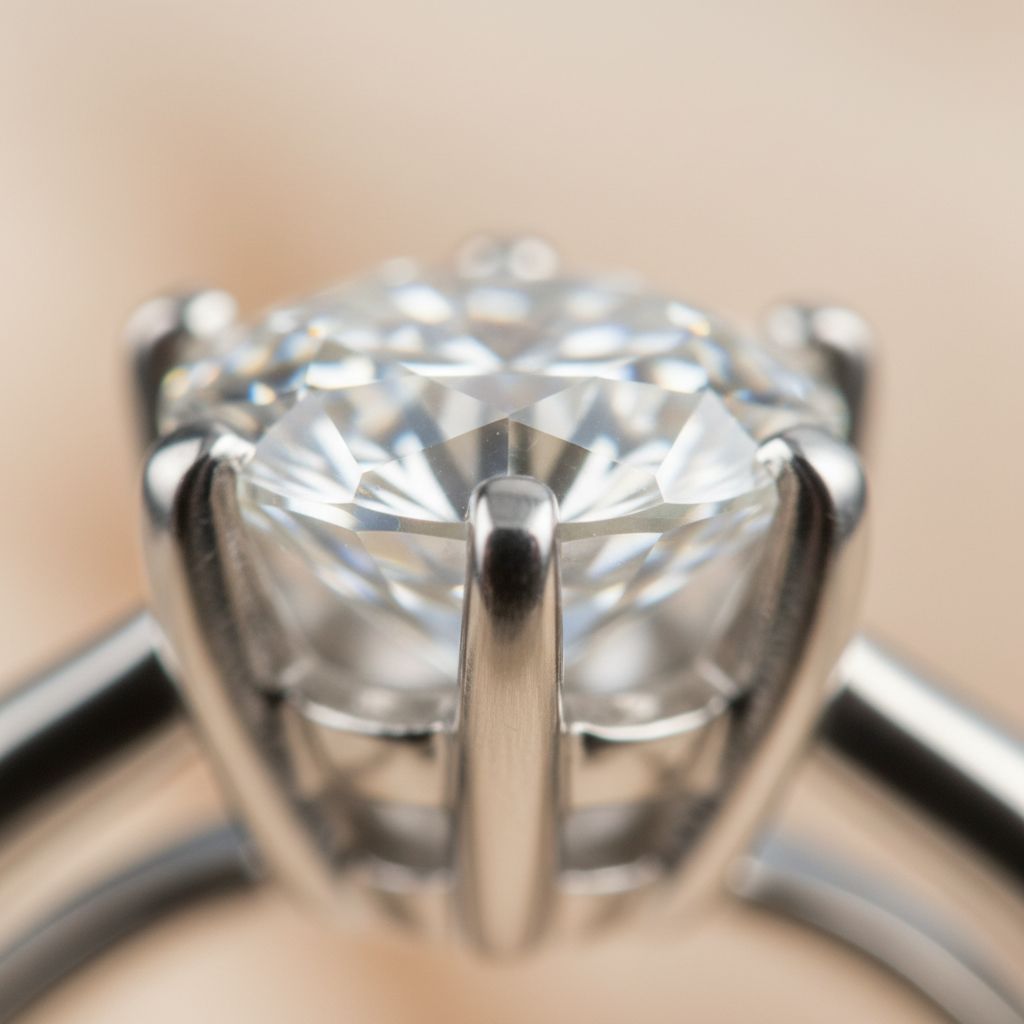
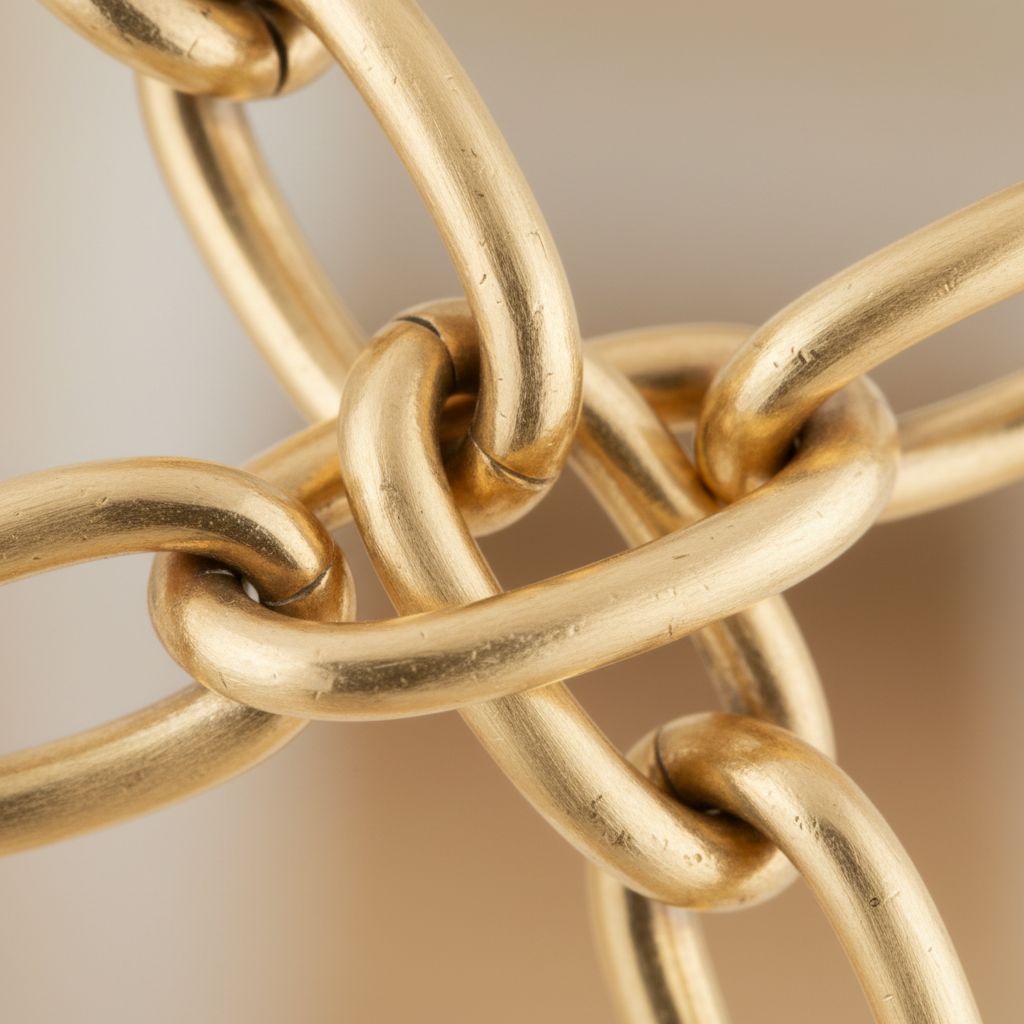
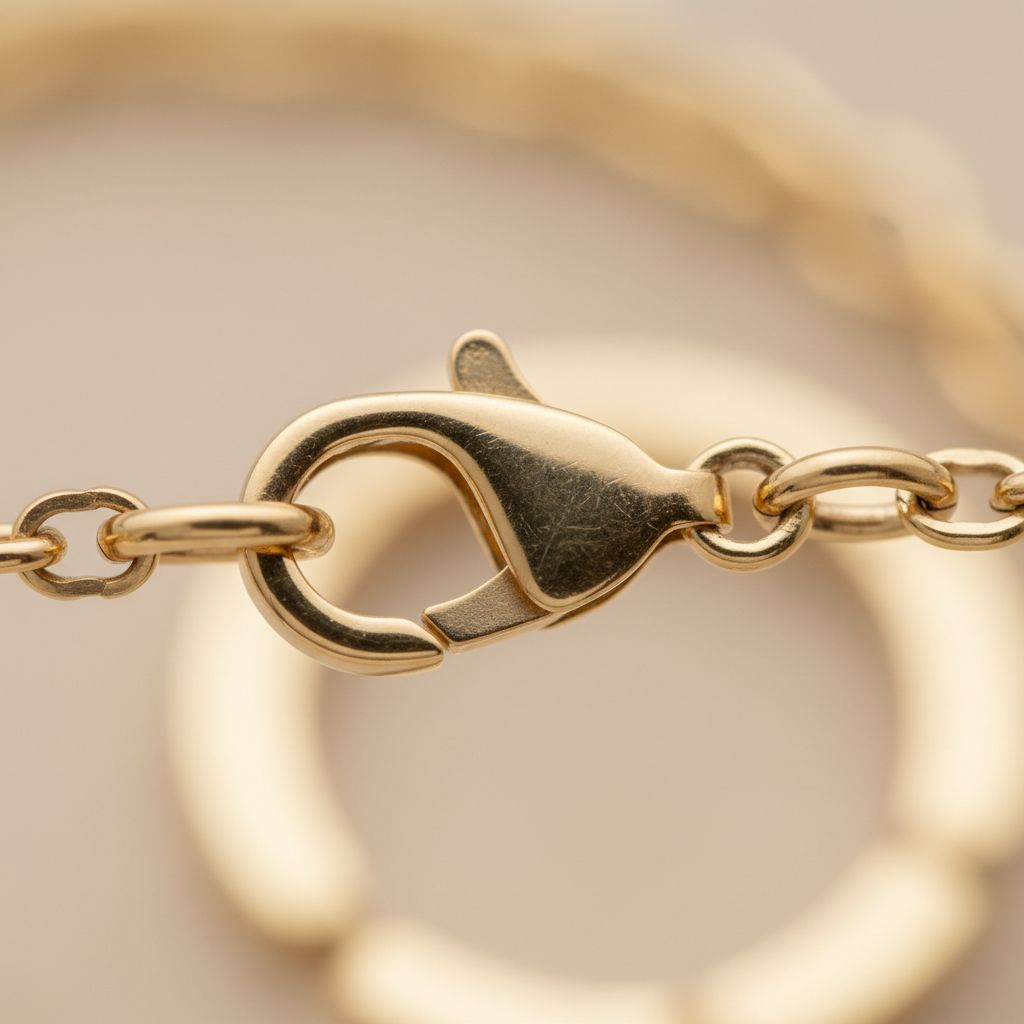
Detail shots prove quality. They show the craftsmanship that justifies your price—the precision of stone settings, the smoothness of metalwork, the clarity of gemstones.
What to capture in detail shots:
- Stone settings and prongs
- Engraving or texture
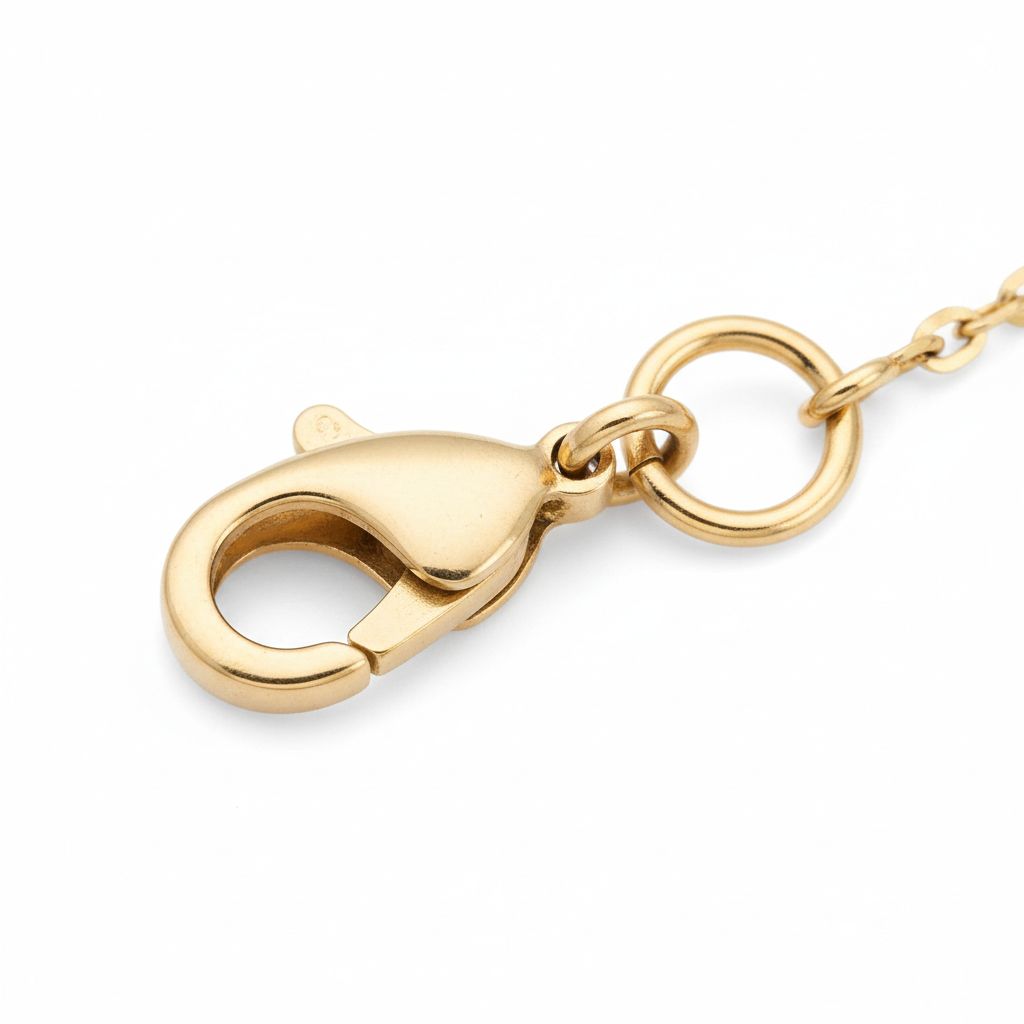
- Clasp mechanisms
- Hallmarks or stamps
- Surface finish quality
These shots answer: “Is this well-made?”
Angle Variations
A single angle rarely tells the whole story. Different angles reveal different aspects of your piece.
| Angle | What it reveals | Best for |
|---|---|---|
| Front/straight-on | The face of the piece | Earrings, pendants, ring faces |
| 3/4 angle (45°) | Dimension and depth | Most versatile, works for everything |
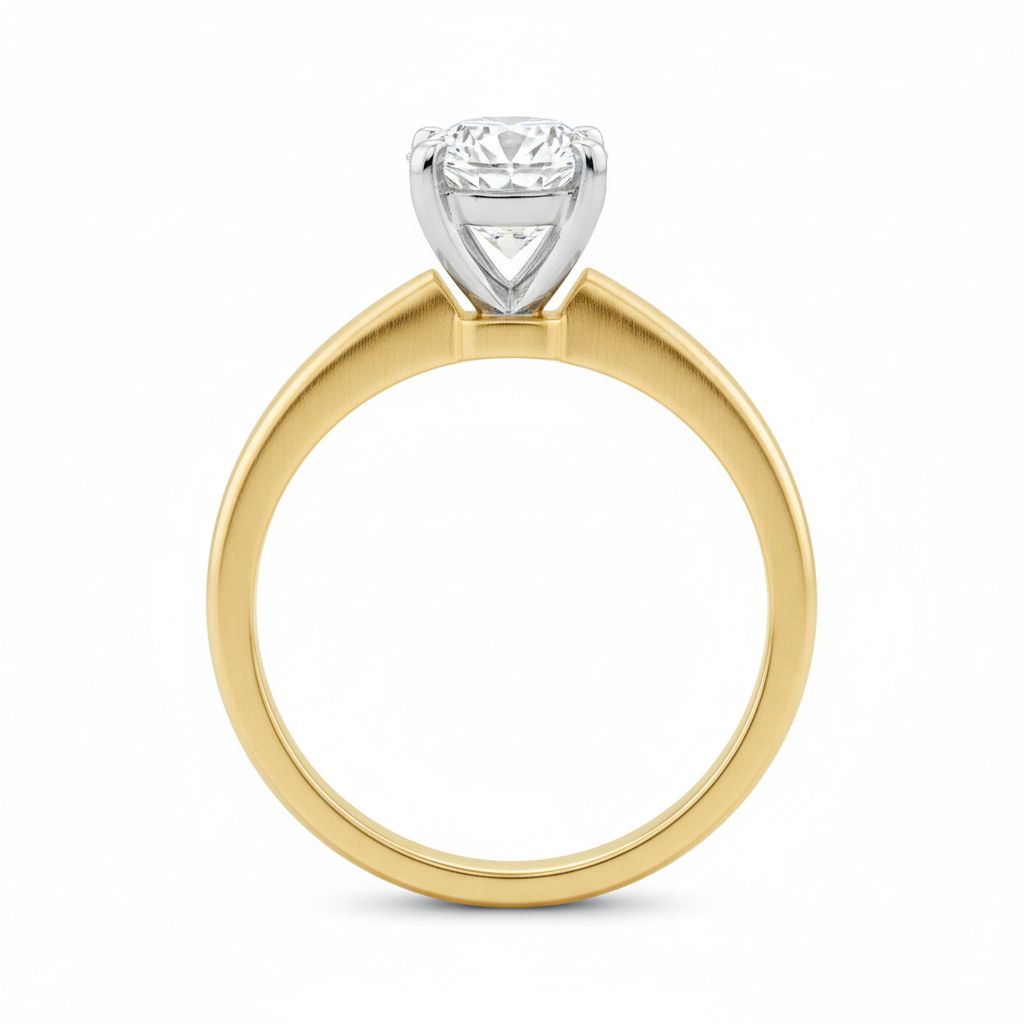
| Profile/side | Thickness, setting height | Ring bands, chunky pieces |
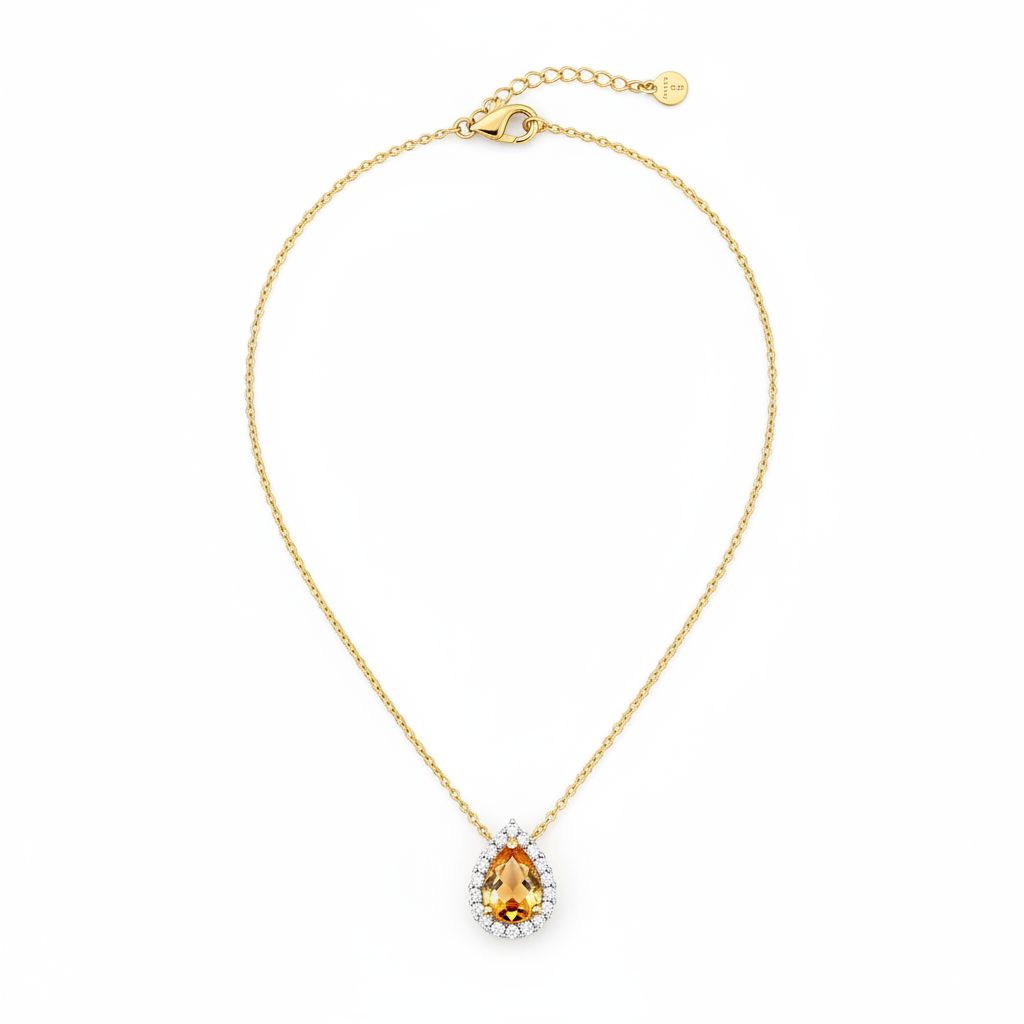
| Top-down | Overall shape and layout | Necklaces, flat pieces |
| Back view | Clasp, construction quality | Necklaces, bracelets, quality proof |
Scale Shots
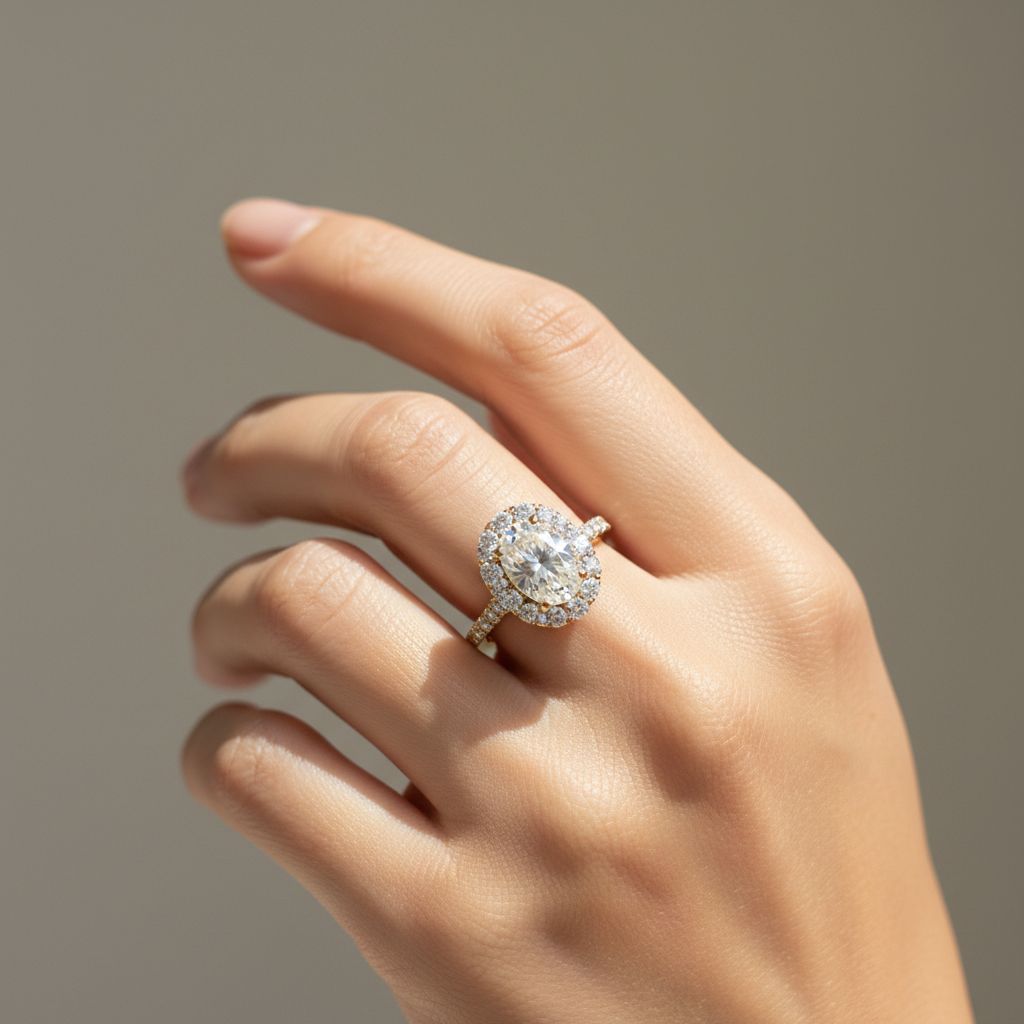
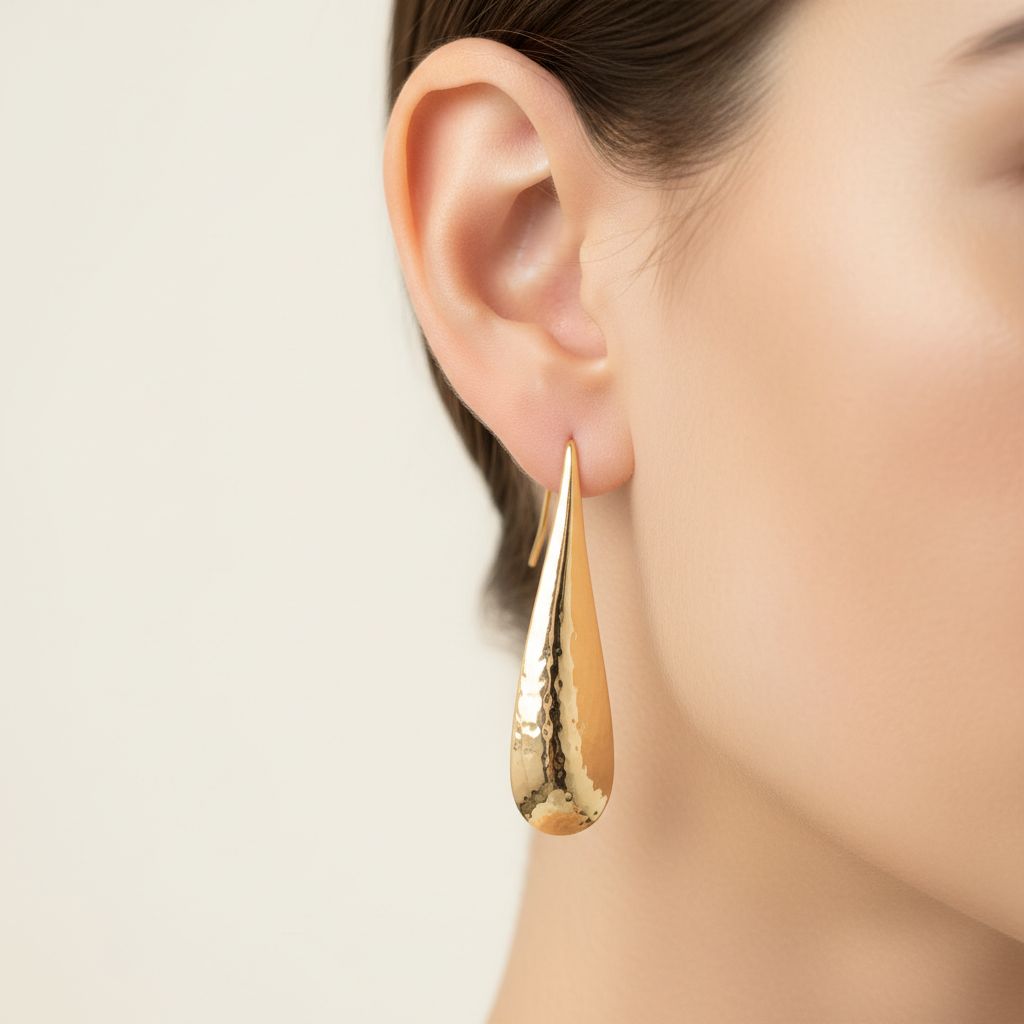
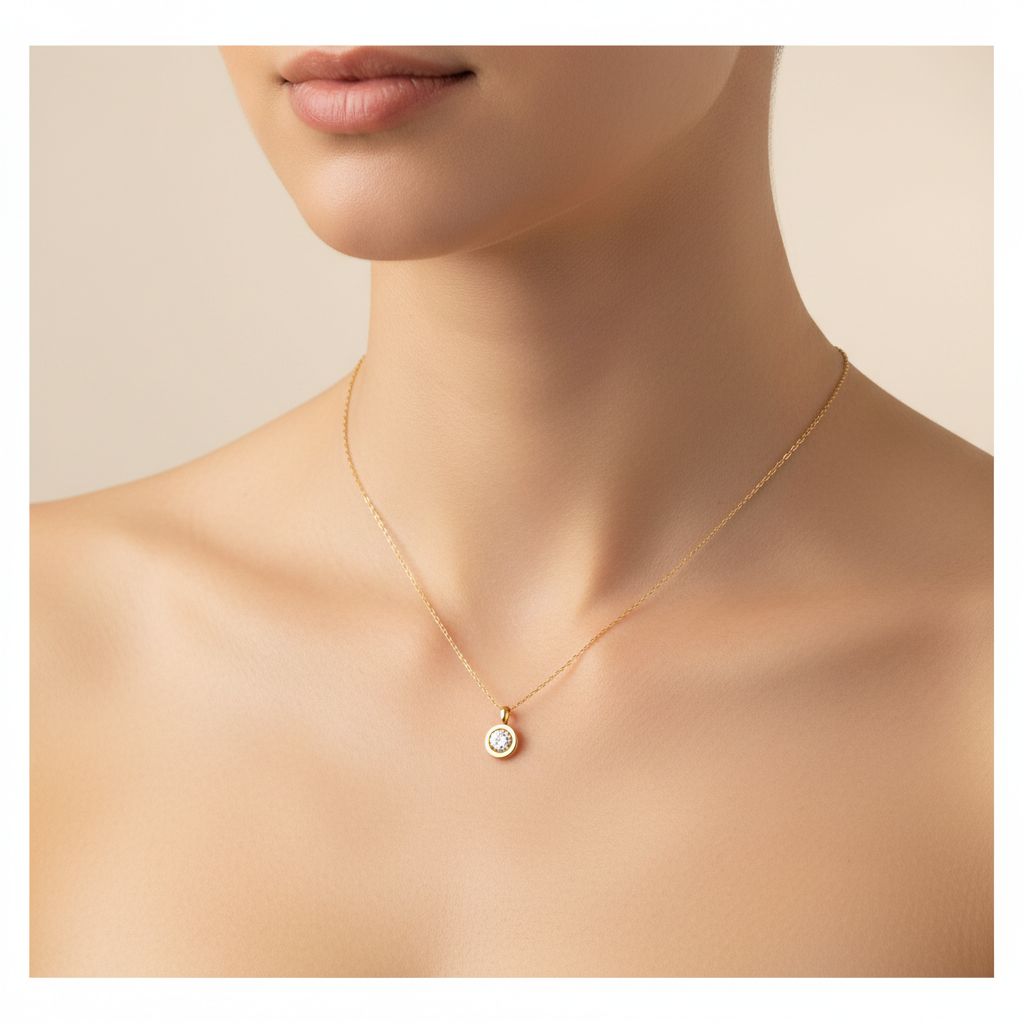
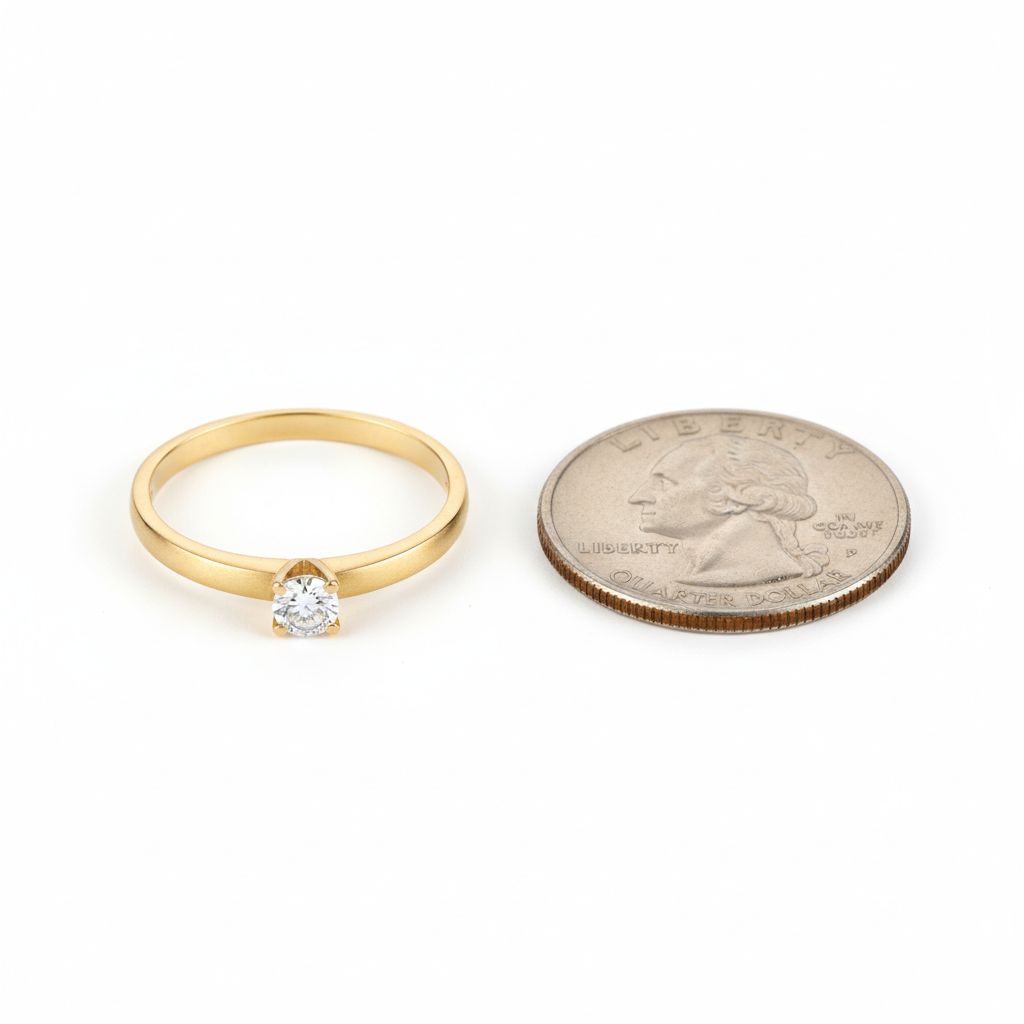
Online shoppers can’t pick up your jewelry. They have no sense of how big or small it actually is. Scale shots solve this.
Ways to show scale:
- On a finger, wrist, or ear (most effective)
- Next to a common object
- With measurements visible
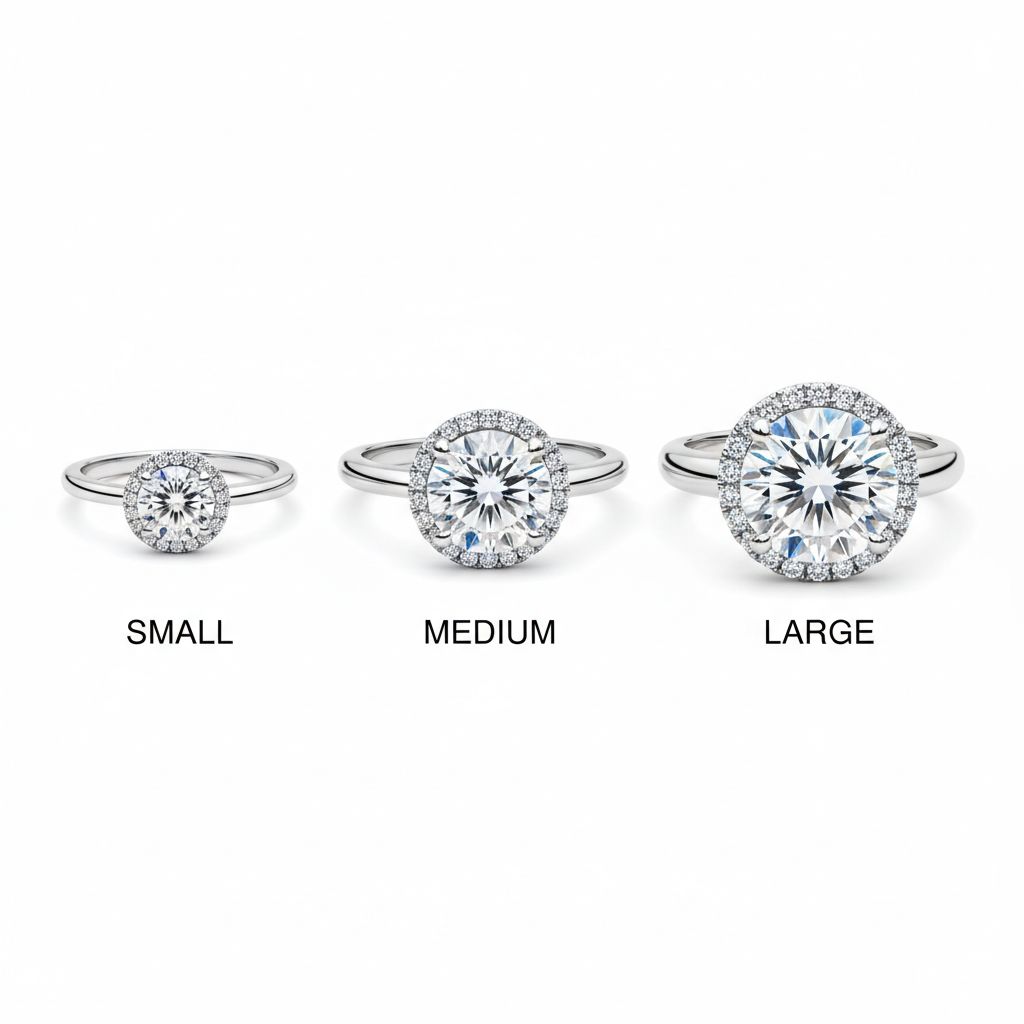
- Comparison between sizes
360° and Spin Views
Static images have limits. A 360° view lets customers examine every angle themselves—reducing uncertainty and returns.
While interactive spins require special setup, even a simple video loop of a rotating product adds significant value to your listing.
Lifestyle Shots
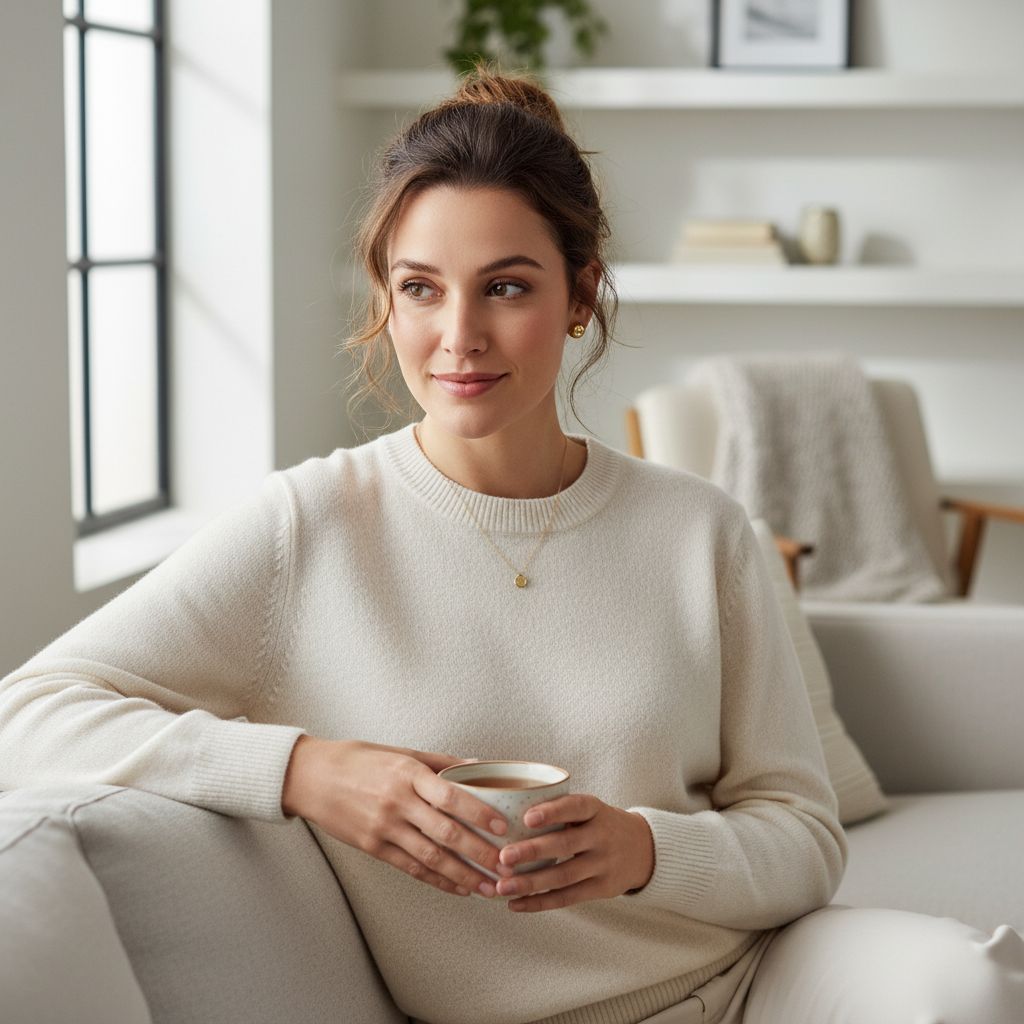
Studio shots inform. Lifestyle shots inspire. They show your jewelry in context—worn by real people, in real situations. This emotional connection drives purchases.
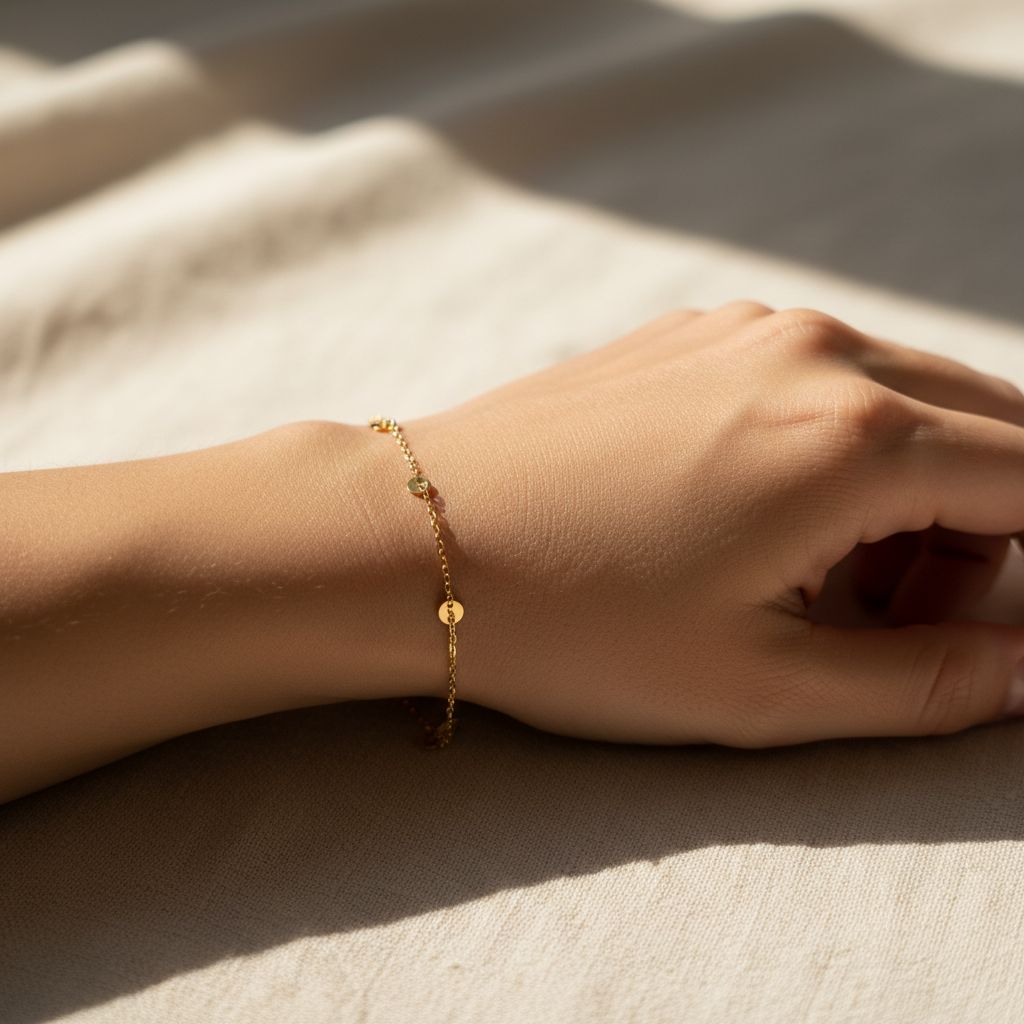
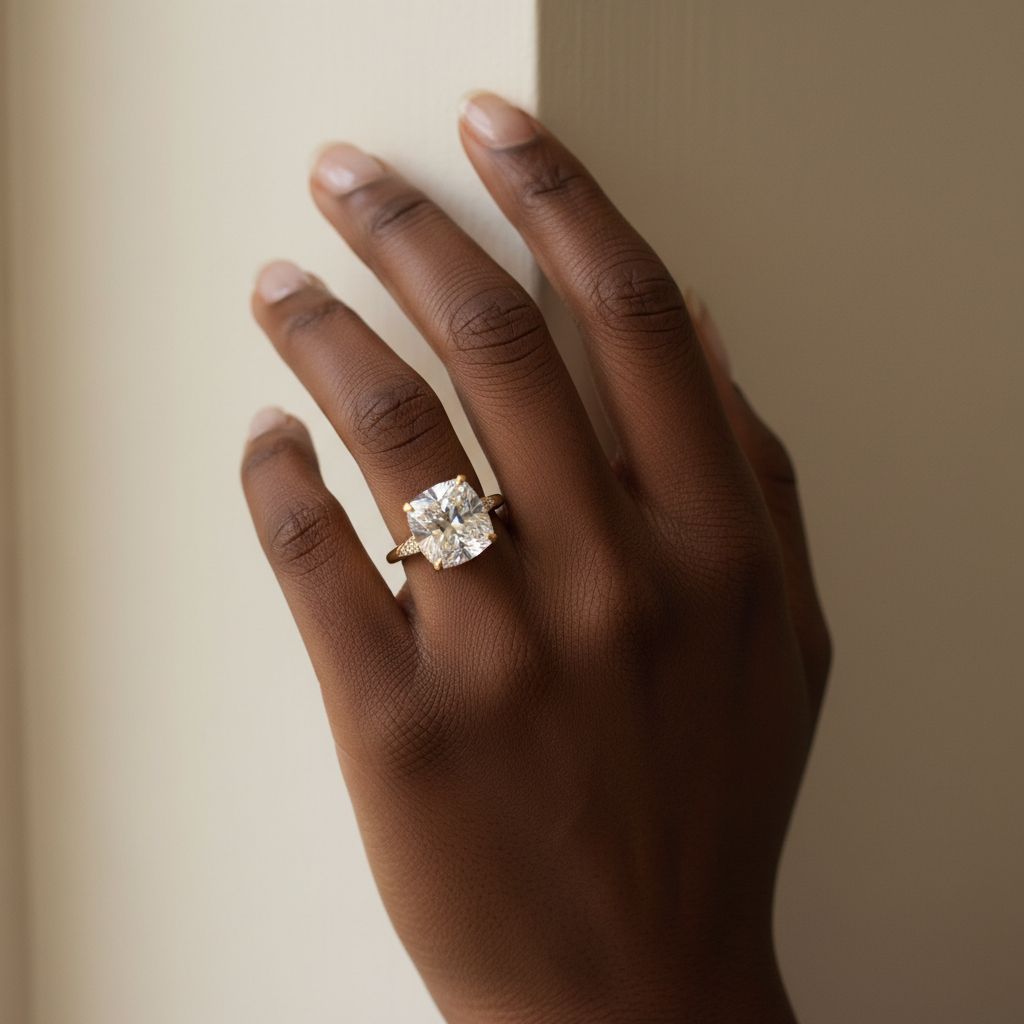
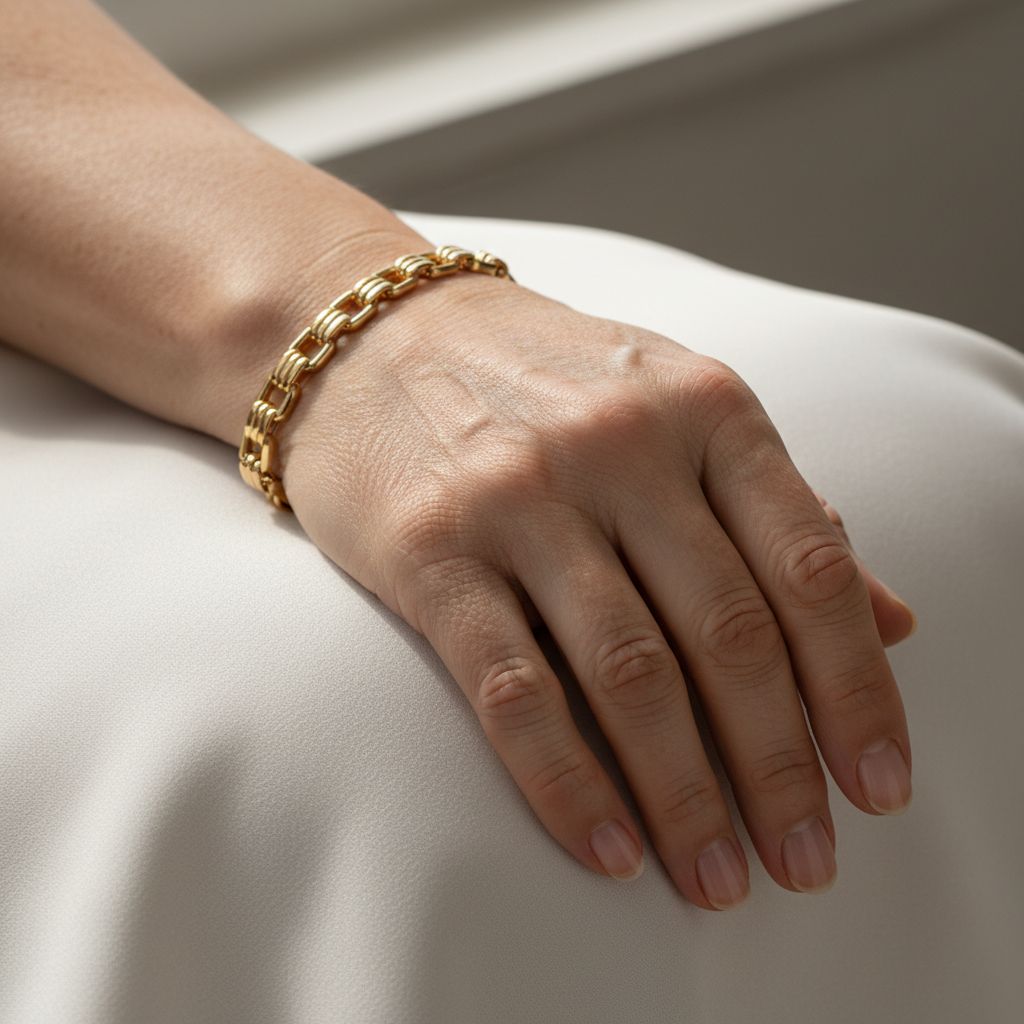
On-Hand Shots
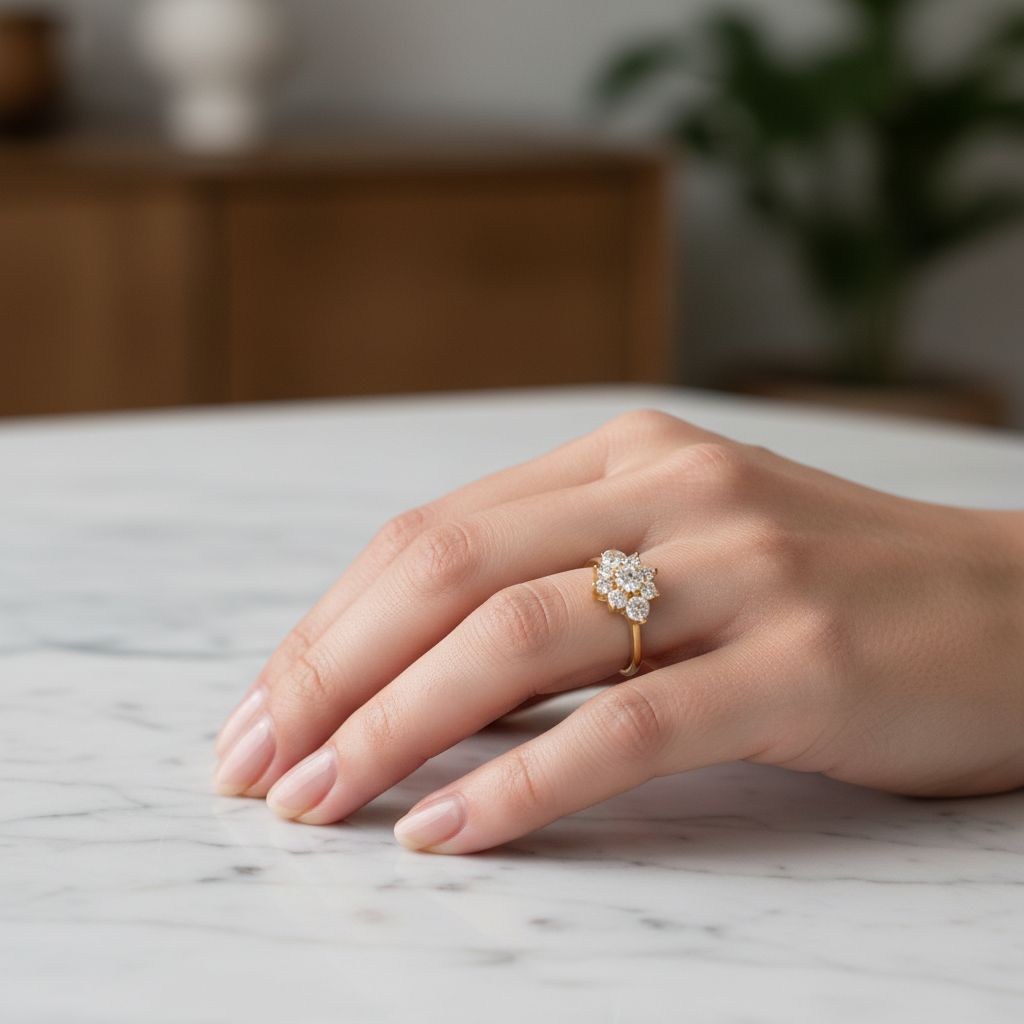
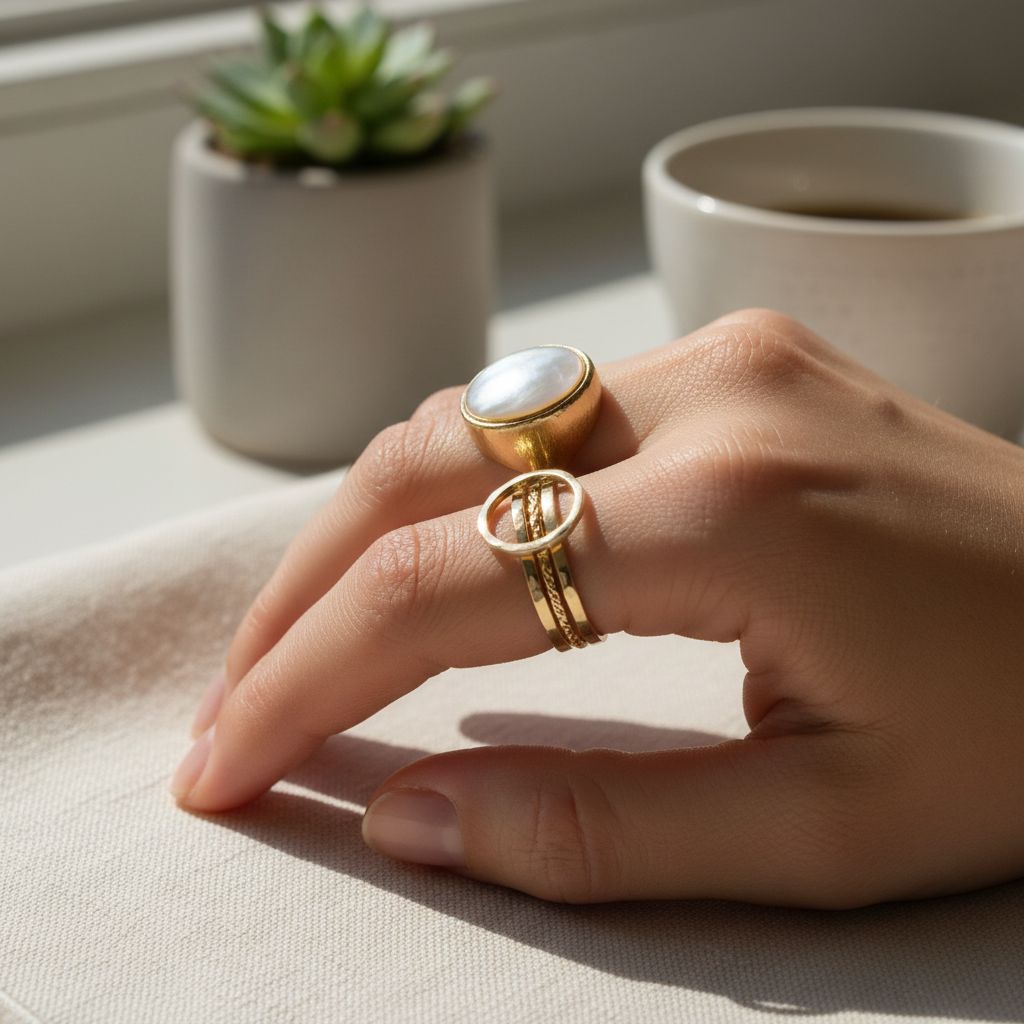
For rings and bracelets, nothing beats seeing the piece on an actual hand. It provides scale, context, and helps customers imagine wearing it themselves.
What makes a great on-hand shot:
- Natural, relaxed hand position
- Clean, short nails (or well-manicured)
- Neutral background
- Jewelry is the clear focus
- Consider showing multiple skin tones
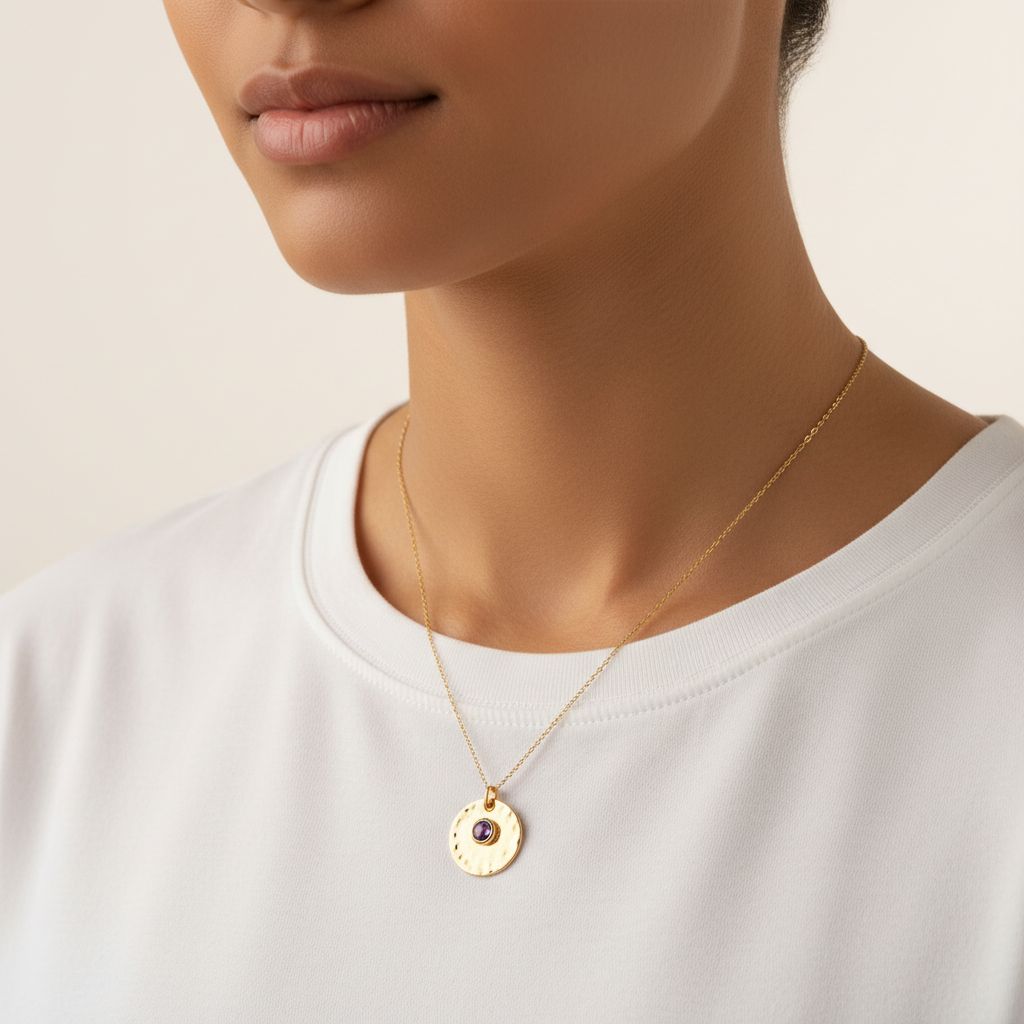
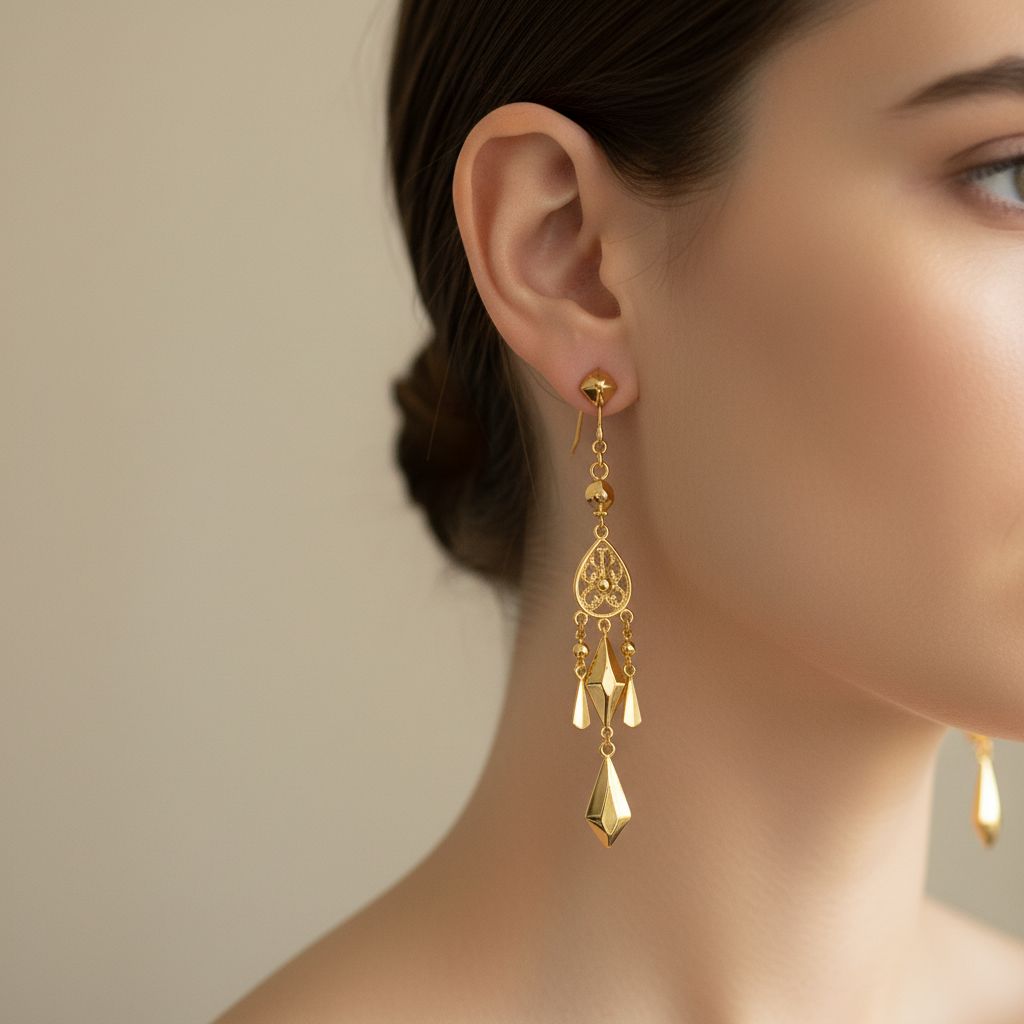
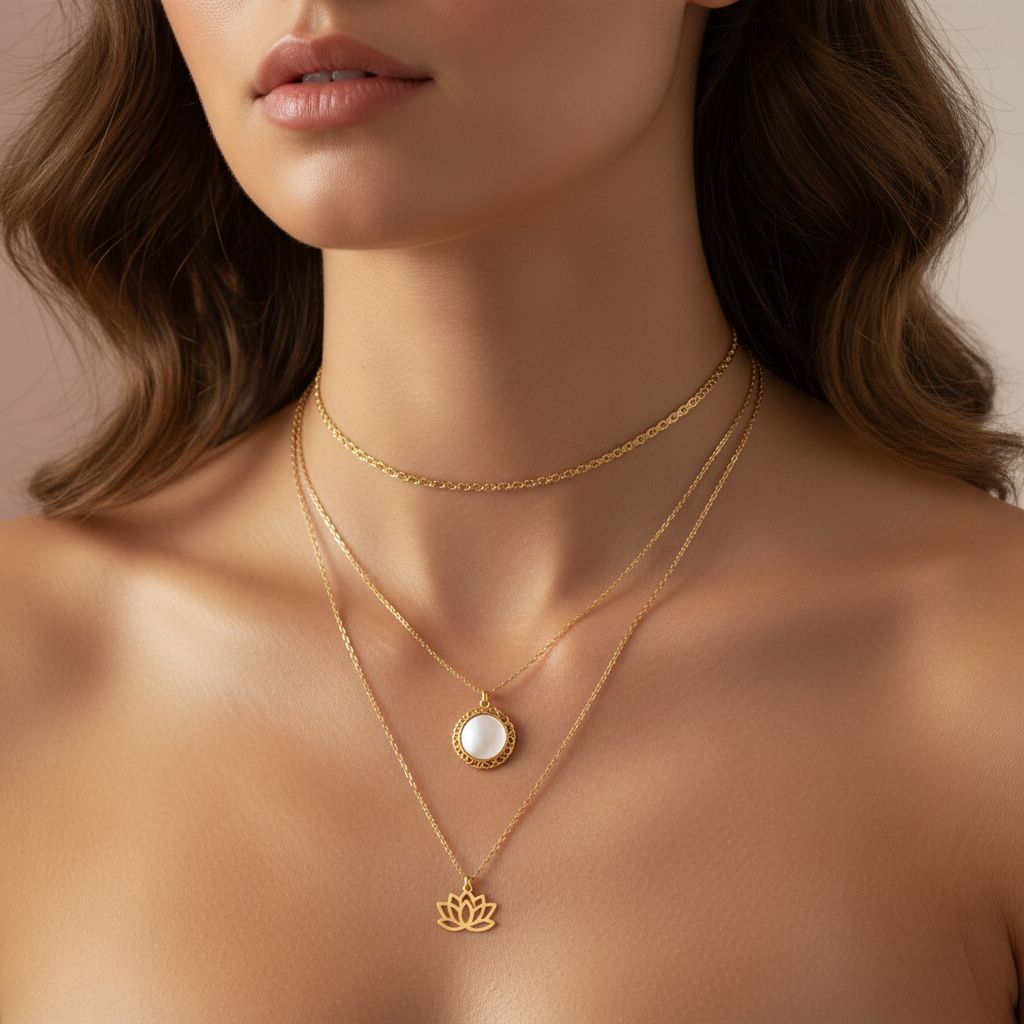
On-Model Shots
For necklaces, earrings, and styled looks, you need more than just hands. On-model shots show how jewelry completes an outfit and frames a face.
Key considerations:
- The jewelry should be the star, not the model
- Simple clothing that doesn’t compete
- Lighting that flatters both model and jewelry
- Multiple skin tones for inclusivity
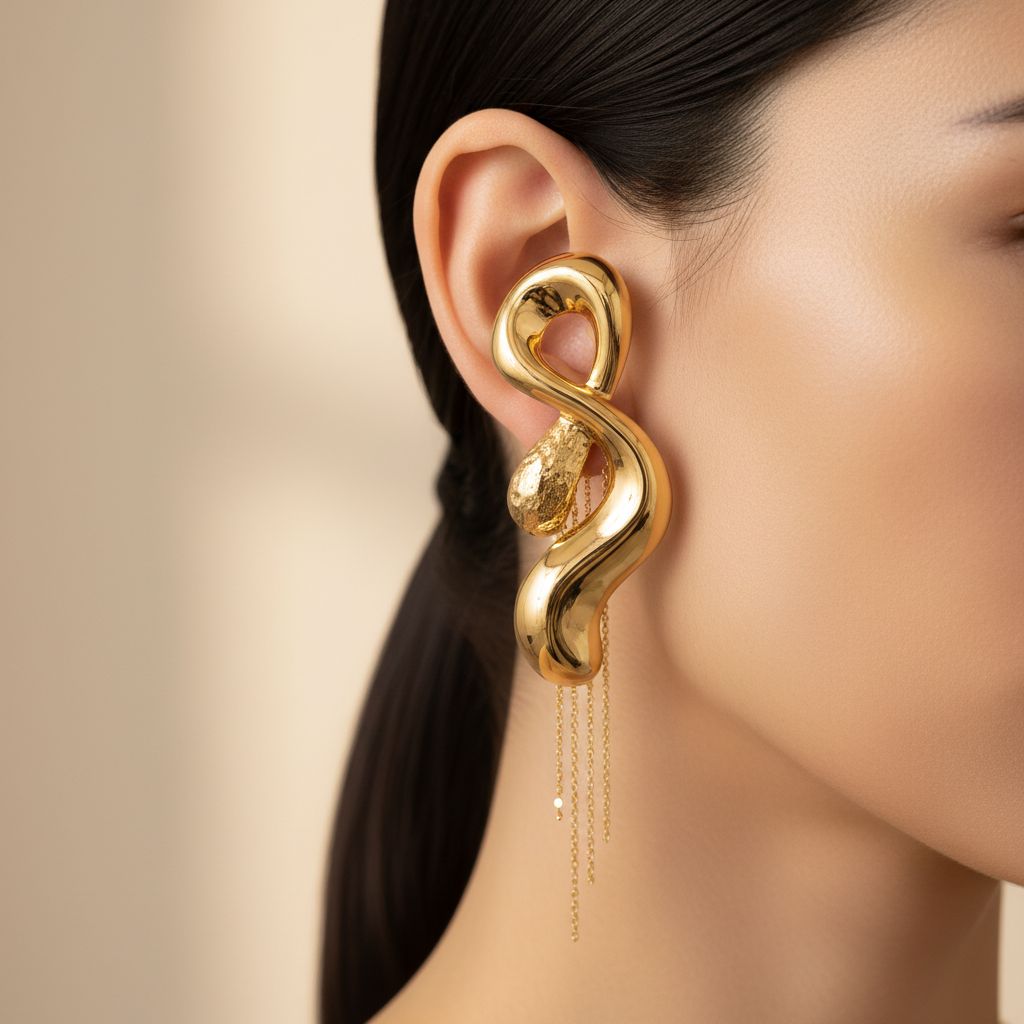
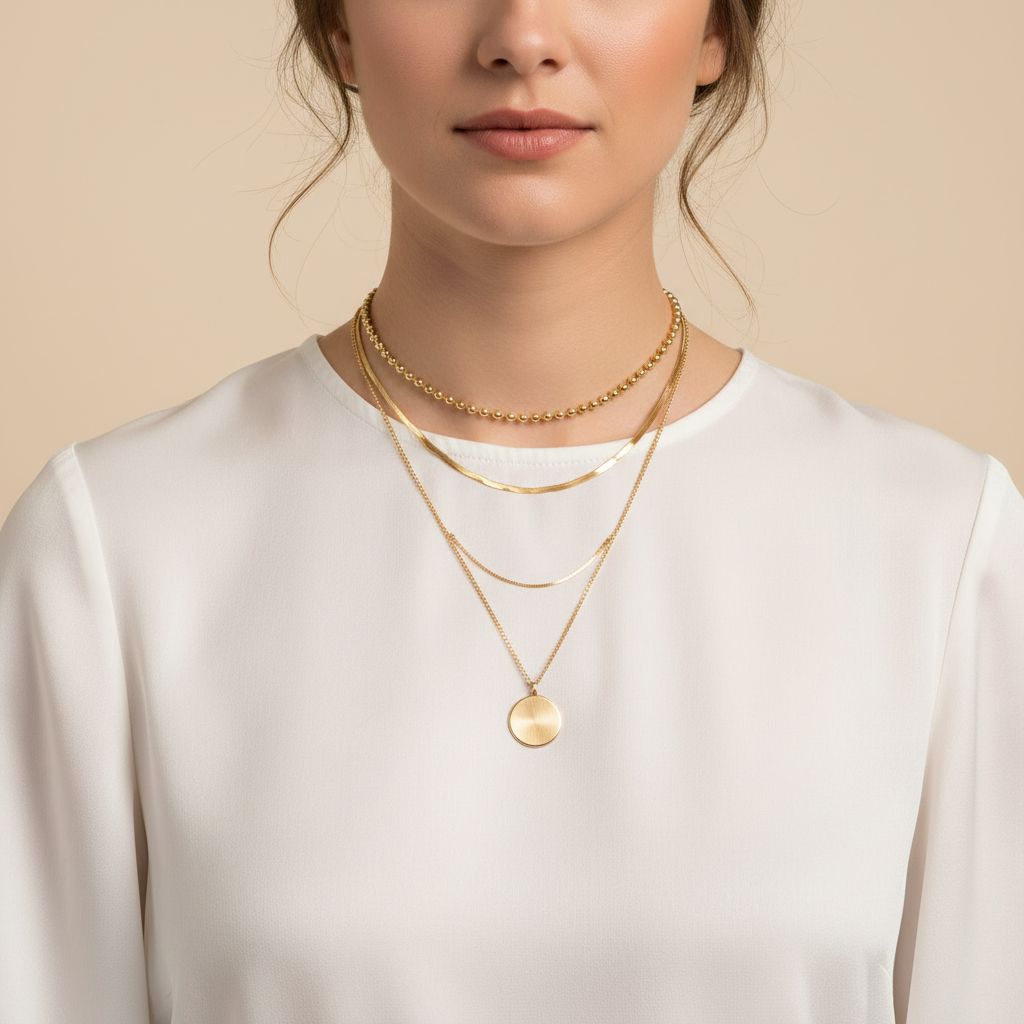
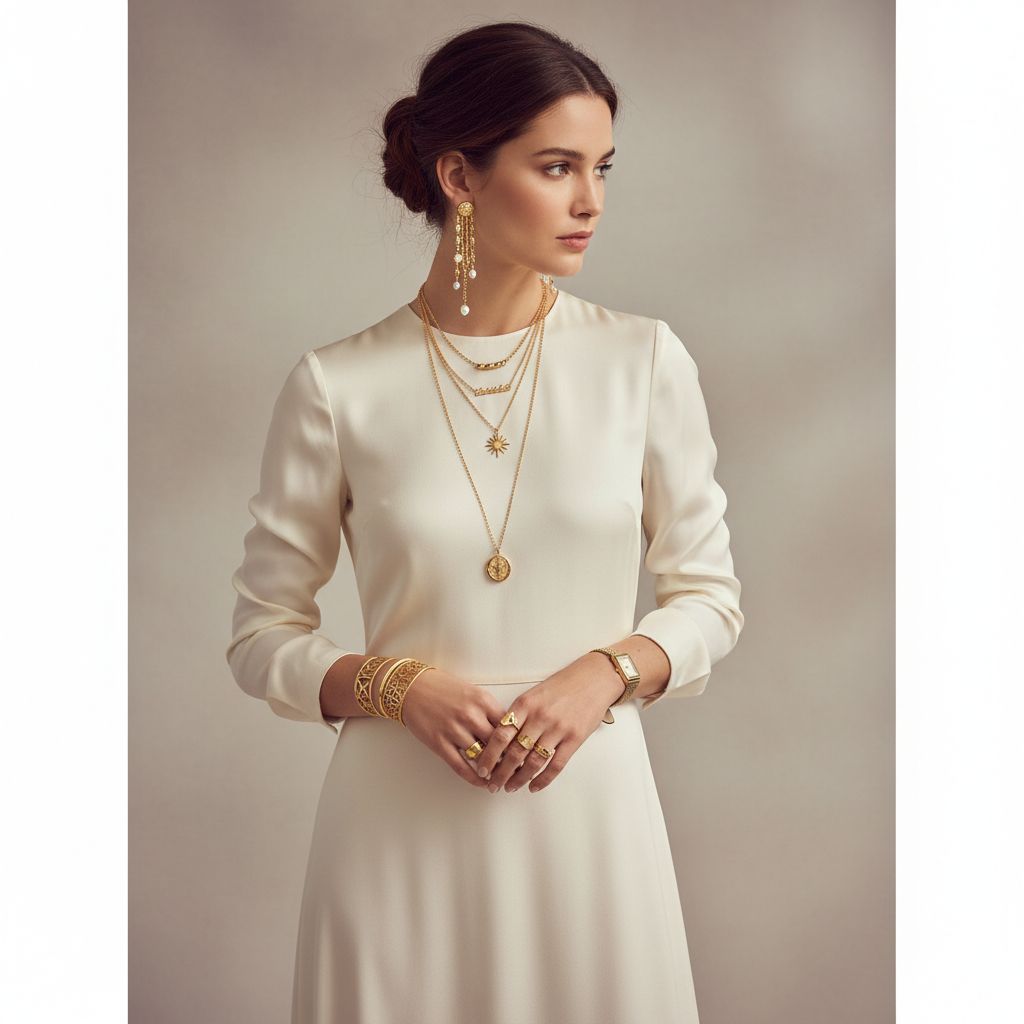
Framing Variations
Different crops serve different purposes—from extreme close-ups showing earring details to full-body shots showing how jewelry completes an outfit.
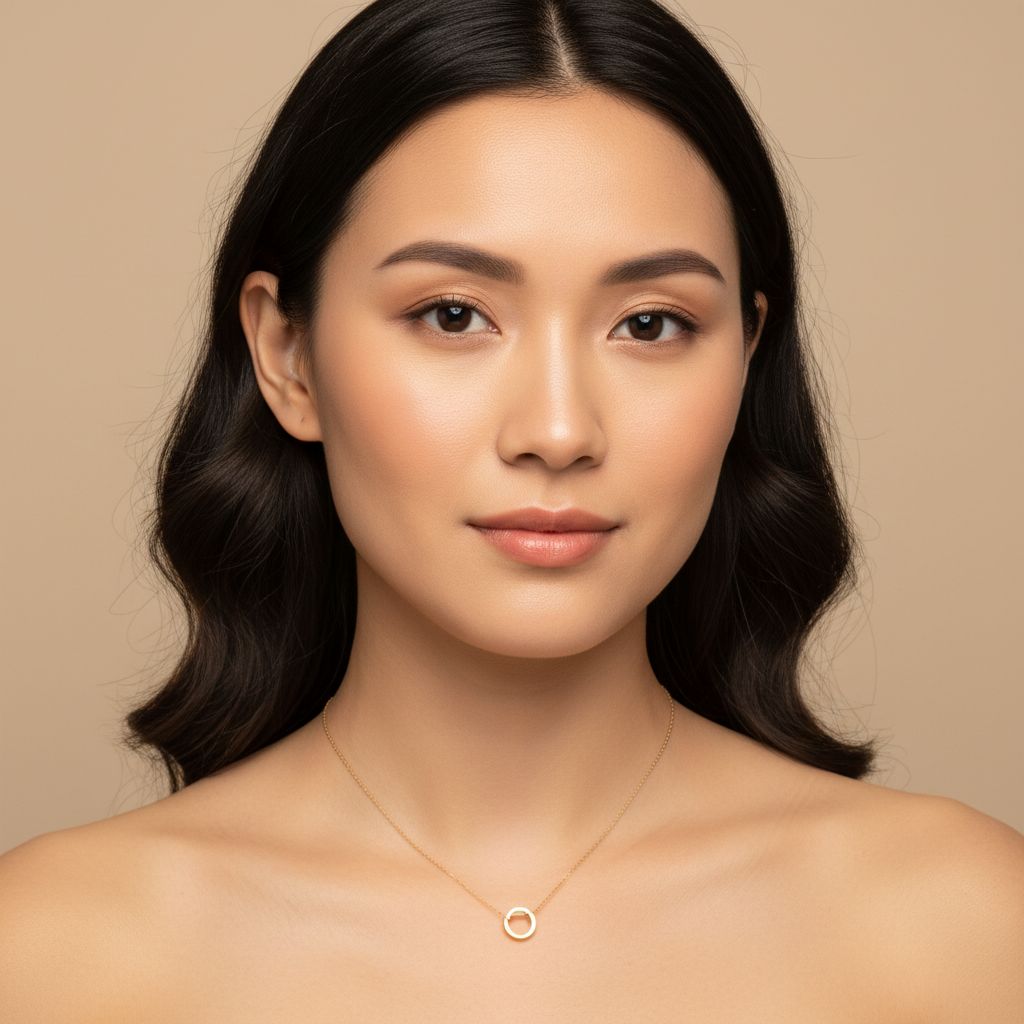
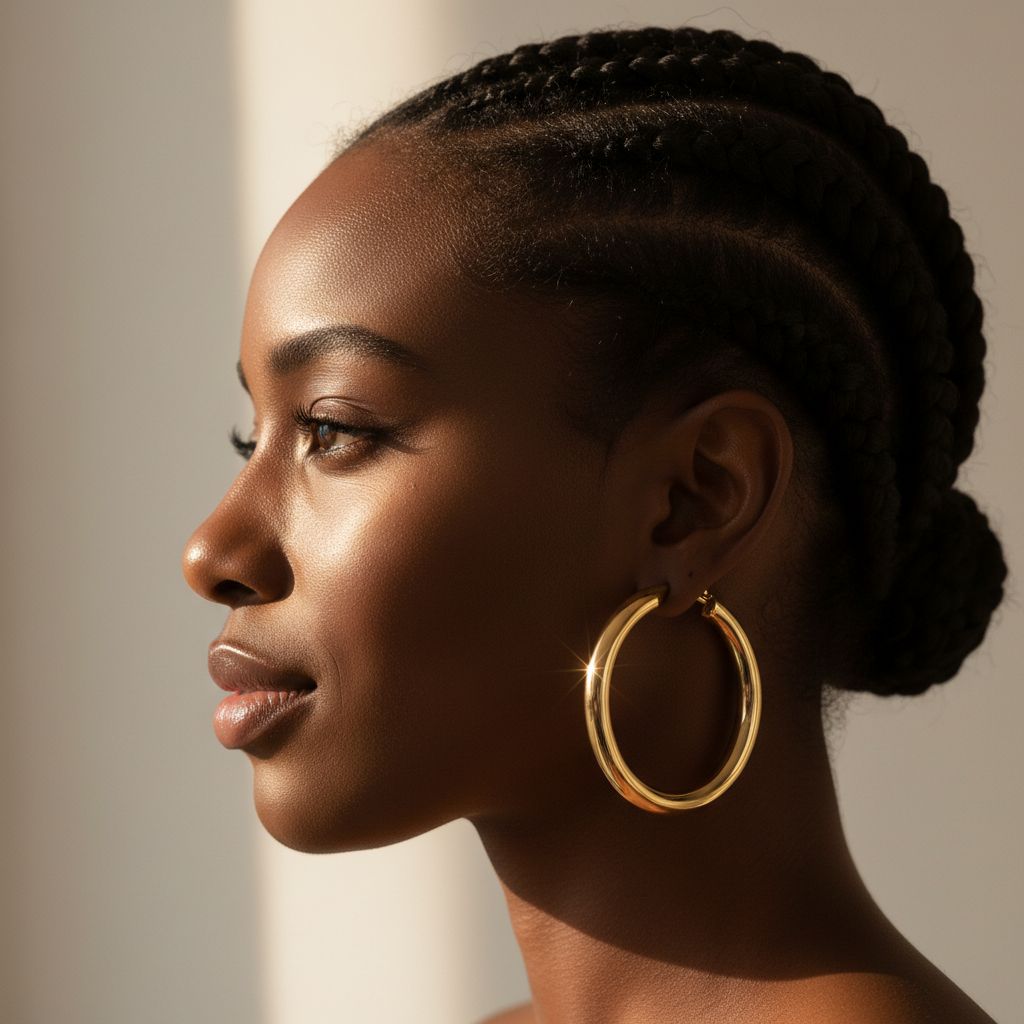
Demographics & Inclusivity
Showing jewelry on diverse models helps all customers envision themselves wearing your pieces.
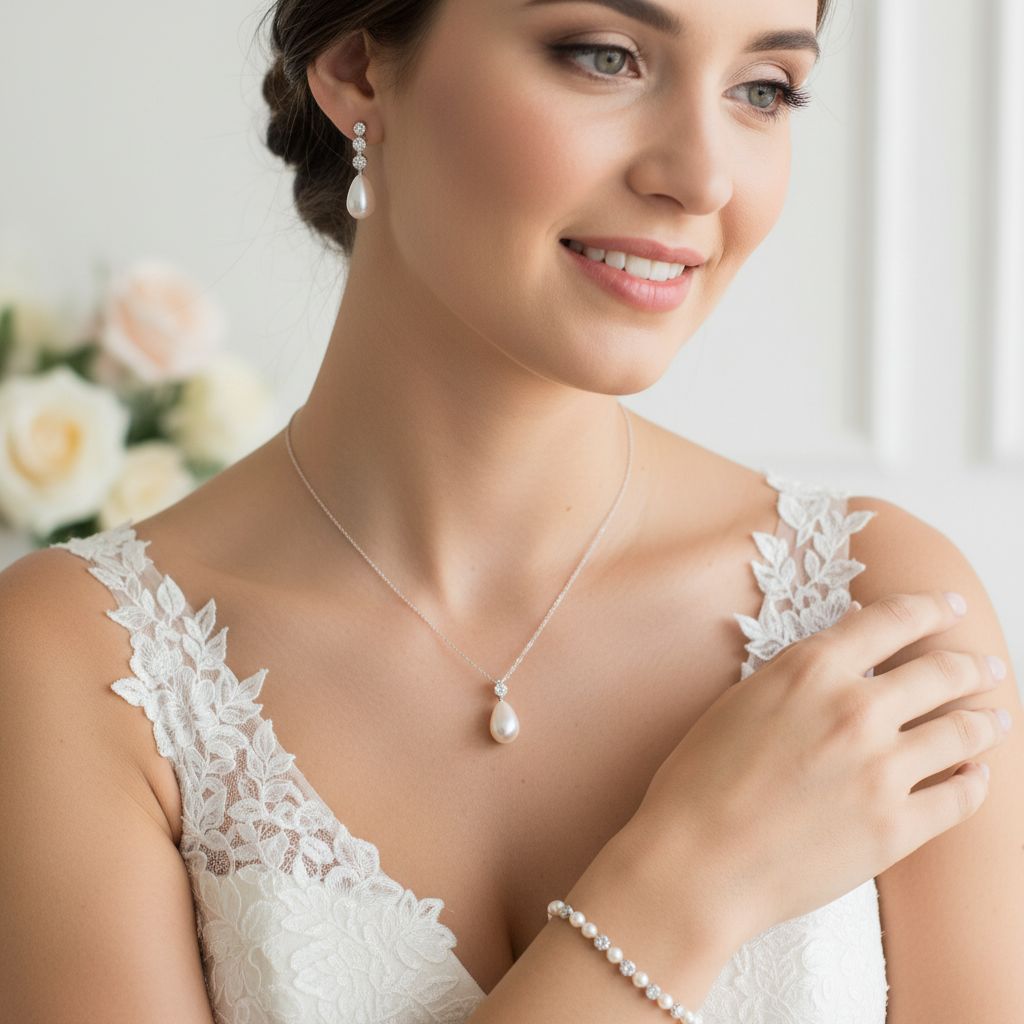
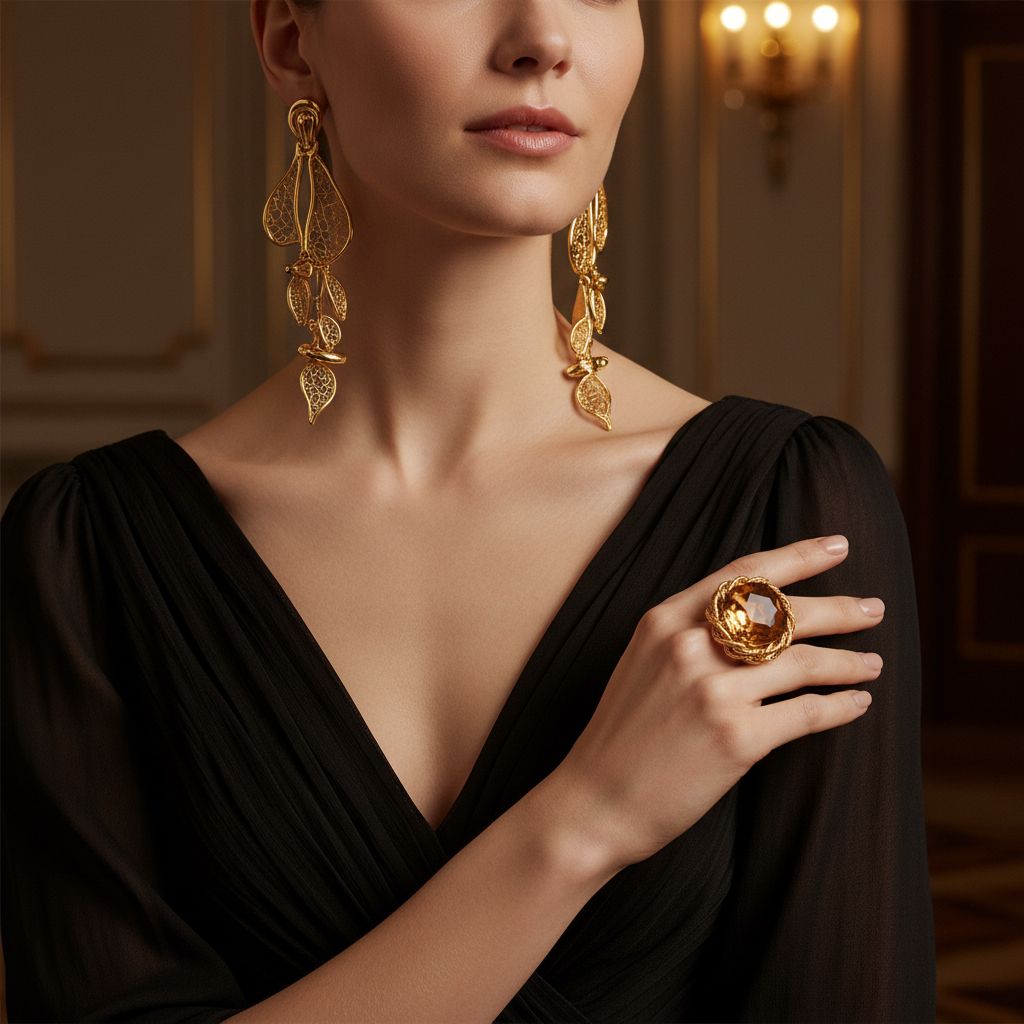
Occasion Styling
Show how jewelry fits different life moments and occasions.
Styled Context Shots
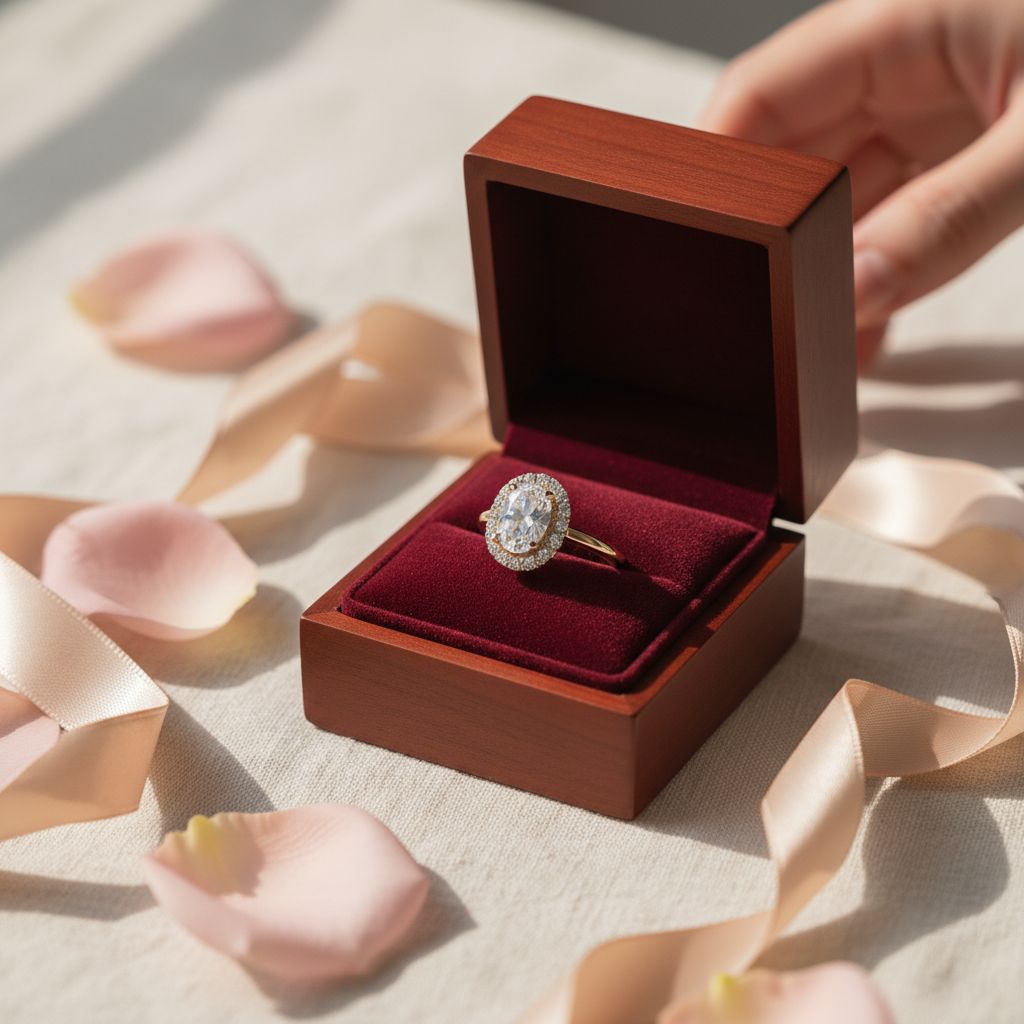
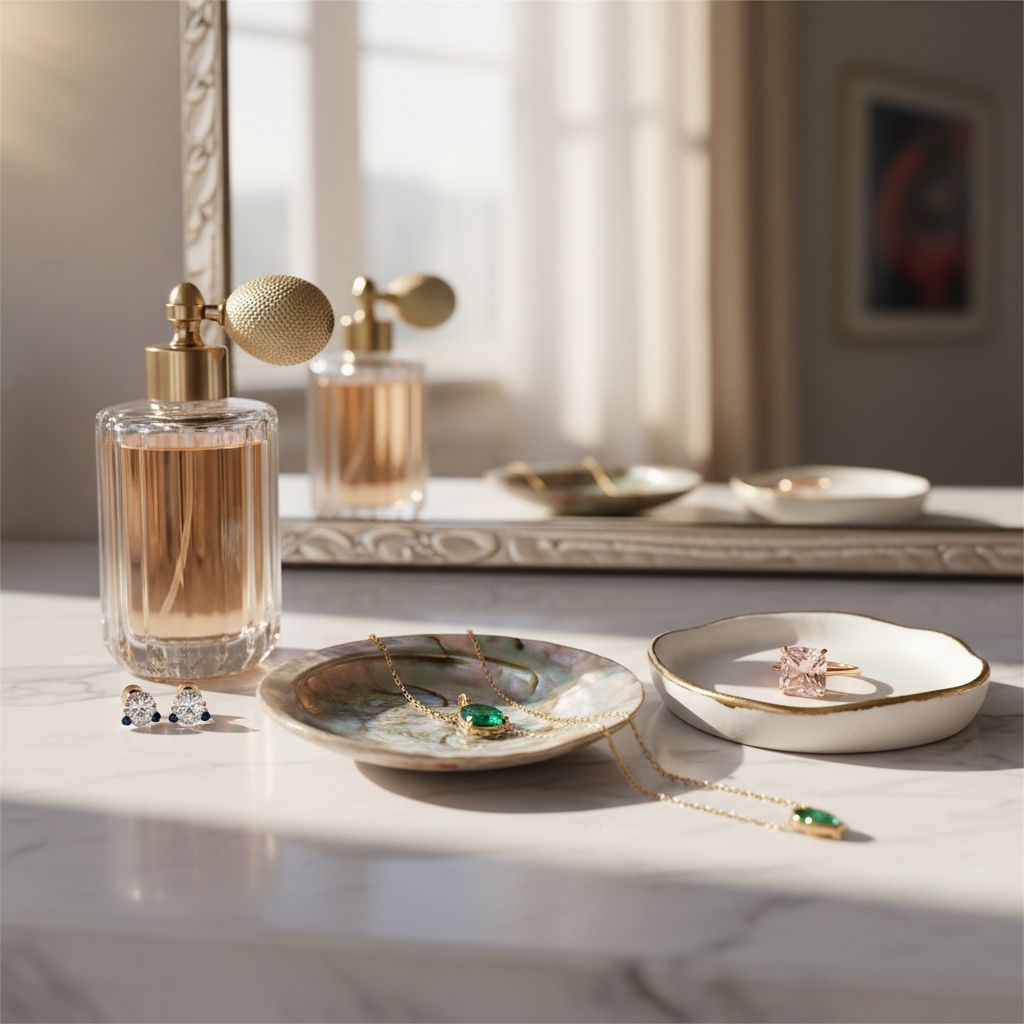
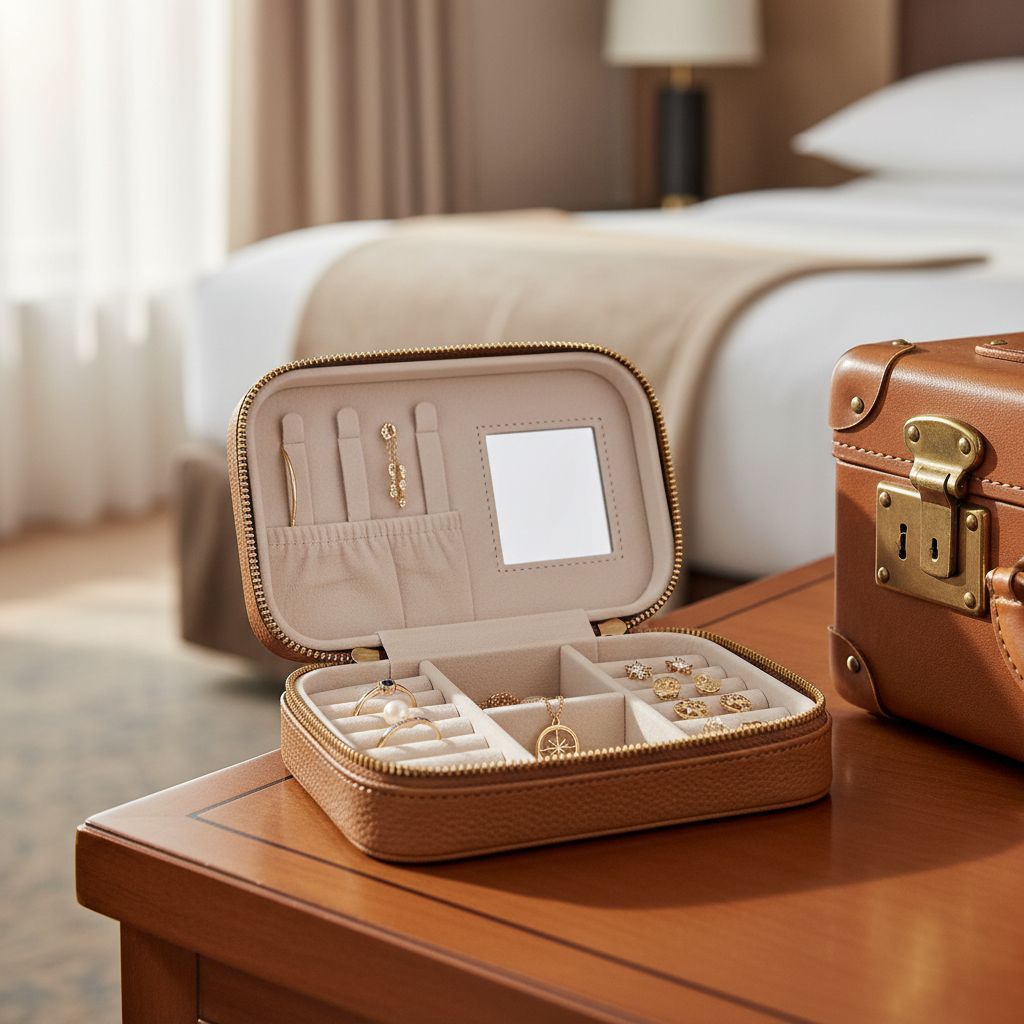
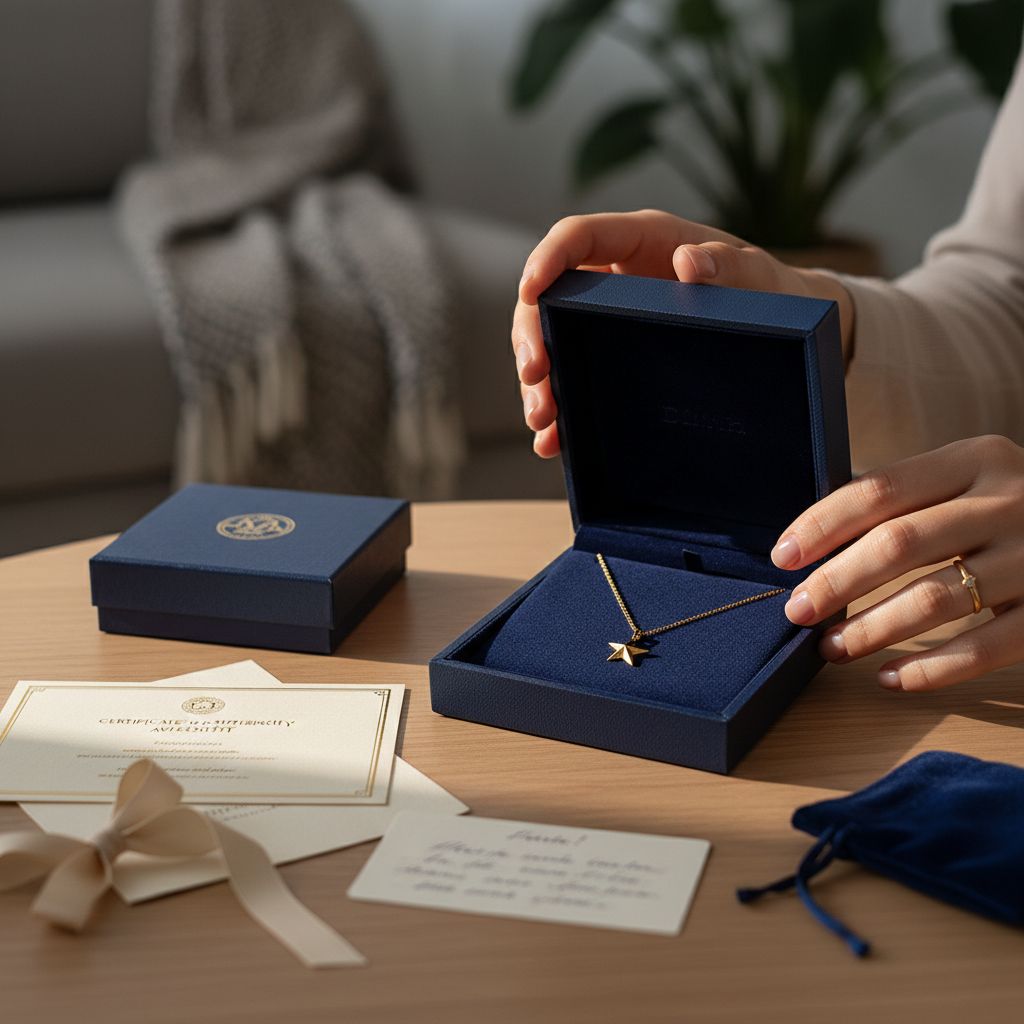
Sometimes you want to show jewelry in a scene—on a vanity, in a gift box, alongside complementary objects. These shots tell a story.
Common contexts:
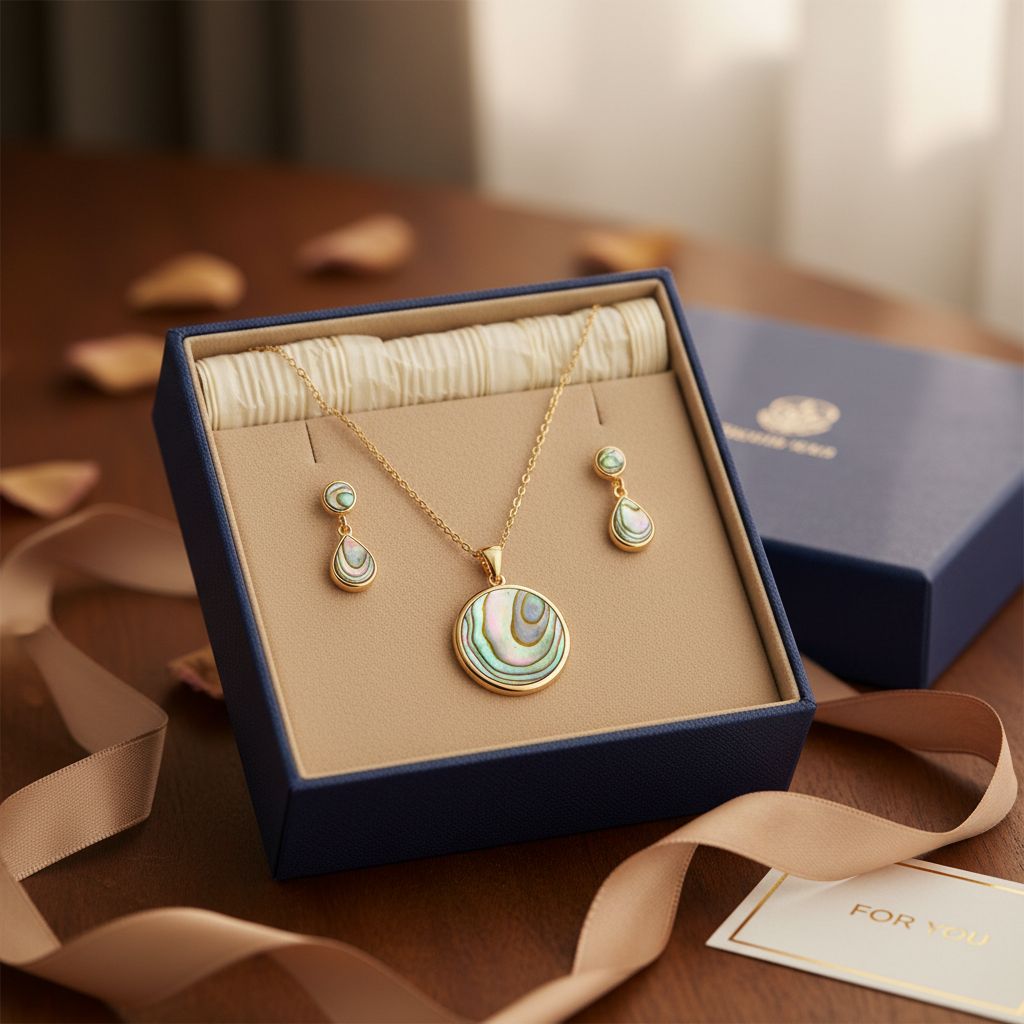
- Gift-giving (in a box, with ribbon)
- Morning routine (on a vanity with perfume)
- Travel (in a jewelry case)
- Special occasions (with flowers, champagne)
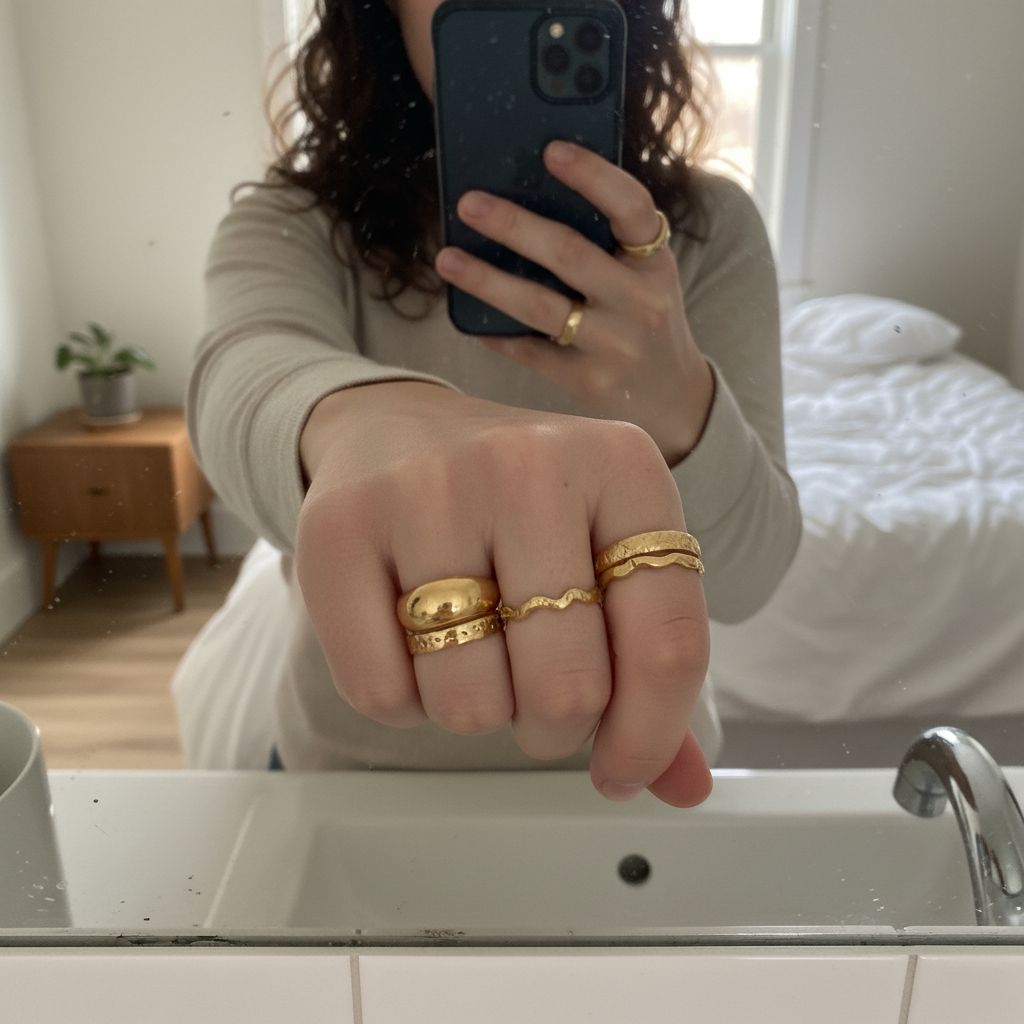
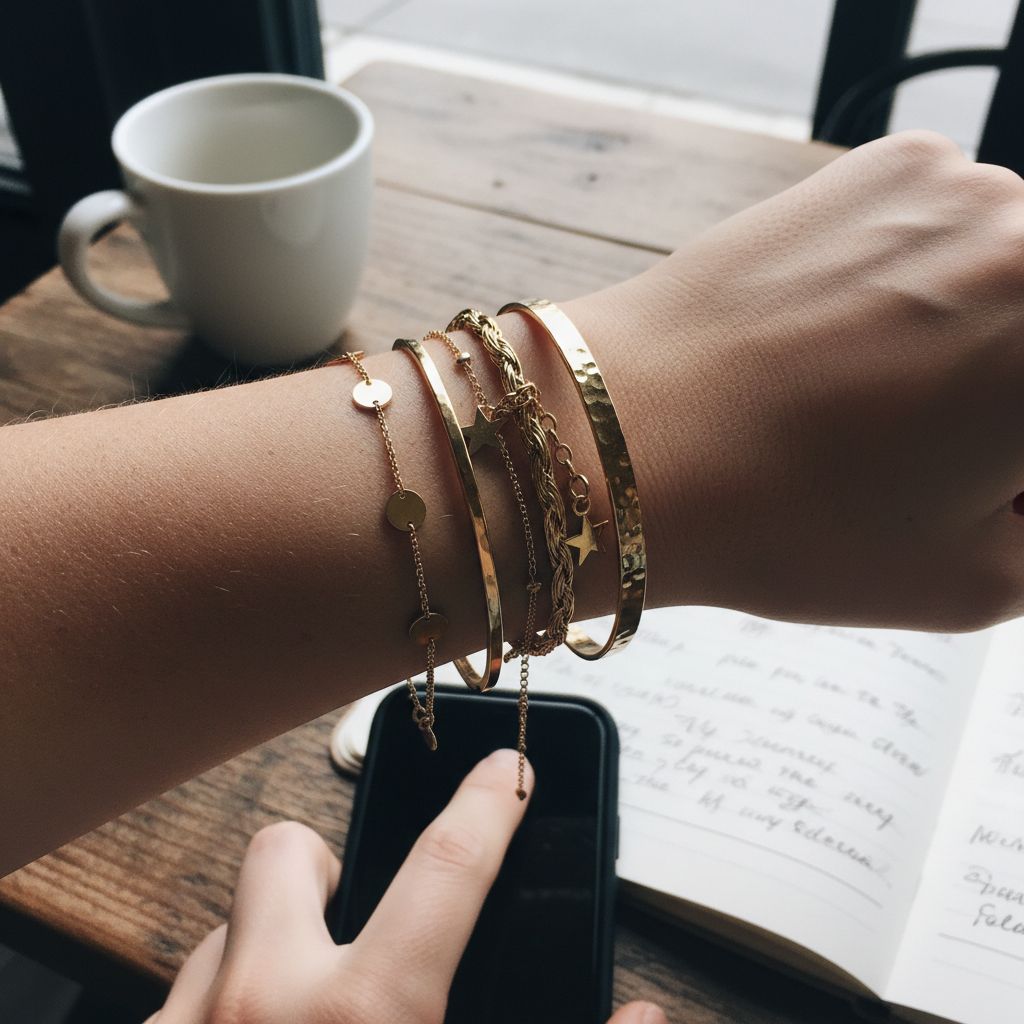
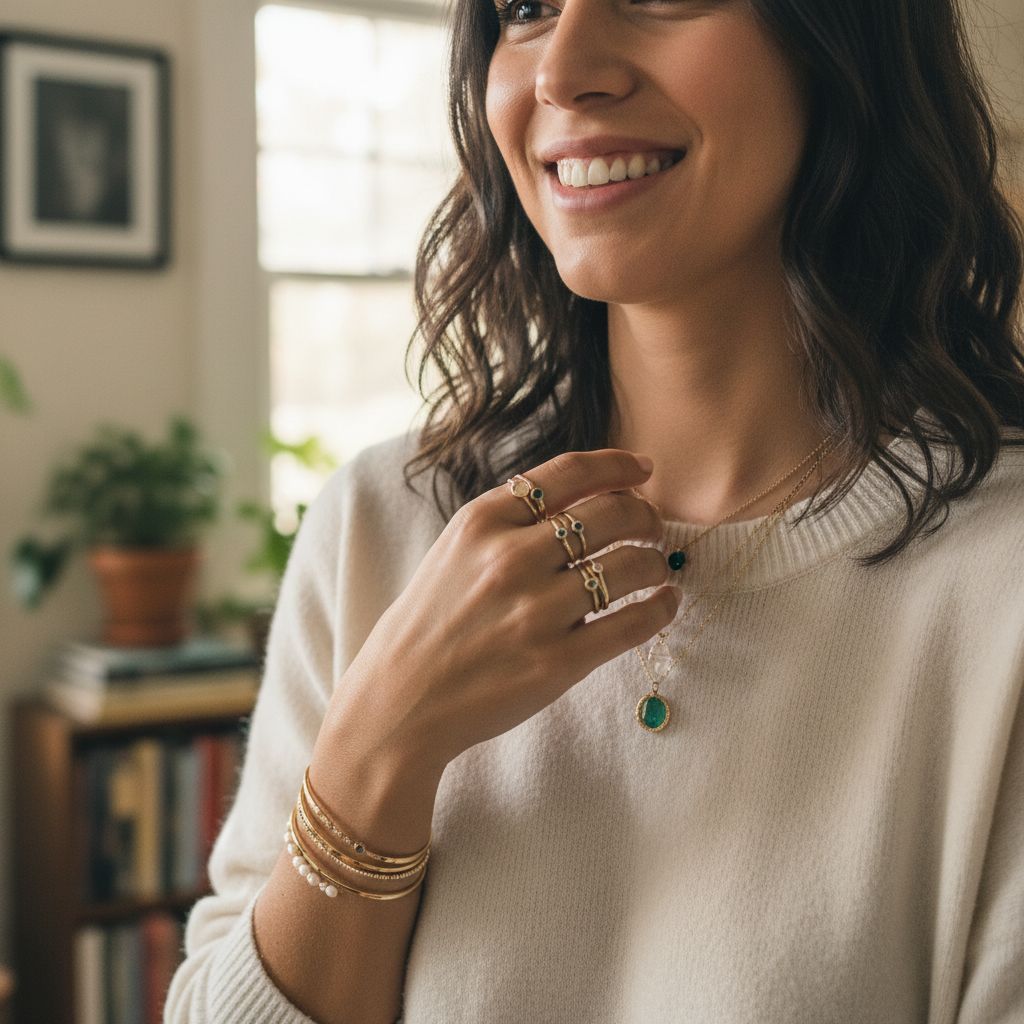
UGC Style Shots
User-generated content (UGC) style images look authentic and relatable—like a customer took the photo themselves. These build trust and social proof.
UGC characteristics:
- Less polished, more authentic feel
- Natural lighting (often phone quality aesthetic)
- Real-life settings
- Mirror selfies, casual poses
- Feels genuine, not staged
Brand & Mood Shots
Not every image needs to sell directly. Brand shots build identity, create mood, and give you shareable content for social media.
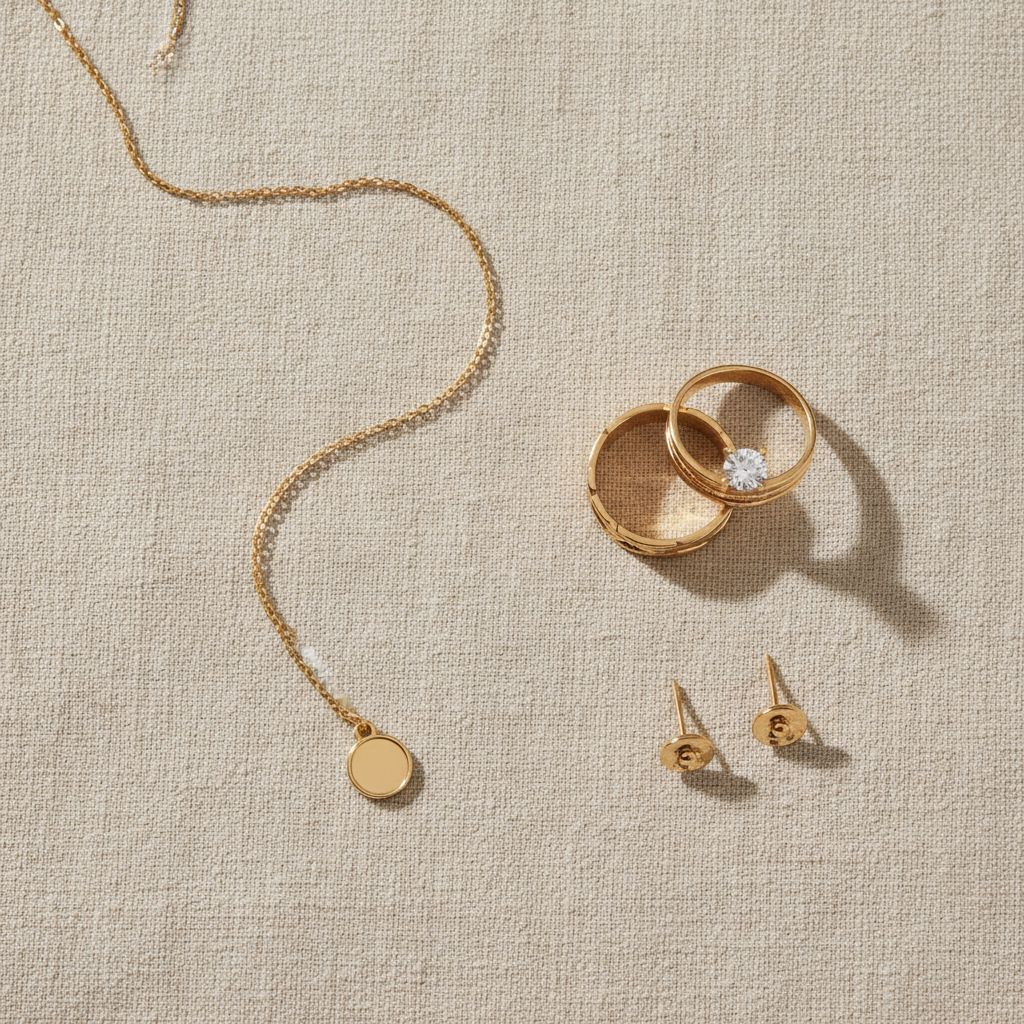
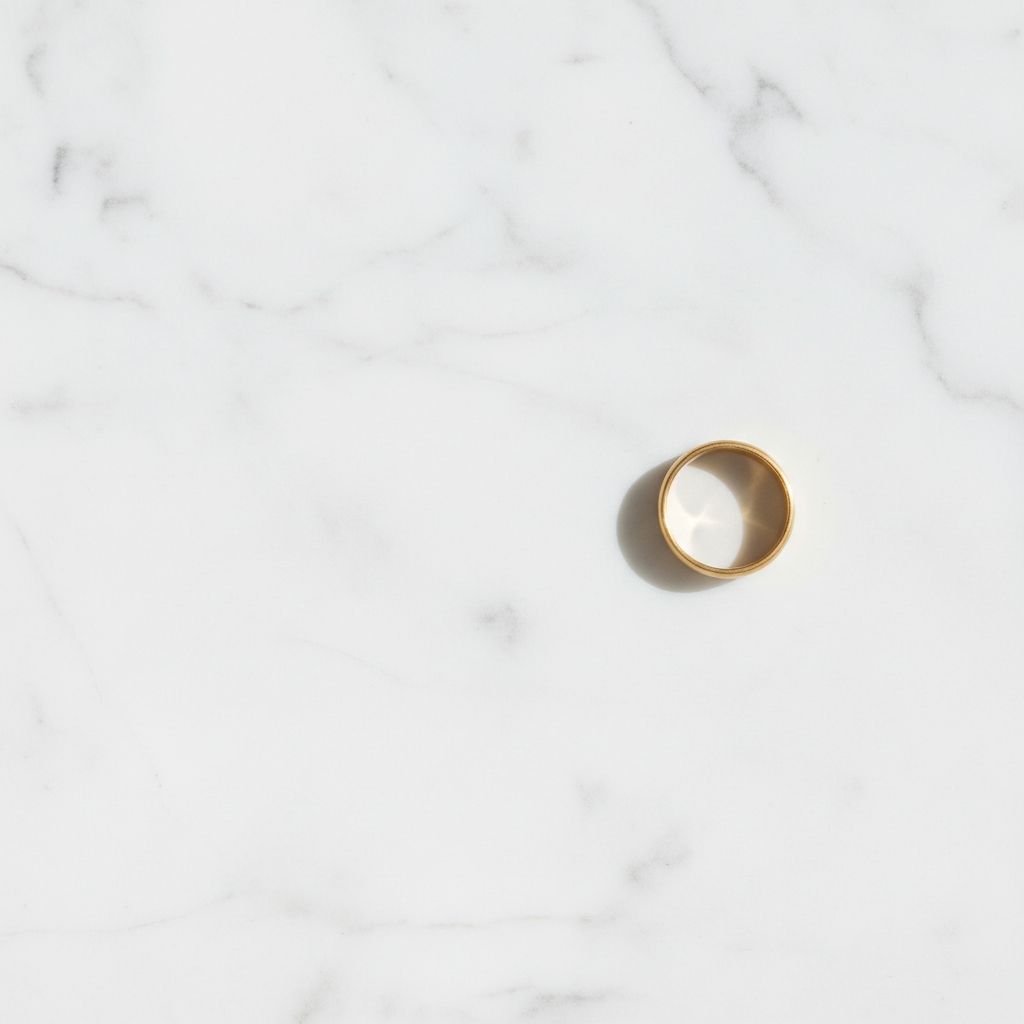
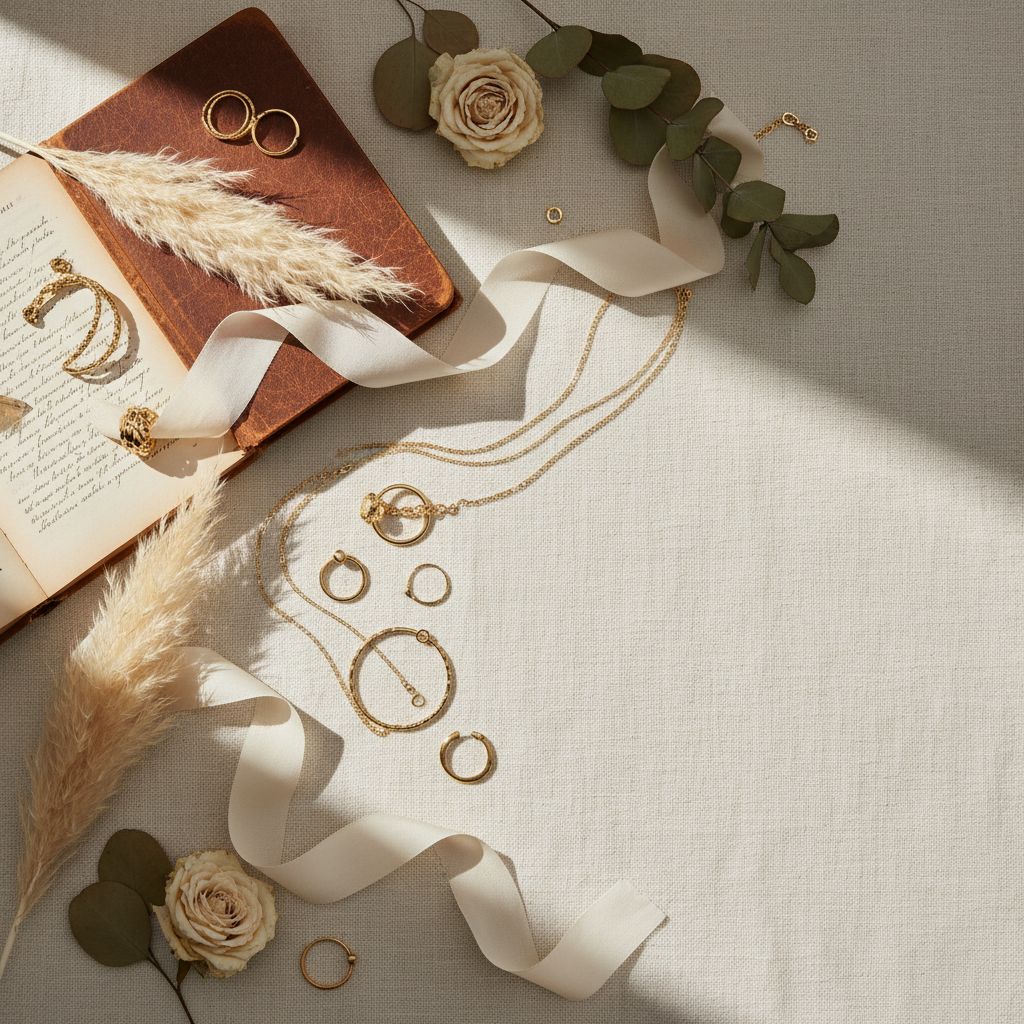
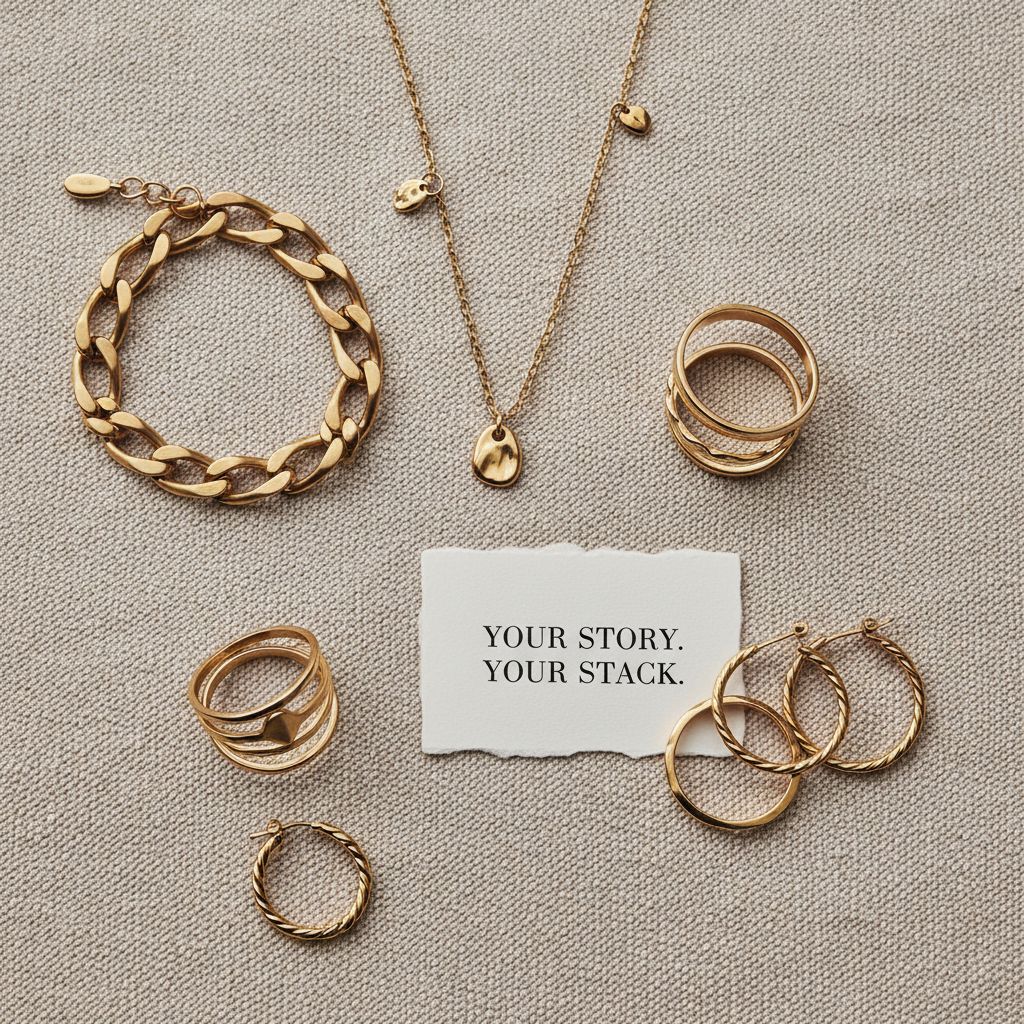
Flat Lay Compositions
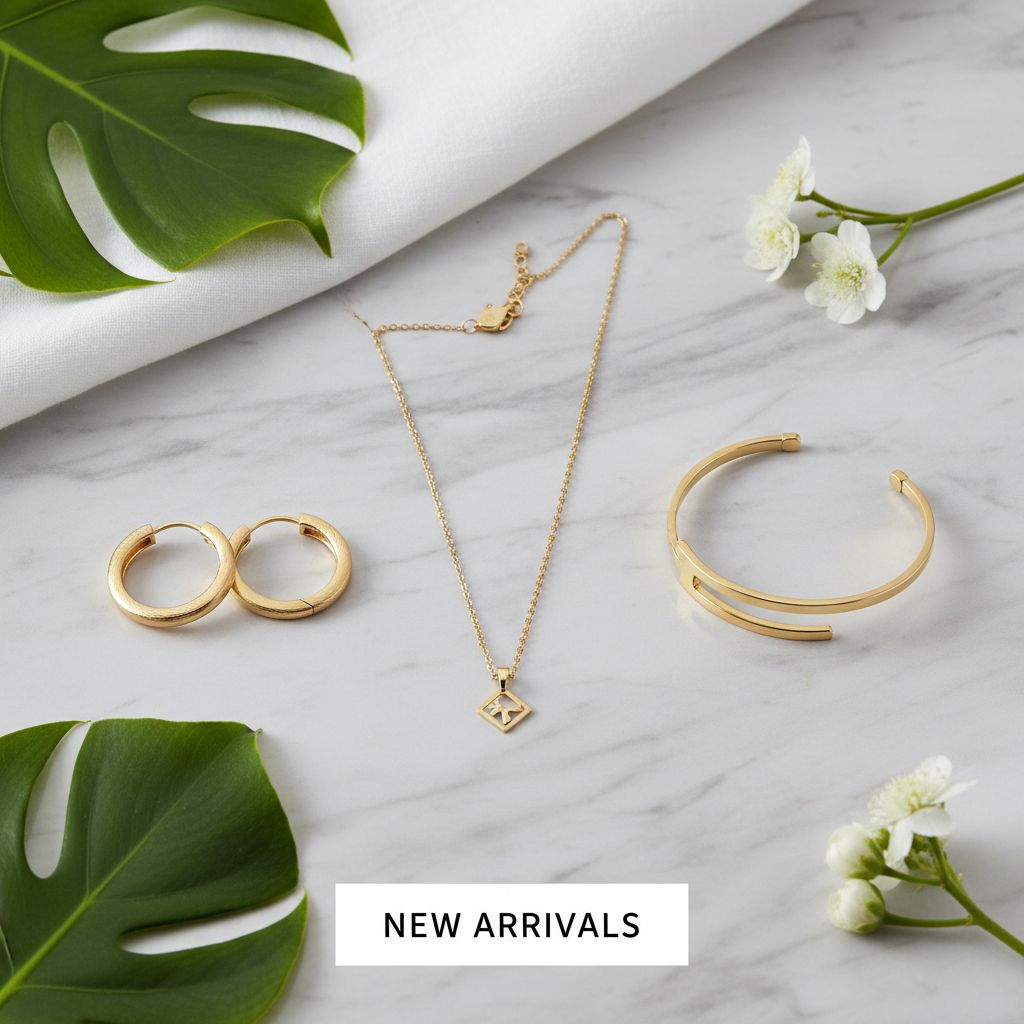
Flat lays show multiple pieces together in an artful arrangement. They’re perfect for showcasing collections, creating mood, and social media content.
Flat lay principles:
- Rule of thirds for placement
- Mix sizes and shapes
- Leave breathing room (negative space)
- Choose backgrounds that complement your brand
- Props should enhance, not overwhelm
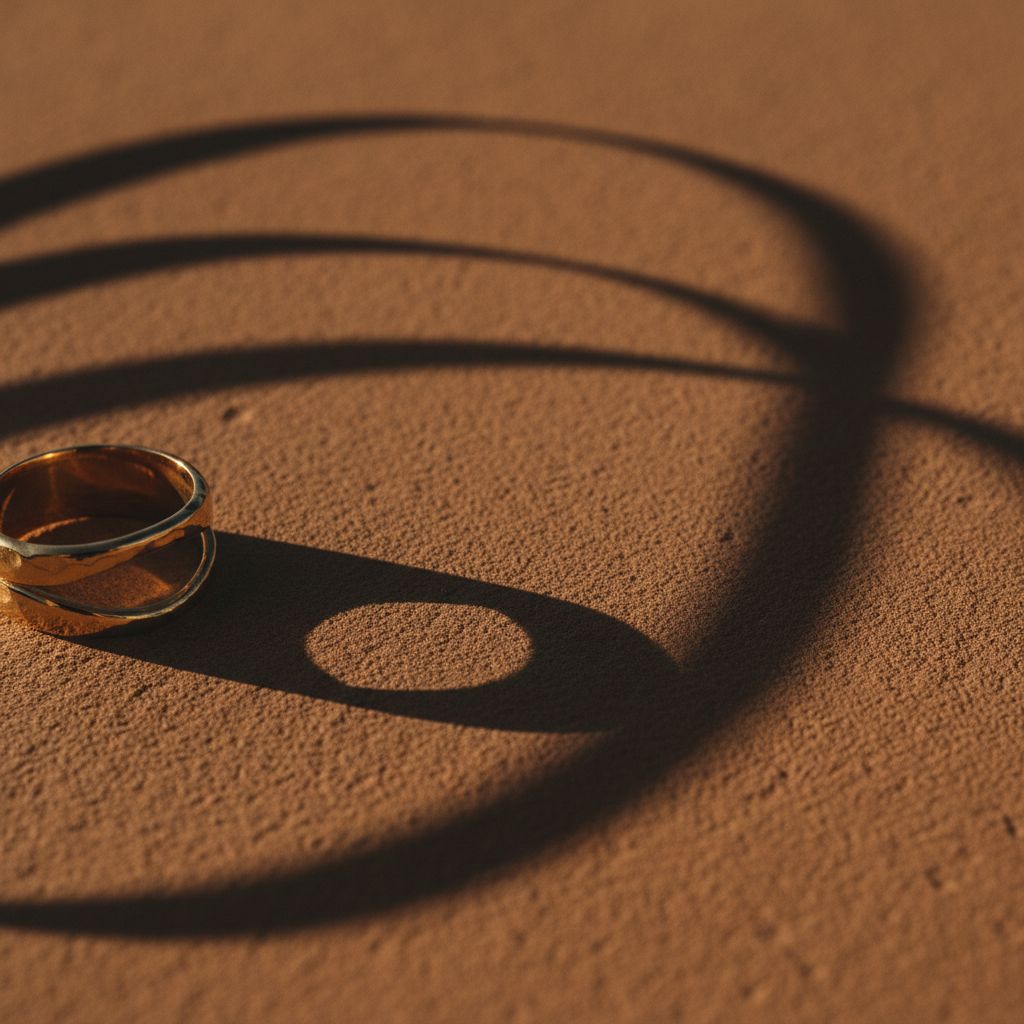
Abstract & Artistic Shots
Abstract shots prioritize mood over product clarity. They’re for brand building—headers, social posts, aesthetic content that communicates your brand’s feel.
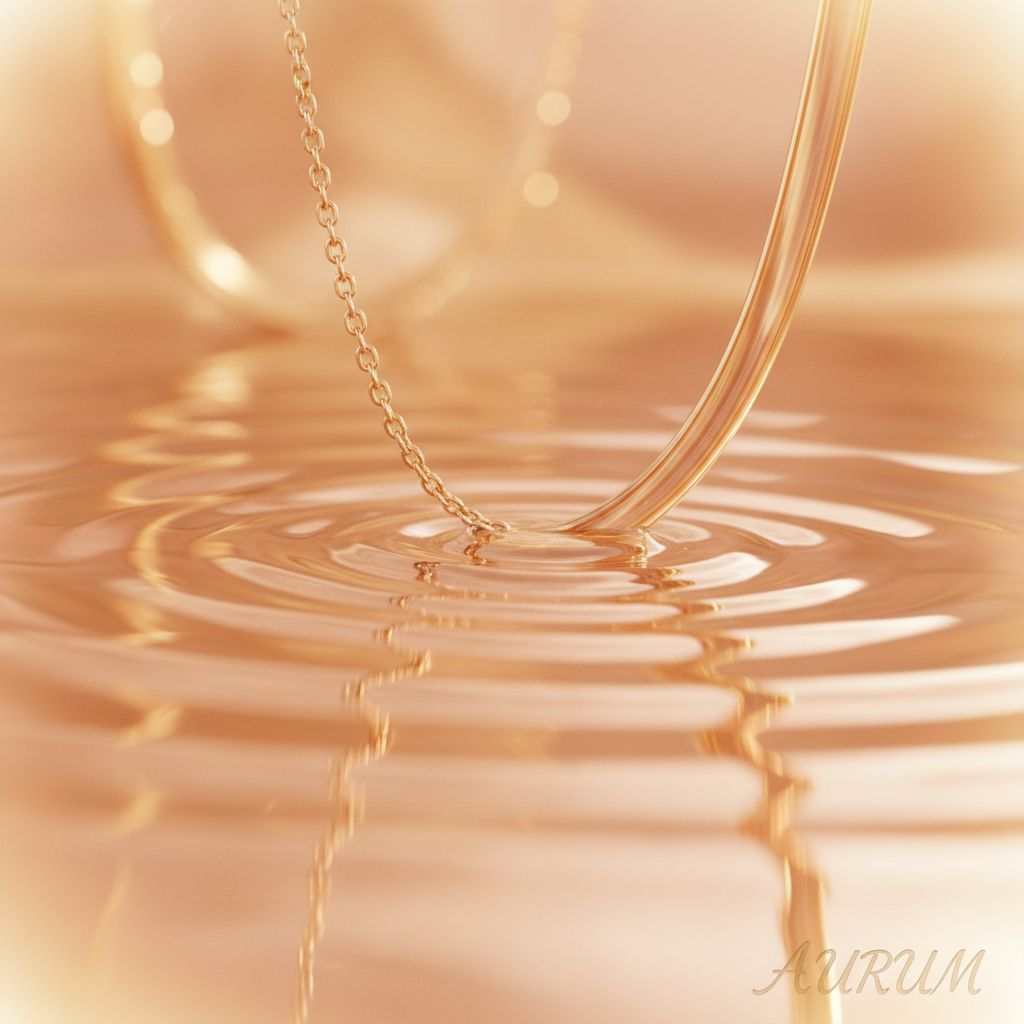
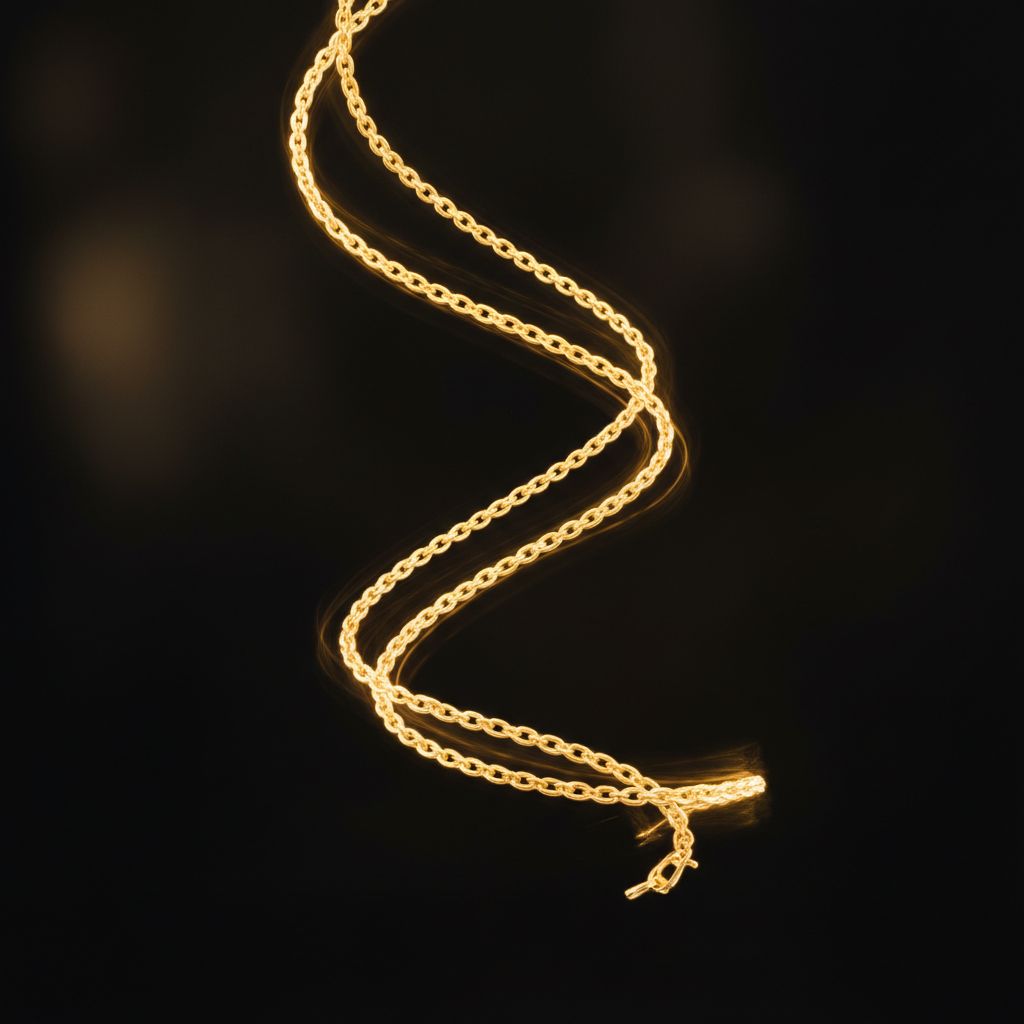
Texture & Material Close-ups
These shots communicate luxury by focusing on material quality—the warmth of gold, the luster of pearls, the fire in diamonds.

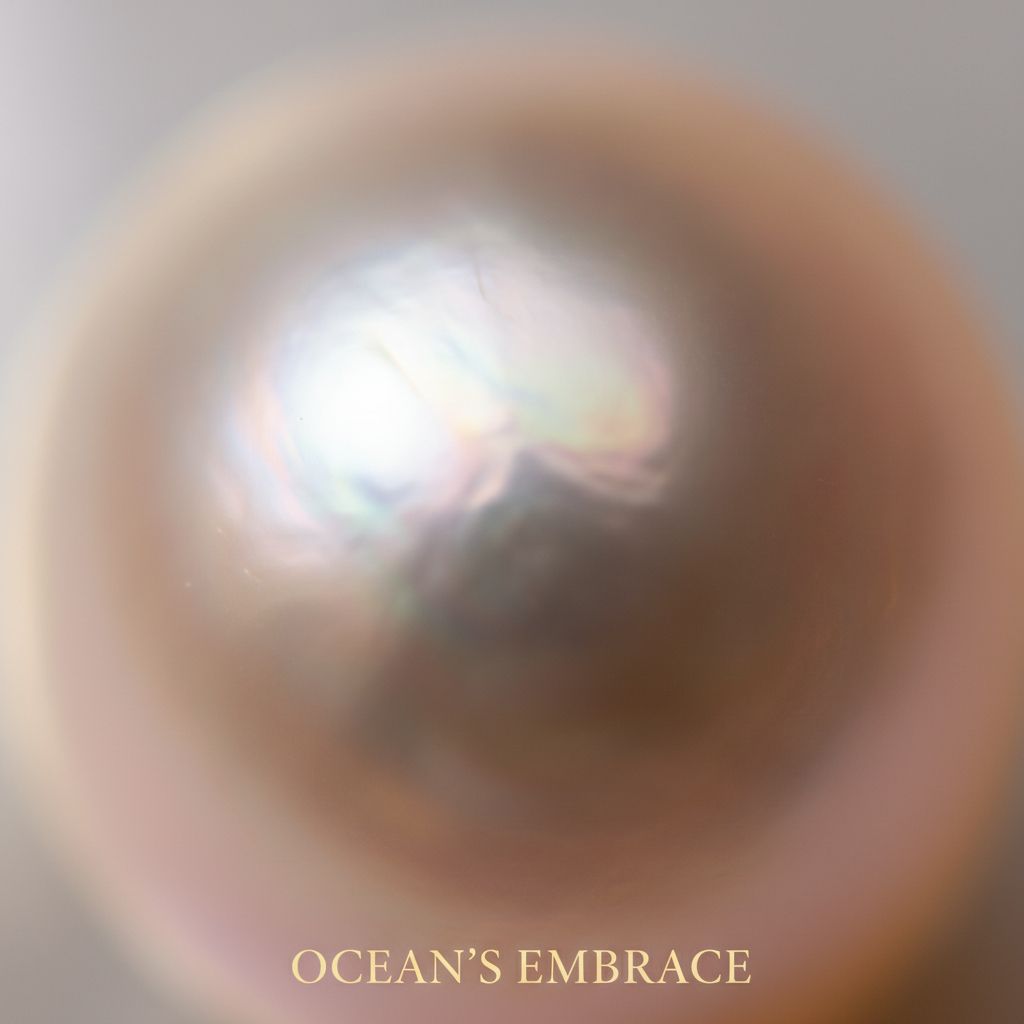
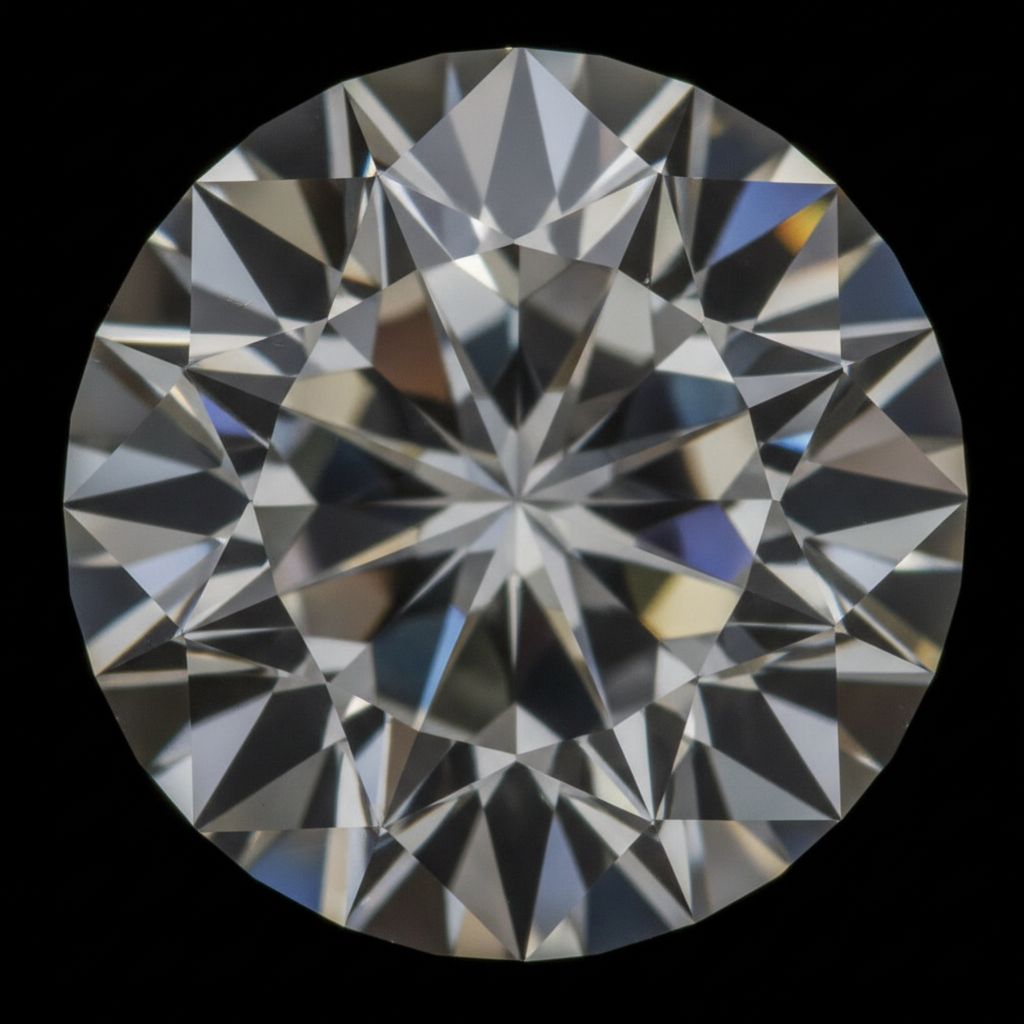
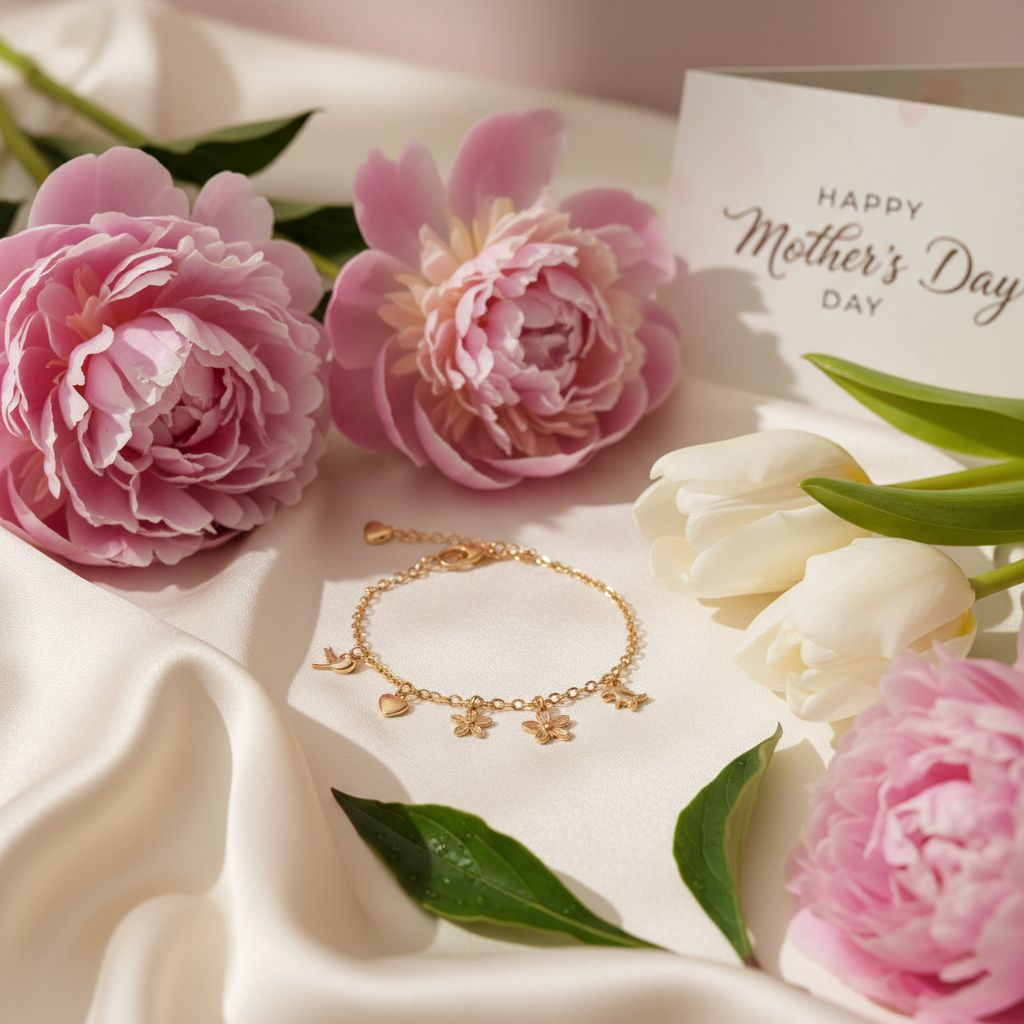
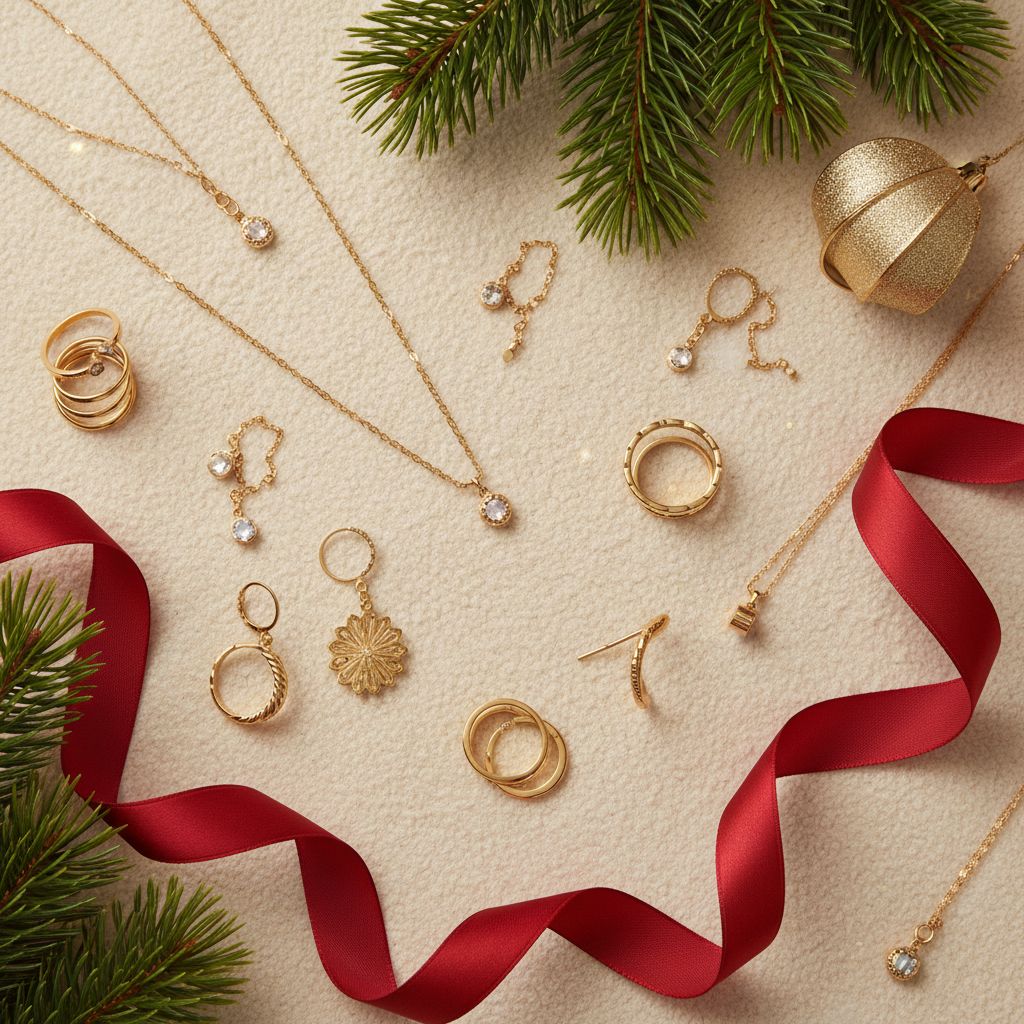
Seasonal & Occasion Shots
Seasonal content helps your jewelry feel timely and relevant for gift-giving occasions throughout the year.
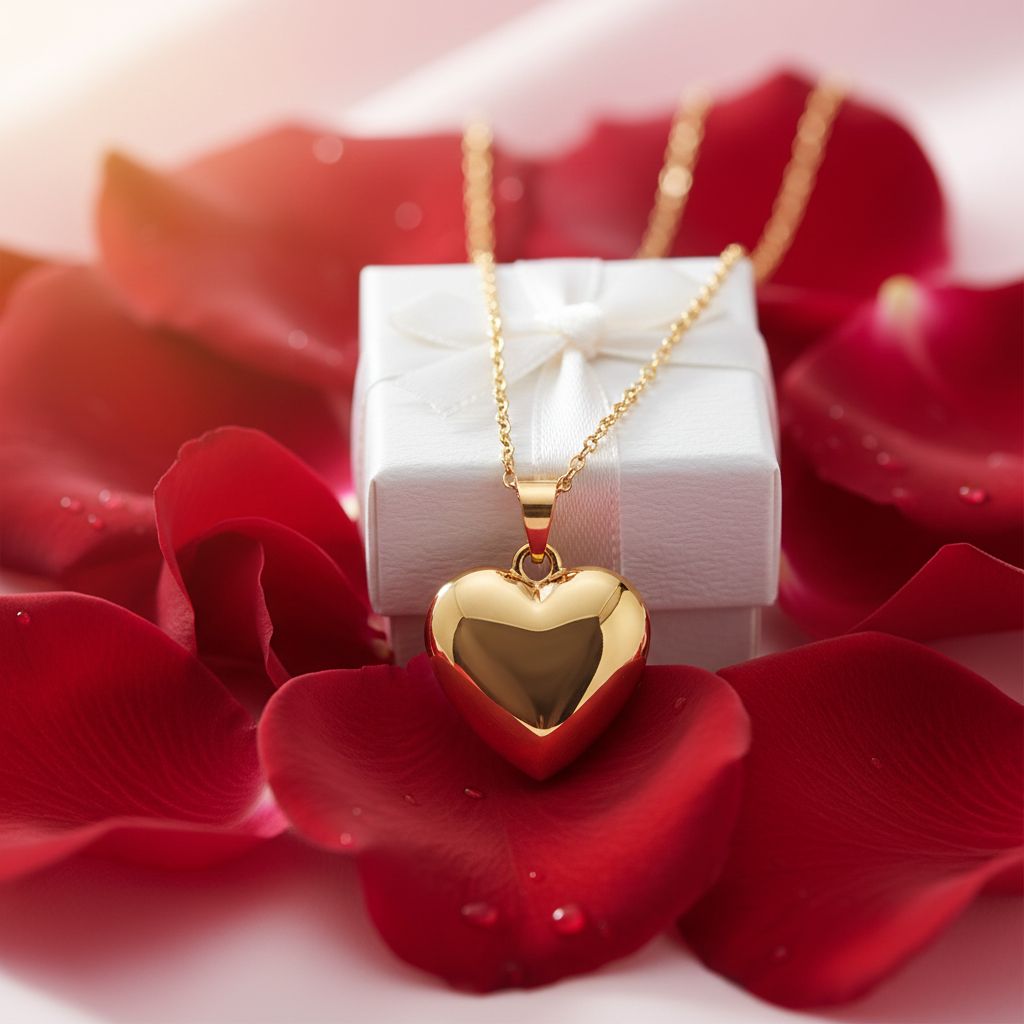
Collection & Group Shots
When selling multiple pieces or variants, group shots help customers see their options and encourage larger orders.
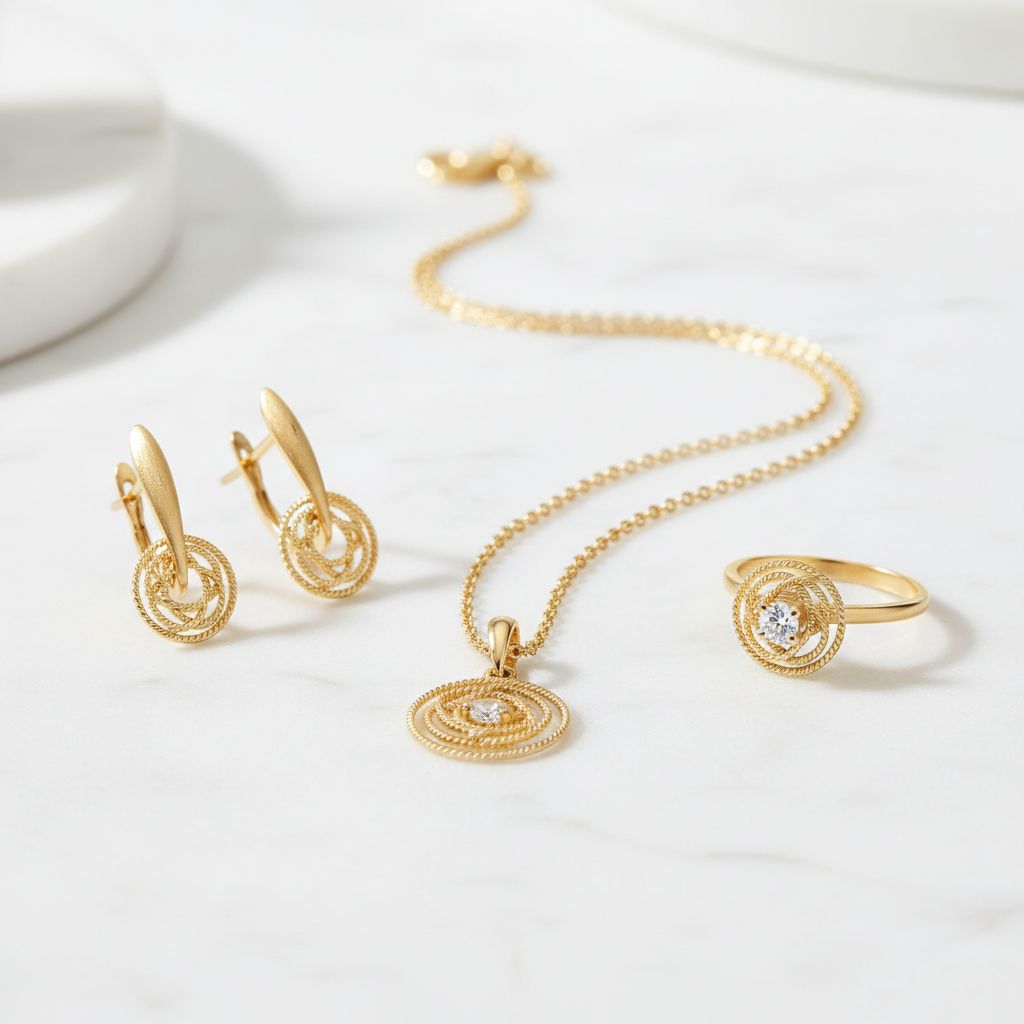
Collection Shots
Show pieces that belong together—a matching set, a themed collection, a new release.
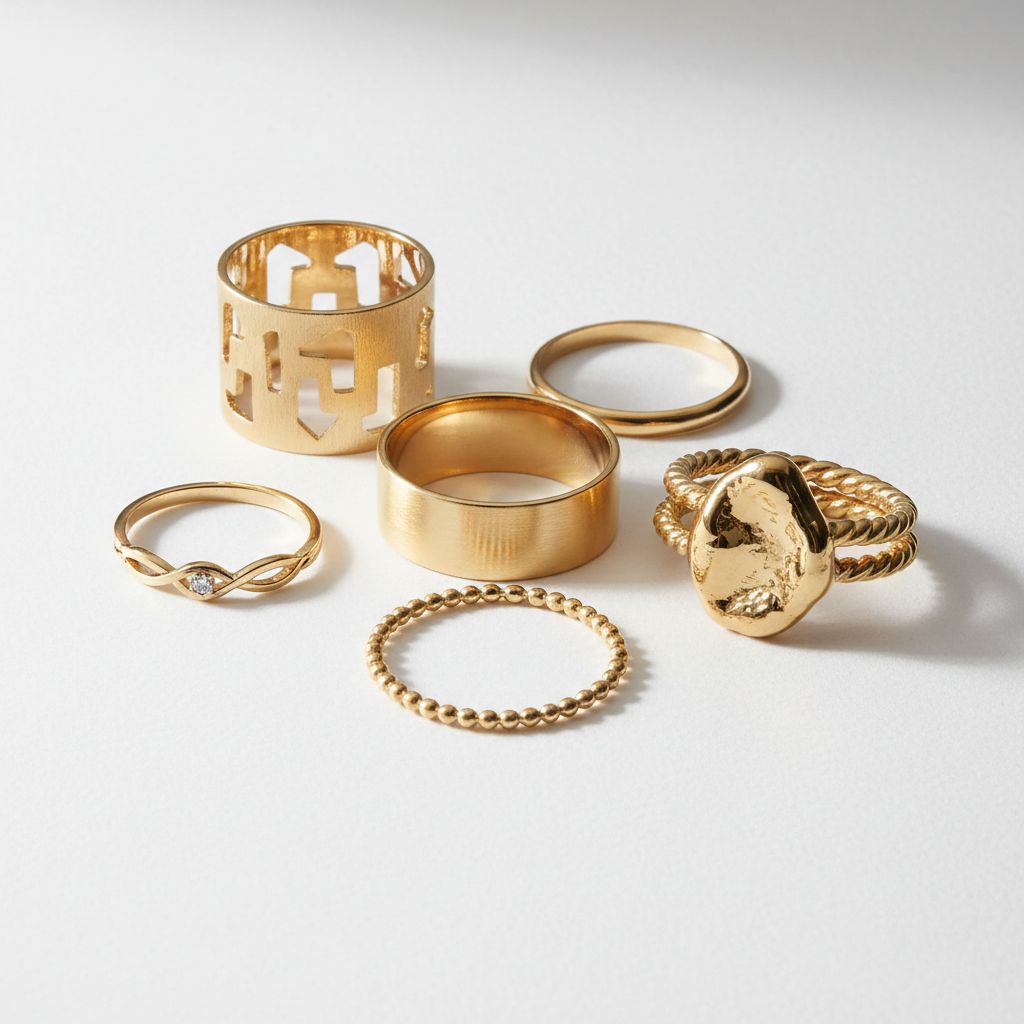
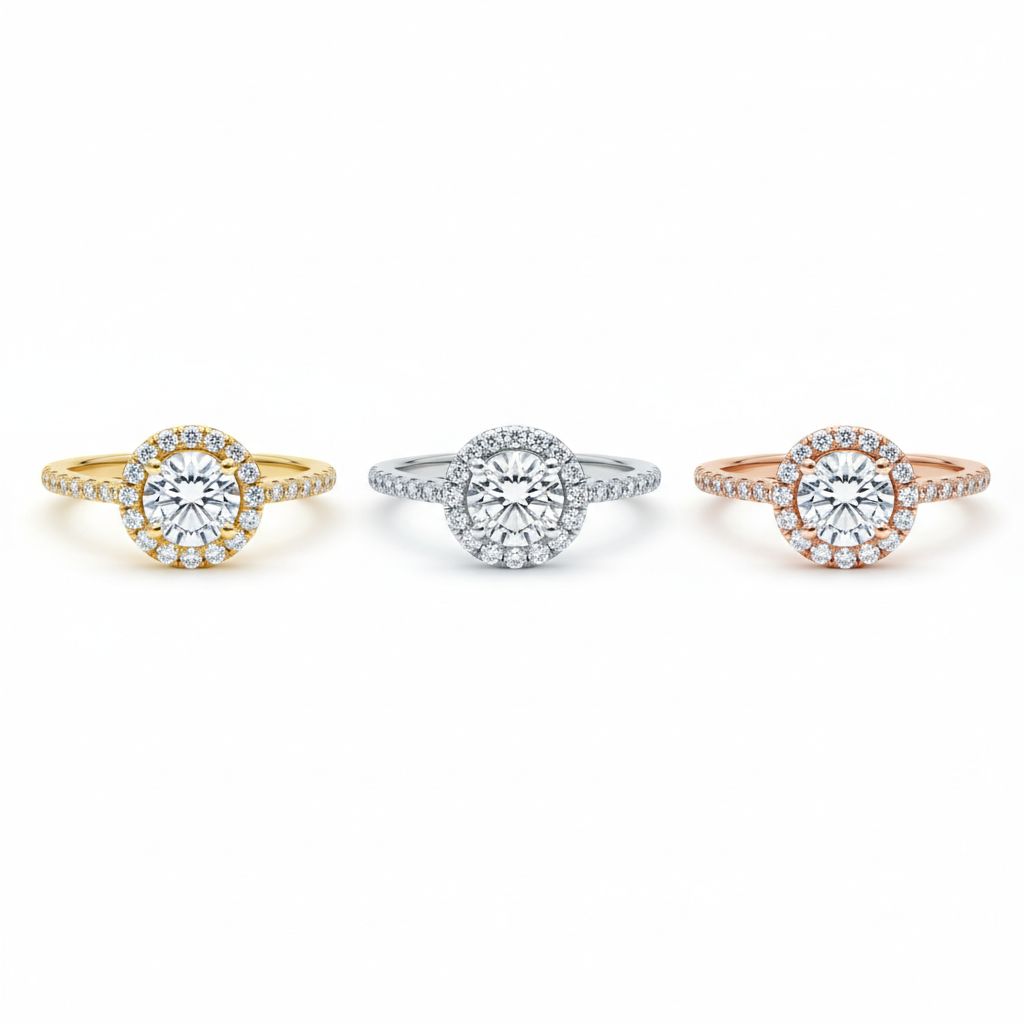
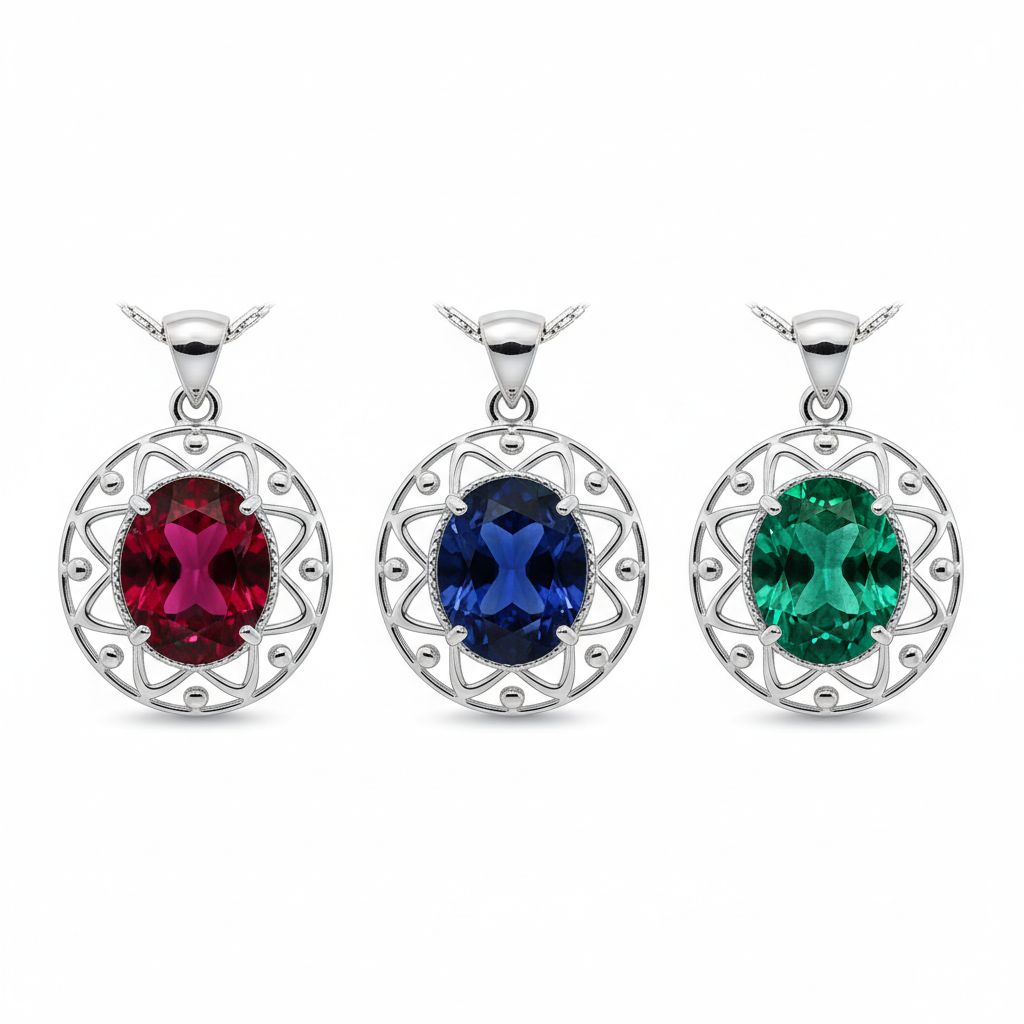
Variant Shots
Same design, different options. Show customers their choices at a glance.
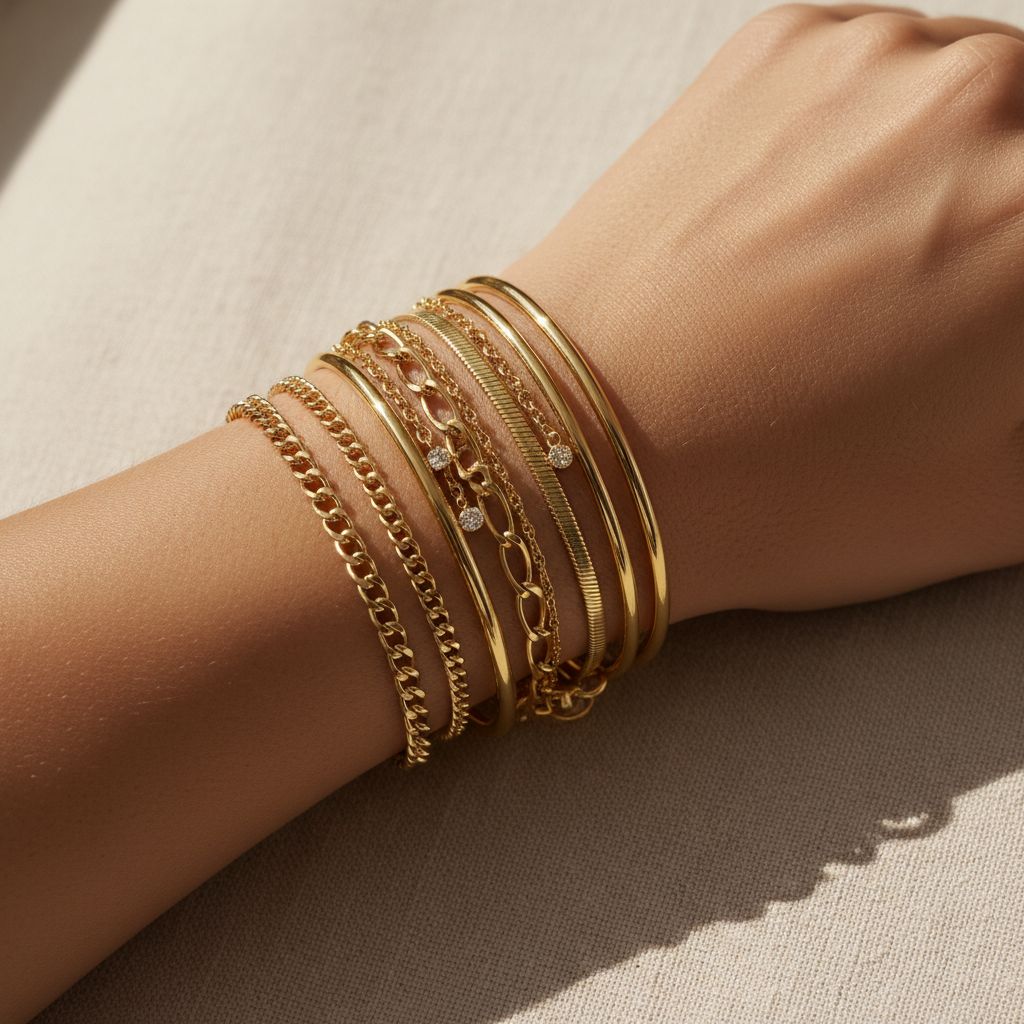
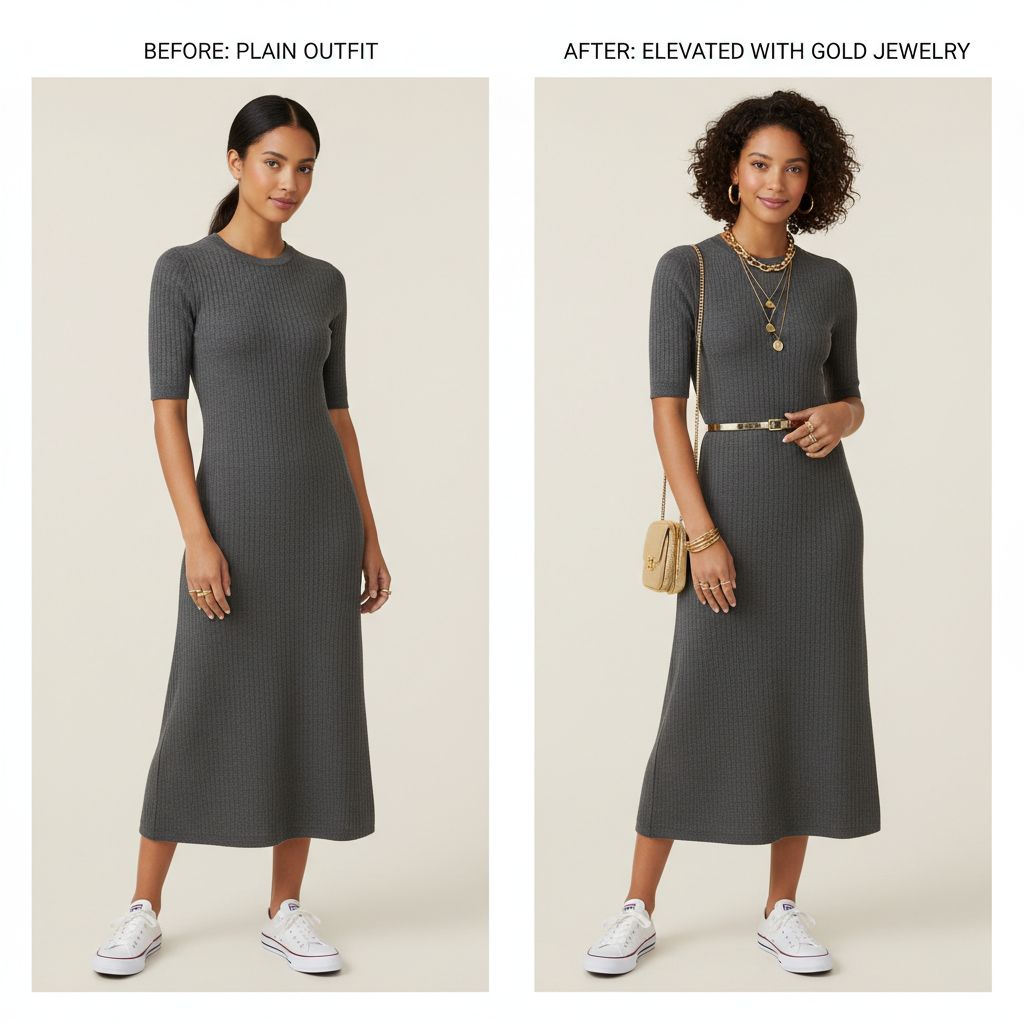
Stacking & Layering
Show how pieces work together—stacked rings, layered necklaces. This inspires styling and increases order value.
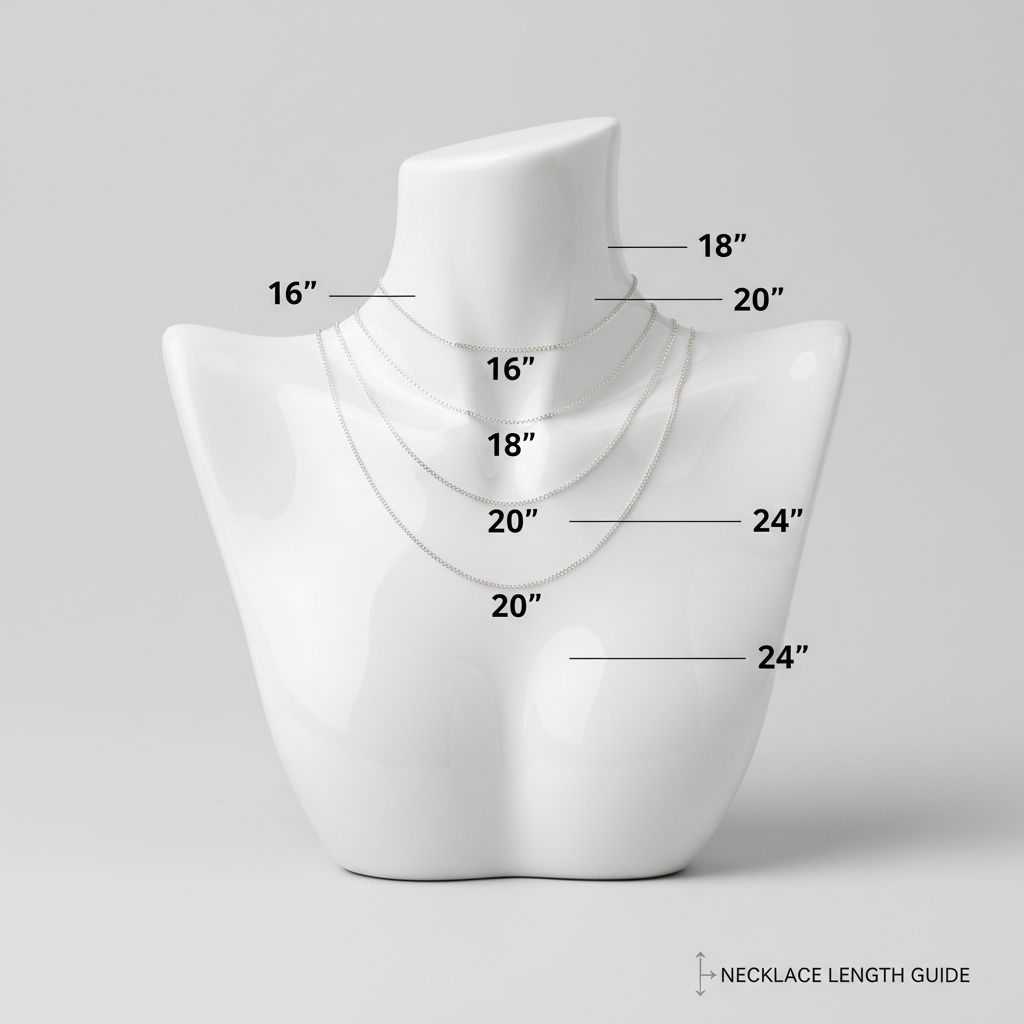
Comparison Shots
Help customers make decisions by showing direct comparisons—sizes, colors, styling options.
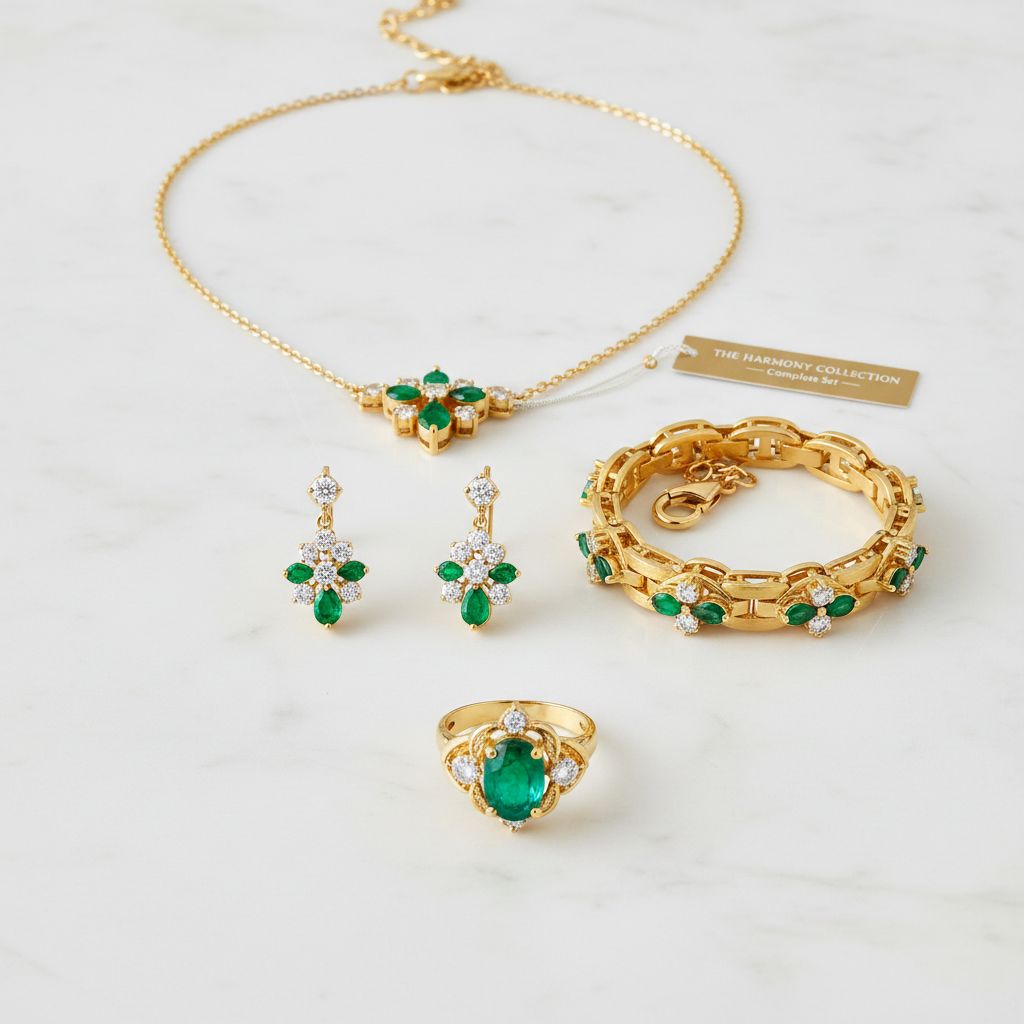
Bundle & Set Shots
Encourage larger purchases by showing pieces that work beautifully together.
Process & Packaging
These shots build trust and set expectations.
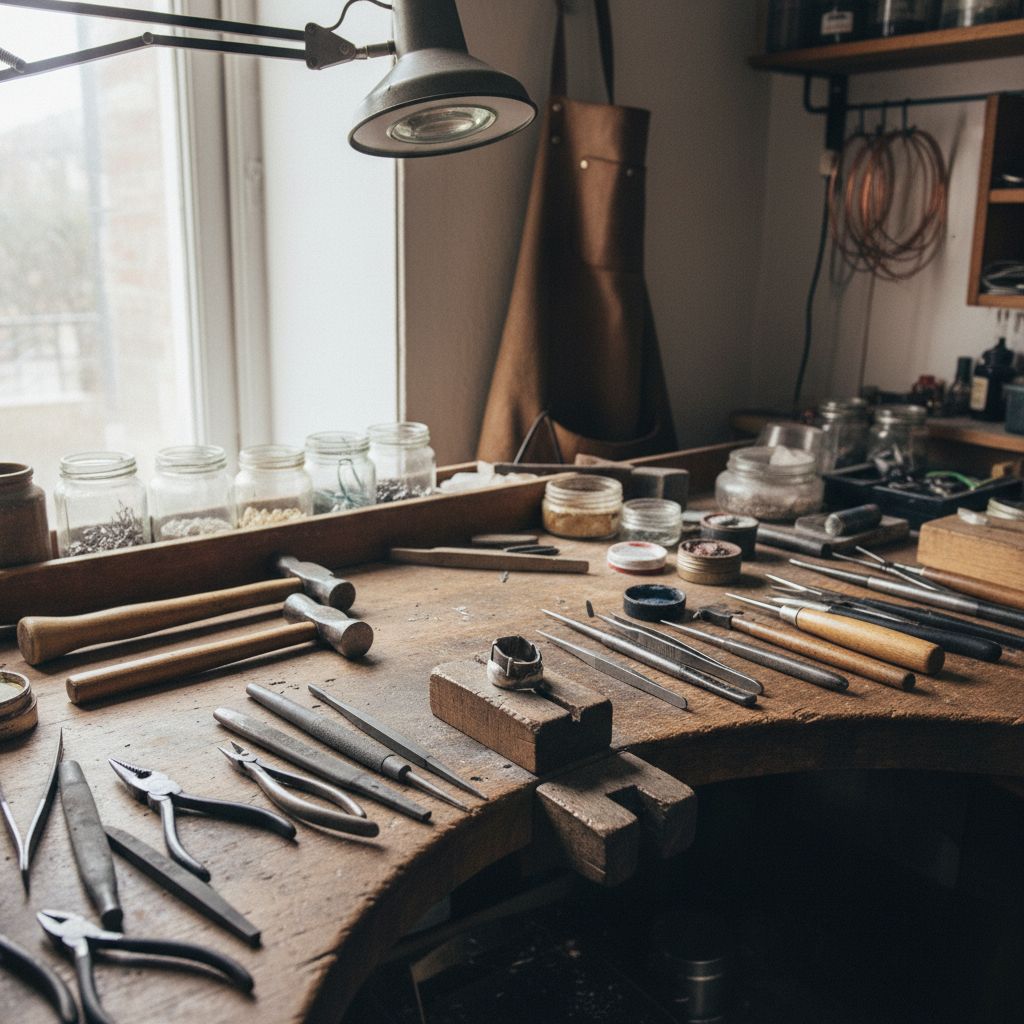
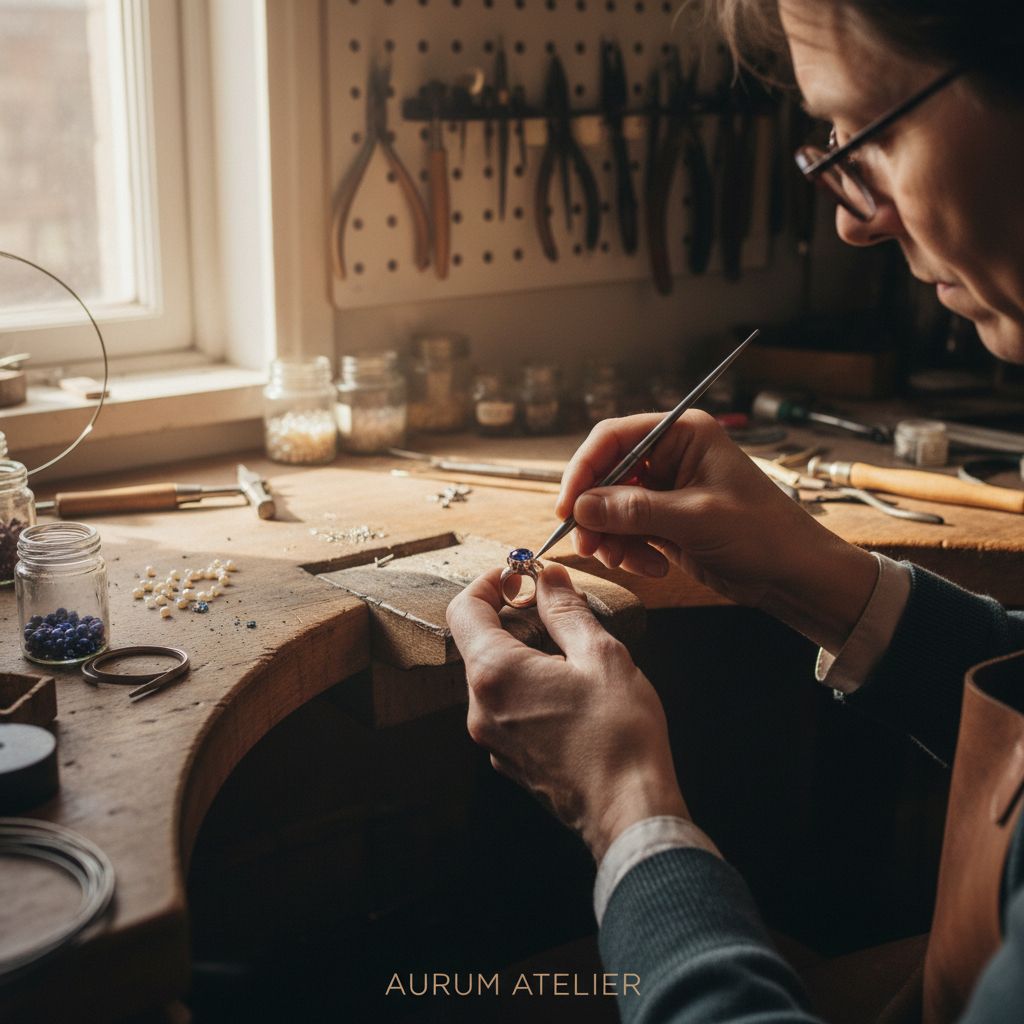
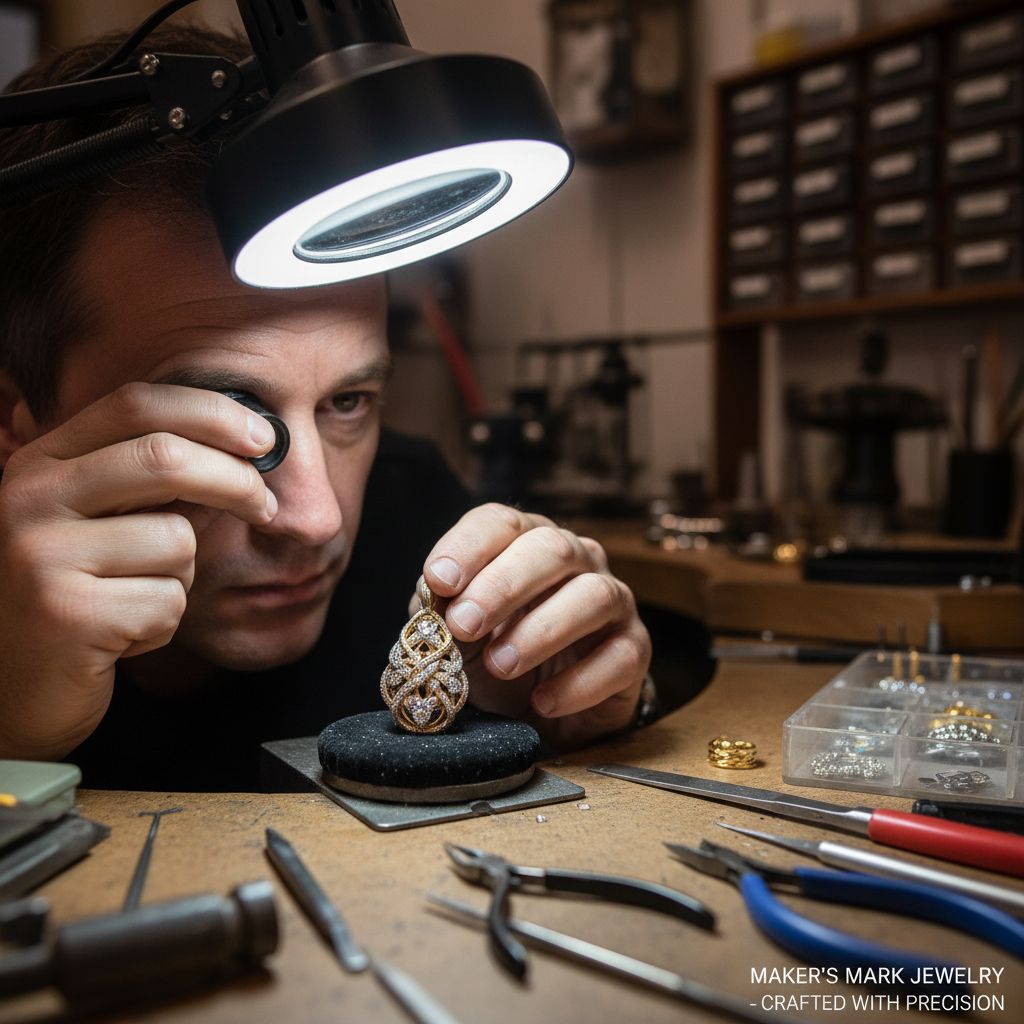
Behind-the-Scenes
Show your craft. The workshop, the tools, the making process. This justifies artisan pricing and creates emotional connection.
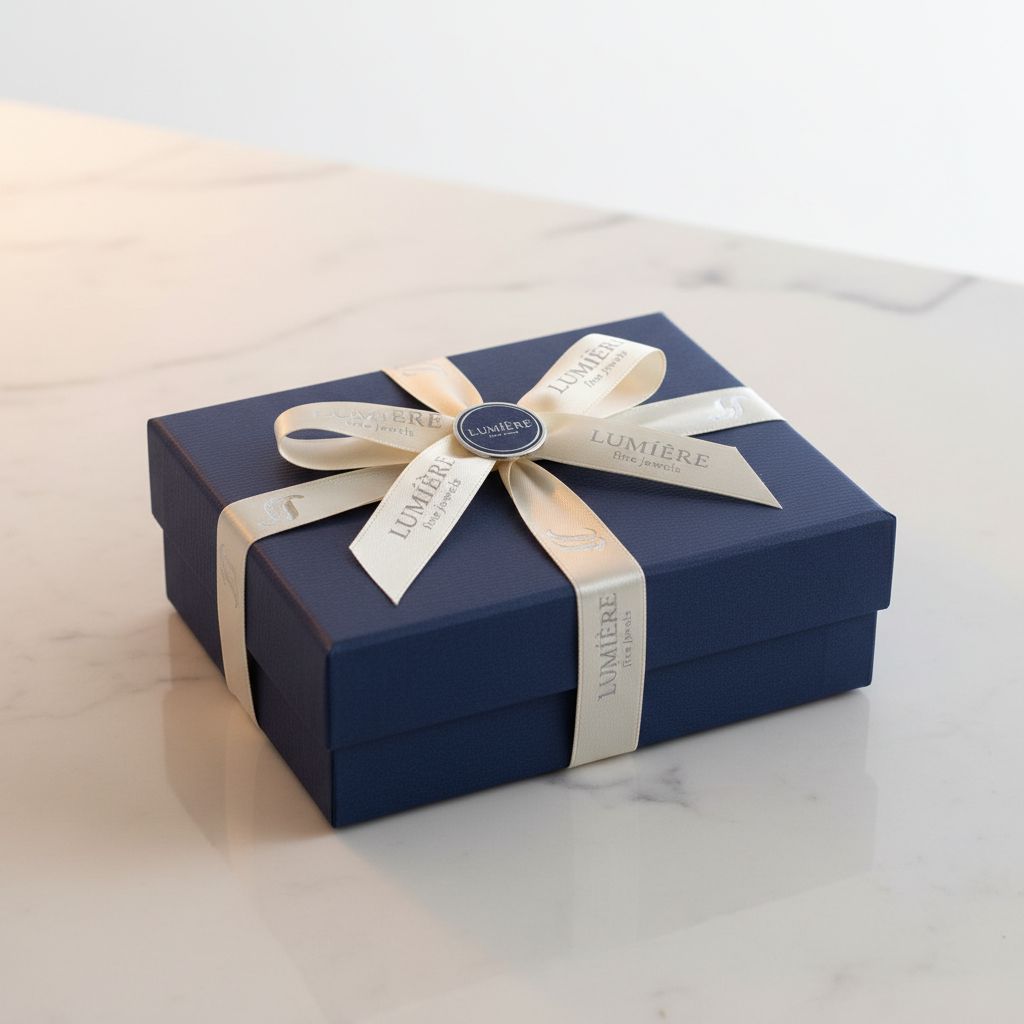
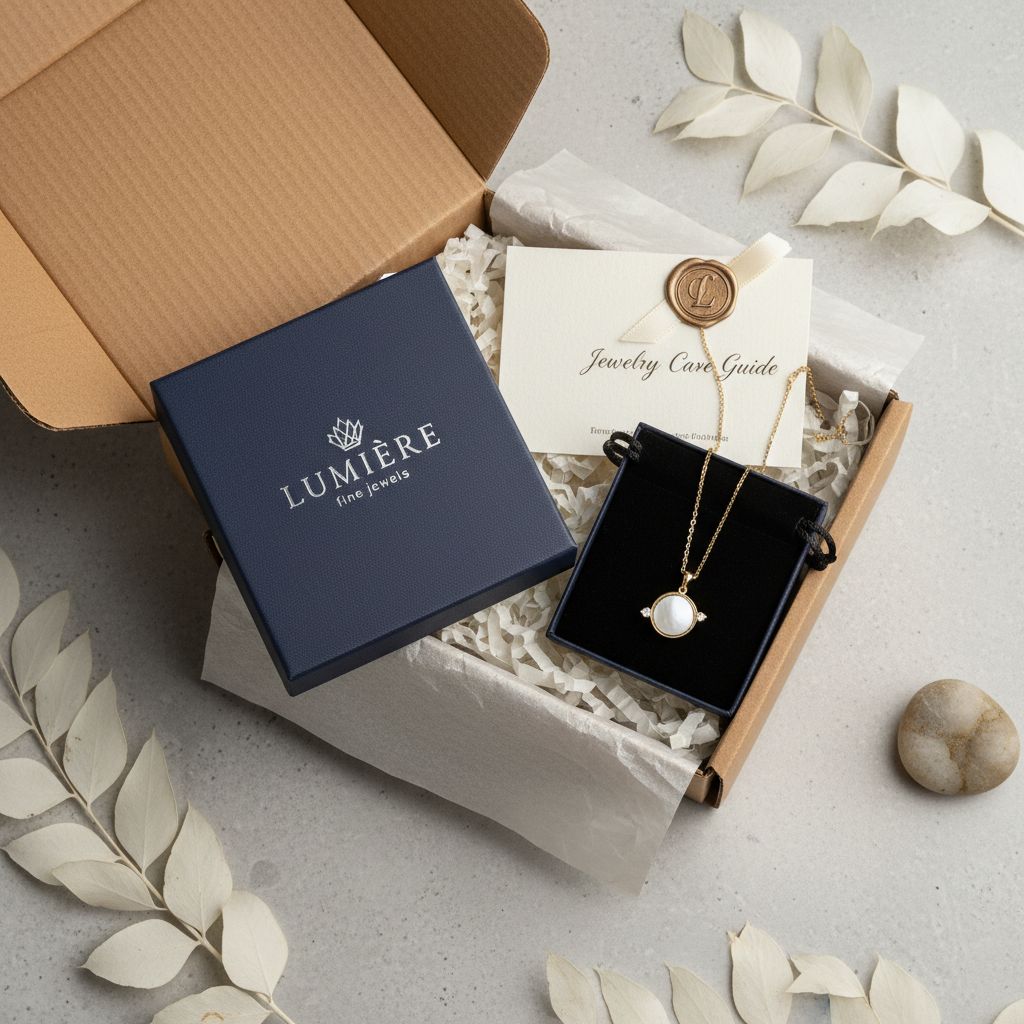
Packaging Shots
Set delivery expectations. Show the unboxing experience customers will have.
What to Shoot for Each Product
For Every Ring
- Hero shot (3/4 angle)
- On-hand/scale shot
- Detail shot (setting close-up)
- Profile view (band thickness)
- Top view (face design)
- On different skin tones
For Every Pair of Earrings
- Hero shot (pair, front view)
- On-ear/on-model shot
- Detail shot (backs, posts)
- Single earring (if asymmetric)
- Scale reference on ear
- Different framing (close-up vs styled)
For Every Necklace
- Hero shot (full length, elegant curve)
- On-neck/on-model shot
- Pendant detail close-up
- Clasp/back detail
- Flat lay full length
- Length comparison/scale
For Every Bracelet
- Hero shot (full piece)
- On-wrist shot
- Detail shot (links, clasp)
- Open/closed comparison
- Stacking shot (if applicable)
- Different skin tones
Conclusion
Great jewelry photography isn’t about having one perfect image—it’s about having the right mix of images that together tell your product’s complete story.
Start with the essentials:
- Hero shot that stops the scroll
- Detail shot that proves quality
- On-body shot that provides context
Then add depth:
- Multiple angles for complete visualization
- Lifestyle shots for emotional connection
- Brand shots for social media and identity
Then add breadth:
- Different skin tones for inclusivity
- Seasonal shots for timely marketing
- UGC-style for authenticity and trust
The more completely you show your jewelry, the more confidently customers will buy.
Related Articles
- Which AI Model Works Best for Jewelry Photography? — We tested 11 AI generators to find what actually works
- AI Image Generation Studios & Models: 2025 Guide — Complete overview of every major AI image platform
- Baseline Capability Test (Research) — Our systematic evaluation of 11 models
About studio formel
studio formel is an AI-powered creative platform built specifically for jewelry brands. We combine systematic research on AI generation with a flexible asset management system, helping jewelry sellers create professional images, videos, and ads at scale.